SL Rack Receiver DW
56
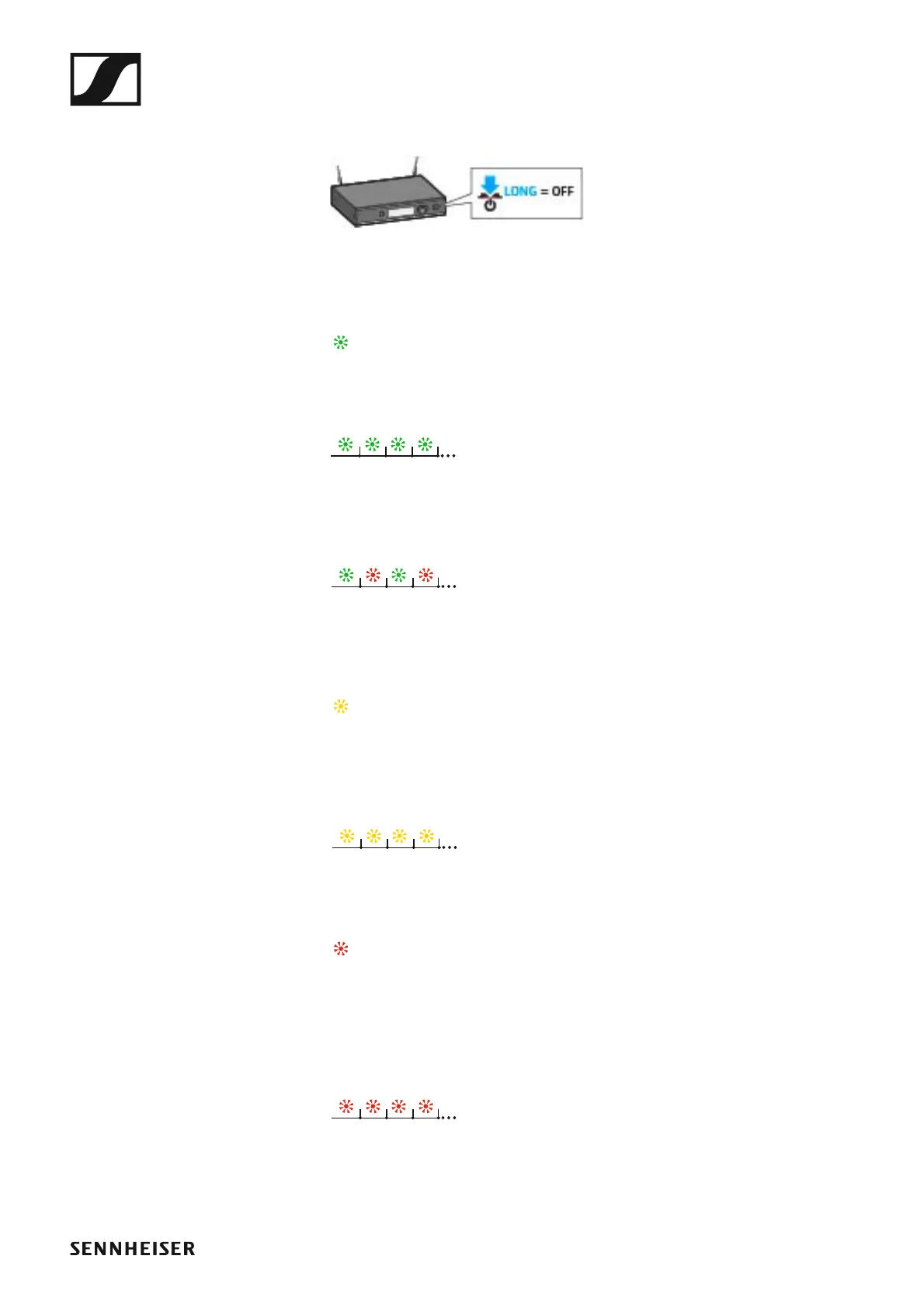
To switch the receiver off:
▷ Long-press the STANDBY button.
►
The display panel and the status LED go off.
6 Status LED
lights up green:
• A radio link to the transmitter is established. The accupack of the re-
ceived transmitter is sufficiently charged.
flashes green:
•The PAIR button has been short-pressed. Paired devices are being iden-
tified.
flashes alternately green and red:
•The PAIR button has been long-pressed. The receiver establishes a ra-
dio link to a transmitter whose PAIR button has also been long-pressed.
lights up yellow:
• The received transmitter has been muted with the MUTE switch. In ad-
dition, Muted is displayed on the display panel.
flashes yellow:
• The firmware is being updated.
lights up red:
• No radio link to a transmitter. In addition, the background of the display
panel changes back and forth between light and dark and No Link ap-
pears on the display panel.
flashes red:
• The accupack capacity of the received transmitter is only sufficient for
max. 30 minutes of operation.



 To Next Page