4. Basic Operation
4-20
CBM-20A/20Alite
4
Set the configuration parameters for the detector.
5
Click when setting is complete.
The display returns to the "Method Parameter" window.
6
Click .
The "Analysis" tab page is displayed.
To set parameters for another component, instead of clicking , click the
tab for that component. The corresponding tab page is displayed.
4.2.7 Parameters for the CBM-20A
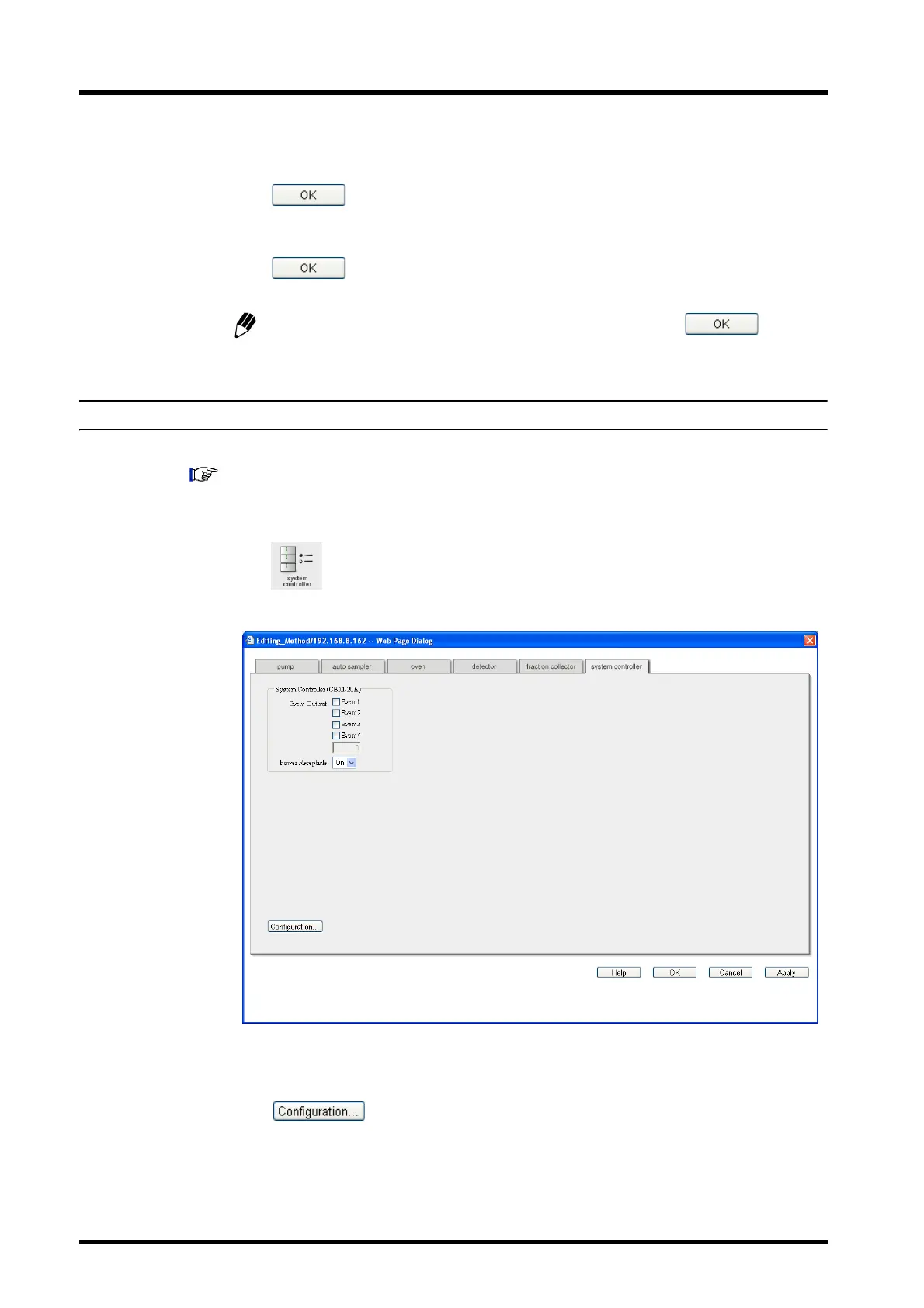
Enter the CBM-20A parameters, such as the event output and serial interface.
For details on the various parameters and the setting ranges, minimum units, units, and default
values for the parameters, refer to "5.13.6 System Controller" P. 5-139.
1
Click in the "Analysis" tab page.
The "System Controller" tab page in the "Method Parameter" window is displayed.
2
Set the method parameters for the system controller.
3
Click .
The "System Controller" tab page in the "Configuration Parameter" window is
displayed.



 To Next Page