4. Basic Operation
4-22
CBM-20A/20Alite
4.3 Creating Sequence Files
Analysis sequences are set and stored as sequence files, which are used when performing
analysis.
Sequence files can be created in either the "Analysis" tab page or the "Editing" tab page of
the "Analysis Execution" application. Although the creation sequence is the same for both
pages, the functions of the pages differ in the following way.
• The sequence file displayed in the "Analysis" tab page is the file that is currently used.
When analysis starts, it runs in accordance with the contents of the sequence file specified
in this screen.
• In the "Editing" tab page, sequence files that are not currently being used can be selected
and edited.
This section describes the method for creating a new sequence file from the "Analysis" tab
page.
4.3.1 Selecting Sequence Files
In order to create a new sequence file, it is first necessary to select a sequence file and load
it.
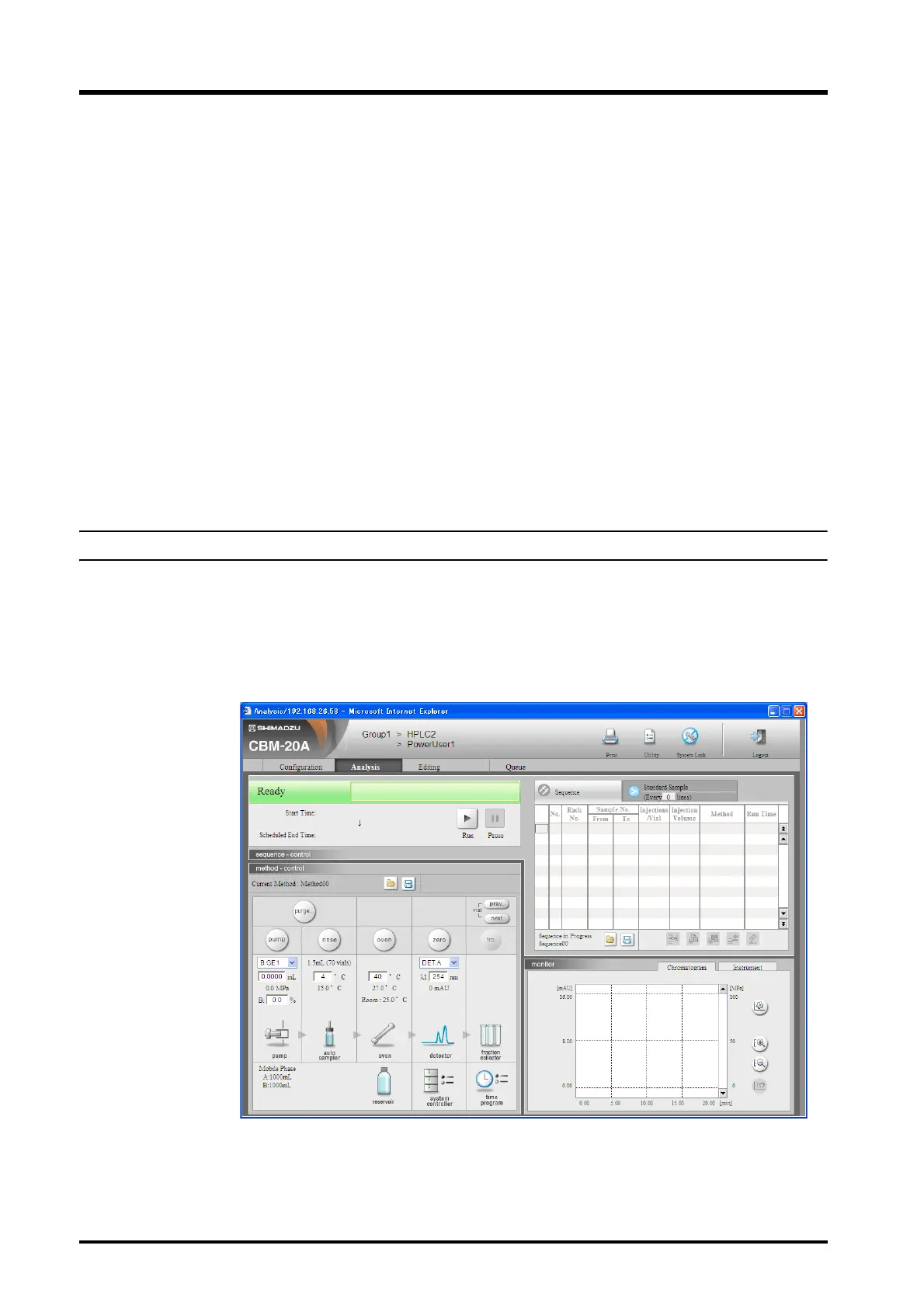
1
Click the [Analysis] tab in the "Analysis Execution" application window.
The "Analysis" tab page is displayed.



 To Next Page