4. Basic Operation
4-4
CBM-20A/20Alite
4.1.4 Selecting and Editing a Method File
Select the method file to be used for analysis. The method file contains settings for
component parameters.
"4.2 Creating Method Files" P. 4-10
1
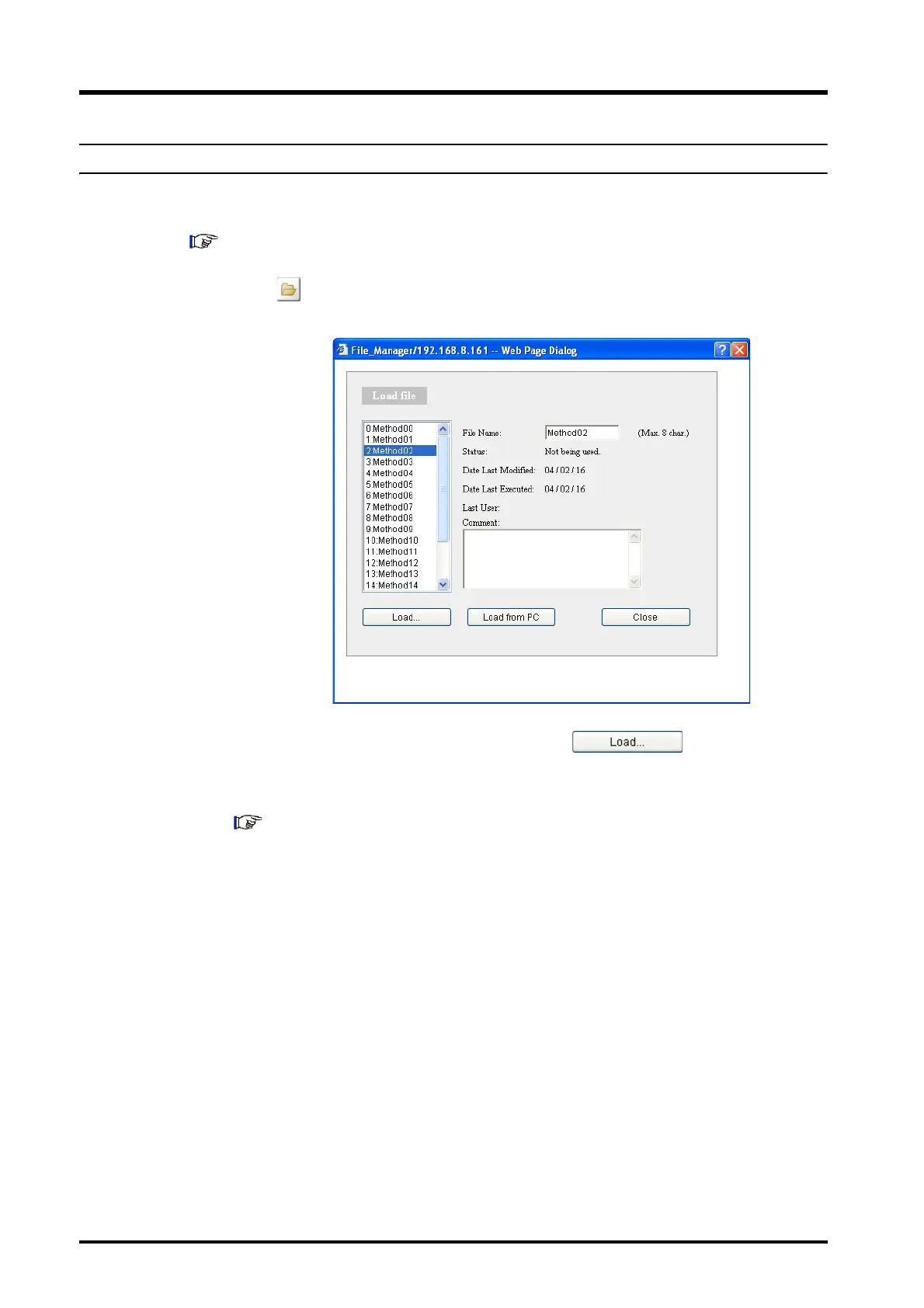
Click in the "Method" section.
The "Load File" window is displayed.
2
Select the method file used for analysis and click .
The window closes and the name of the selected file is displayed as the current
method.
"4.2 Creating Method Files" P. 4-10



 To Next Page