4.1 Overall Flow of Operation
4-5
CBM-20A/20Alite
4
4.1.5 Selecting and Editing a Sequence File
Select the sequence file to be used for analysis. The sequence file contains settings such as
the number of injections and the injection volume.
"4.3 Creating Sequence Files" P. 4-22
1
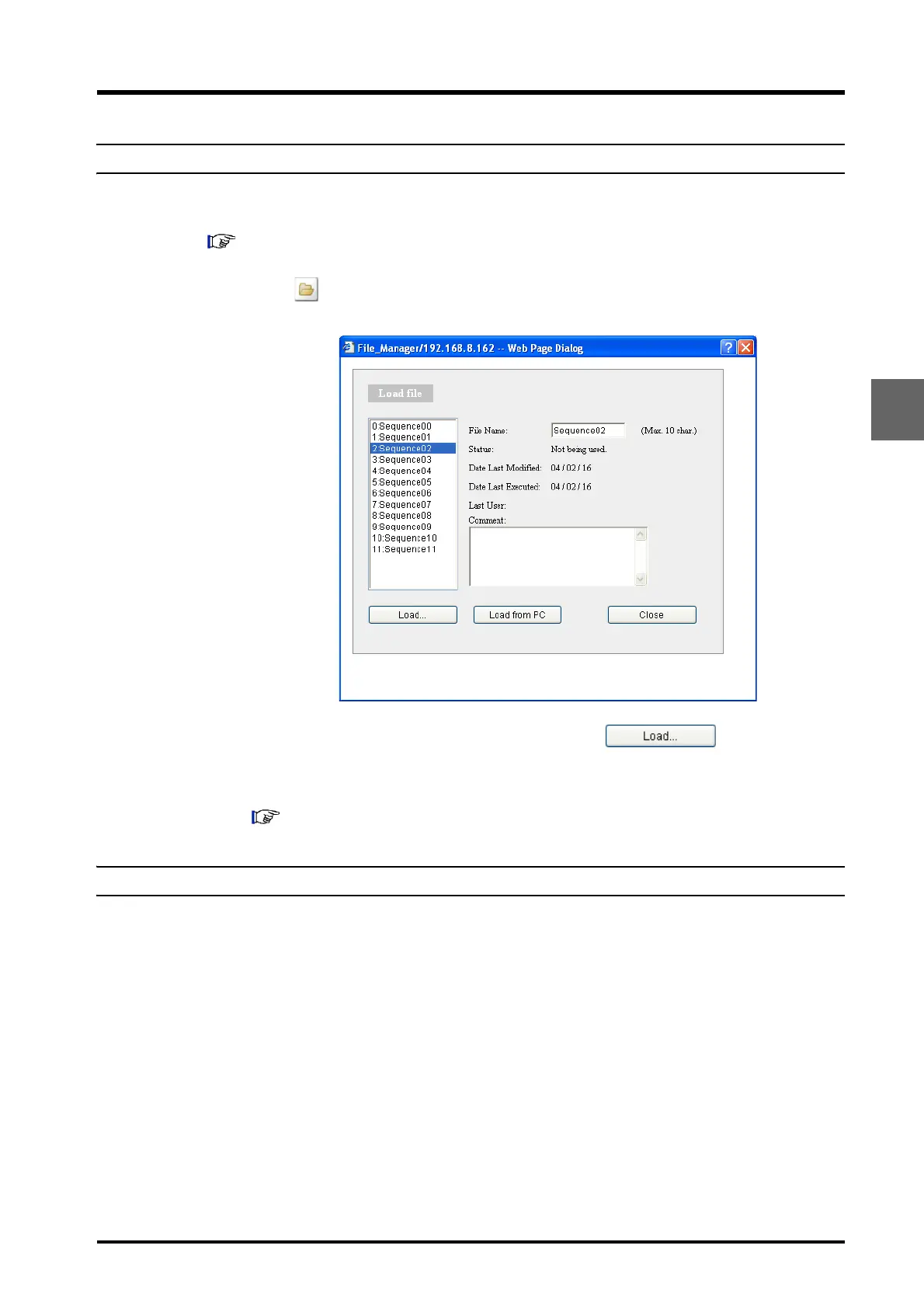
Click in the "Sequence" section.
The "Load File" window is displayed.
2
Select the sequence file used for analysis and click .
The window closes and the name of the selected file is displayed as the current
sequence.
"4.3 Creating Sequence Files" P. 4-22
4.1.6 Preparing Samples
Place the samples to be analyzed in the autosampler rack and close the door.



 To Next Page