3.4 Determine the System Configuration
3-11
CBM-20A/20Alite
3
3.4.3 Selecting the Autosampler Control Method
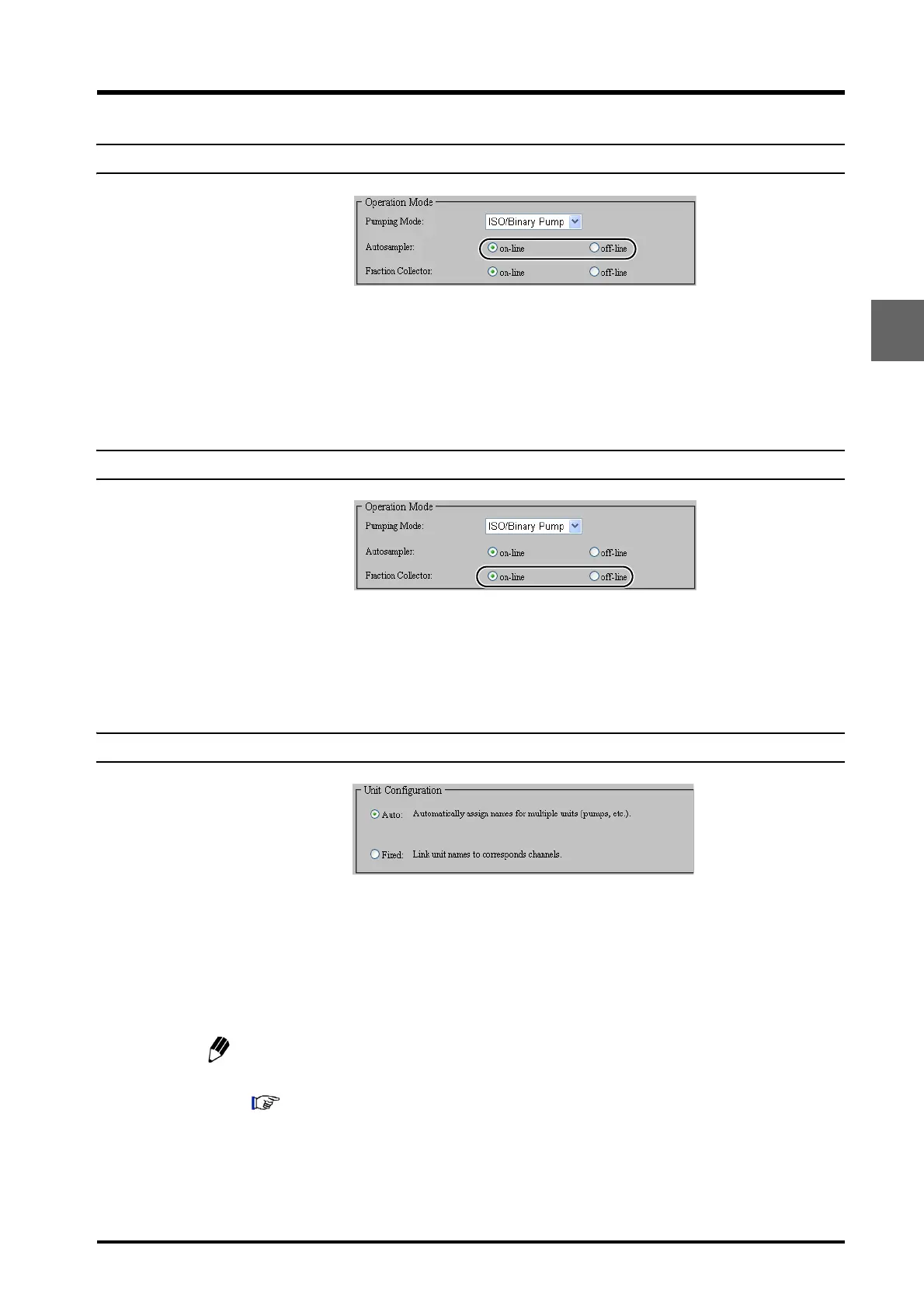
Select whether or not the autosampler is controlled by the system controller.
Select either [on-line] (i.e., controlled) or [off-line] (i.e., not controlled) for [Autosampler] in the
"Operation Mode" section at the bottom right of the "Configuration" tab page.
If this setting is changed, reset the power to the system controller and the autosampler.
3.4.4 Selecting the Fraction-collector Control Method
Select whether or not the fraction collector is controlled by the system controller.
Select either [on-line] (i.e., controlled) or [off-line] (i.e., not controlled) for [Fraction Collector]
in the "Operation Mode" section at the bottom right of the "Configuration" tab page.
If this setting is changed, reset the power to the system controller.
3.4.5 Selecting the Unit-name Allocation Method
Set the relationship between the unit names and link addresses (remote-connector channel
numbers) used for the components connected to the system (e.g., pumps, detectors, and
ovens). This can be done by selecting either [Auto] or [Fixed] in the "Unit Configuration"
section at the bottom left of the "Configuration" tab page. In normal circumstances, select
[Auto] before creating a new configuration and then select [Fixed] after the configuration has
been created.
Some functions will not operate properly if the configuration is changed with [Fixed]
selected. The setting can be changed to [Auto] by initialization button.
"9.2.6 Detector, Column Oven, and Solvent Delivery Module Connection and Setup" P. 9-16



 To Next Page