7.5 Validation: System Controller
7-9
CBM-20A/20Alite
7
7.5 Validation: System Controller
7.5.1 Check Terms
Check terms for the pump validation are listed below.
7.5.2 ROM, RAM Self Diagnosis and Firmware Version Check
Objective
To check whether the memory (ROM, RAM) functions correctly. To check the version of
firmware.
Check Procedure
1
Turn ON the power.
If the memory check is completed normally, the system starts up.
2
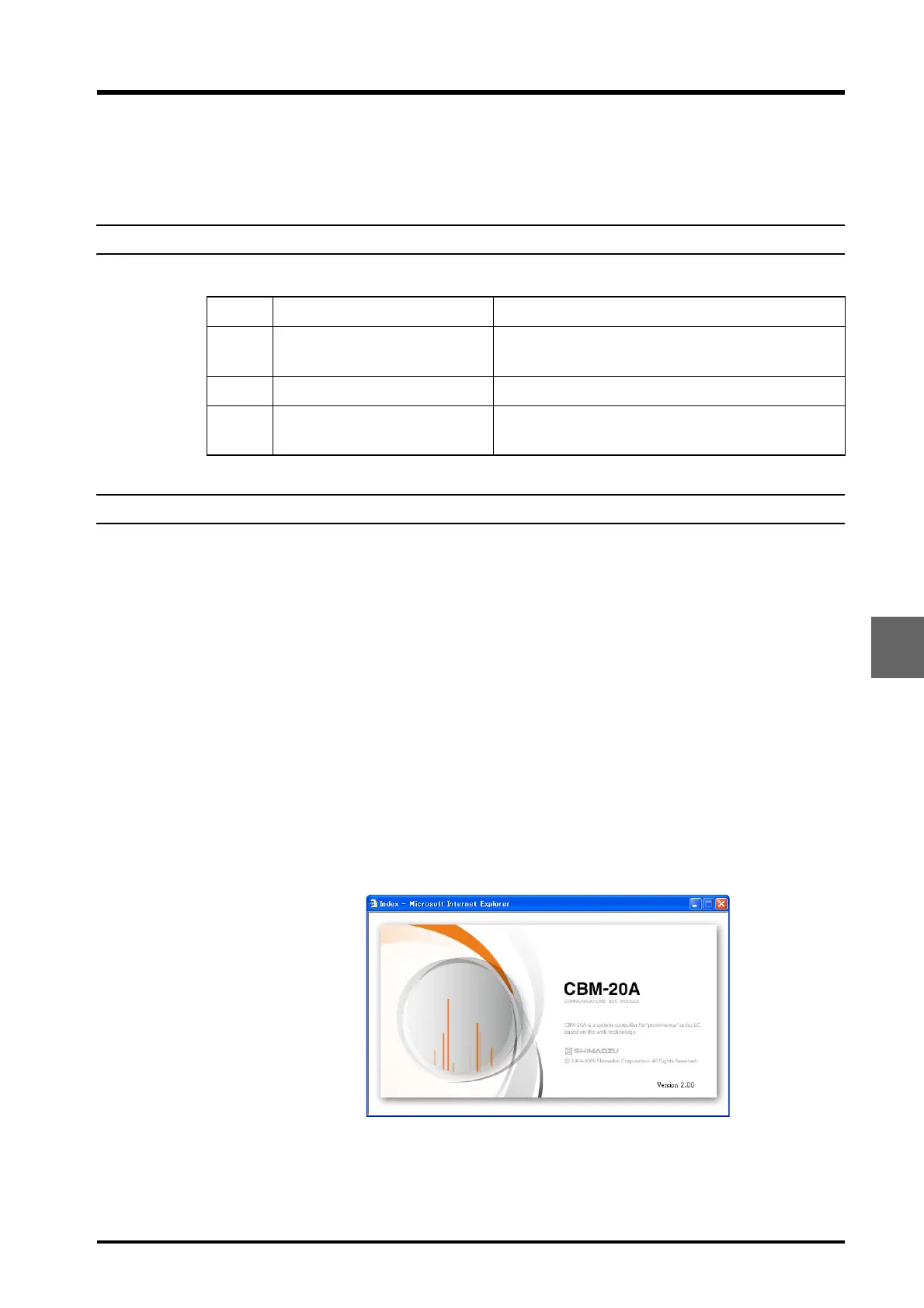
Start up Internet Explorer at the PC and enter the URL for the system controller.
3
Check the version number (version number of the contents) displayed together with the
Shimadzu logo.
4
Log into the system controller.
Check Term Description
7.5.2
ROM, RAM Self Diagnosis and
Firmware Version Check
Checks whether the memory (ROM, RAM) functions
correctly.Checks the version of firmware.
7.5.3 System control Checks the control operation of the system controller.
7.5.4 Memory backup
Checks that the parameters are backed up when
power is turned OFF.



 To Next Page