2.9 Precautions Related to Internet Explorer Operations
2-35
CBM-20A/20Alite
2
the IP address remains the same, the cache memory for the previous CBM (with a higher
version number) is referenced when an access is made to the second CBM (with the lower
version number). In such a case, the PC may not operate or display correctly. To avoid this
problem, please delete temporary files (cache) by selecting [Tools]-[Internet Options]-[Delete
Files] in Internet Explorer when making this type of change in a system configuration.
"Browser (Internet Explorer)" P. 6-4
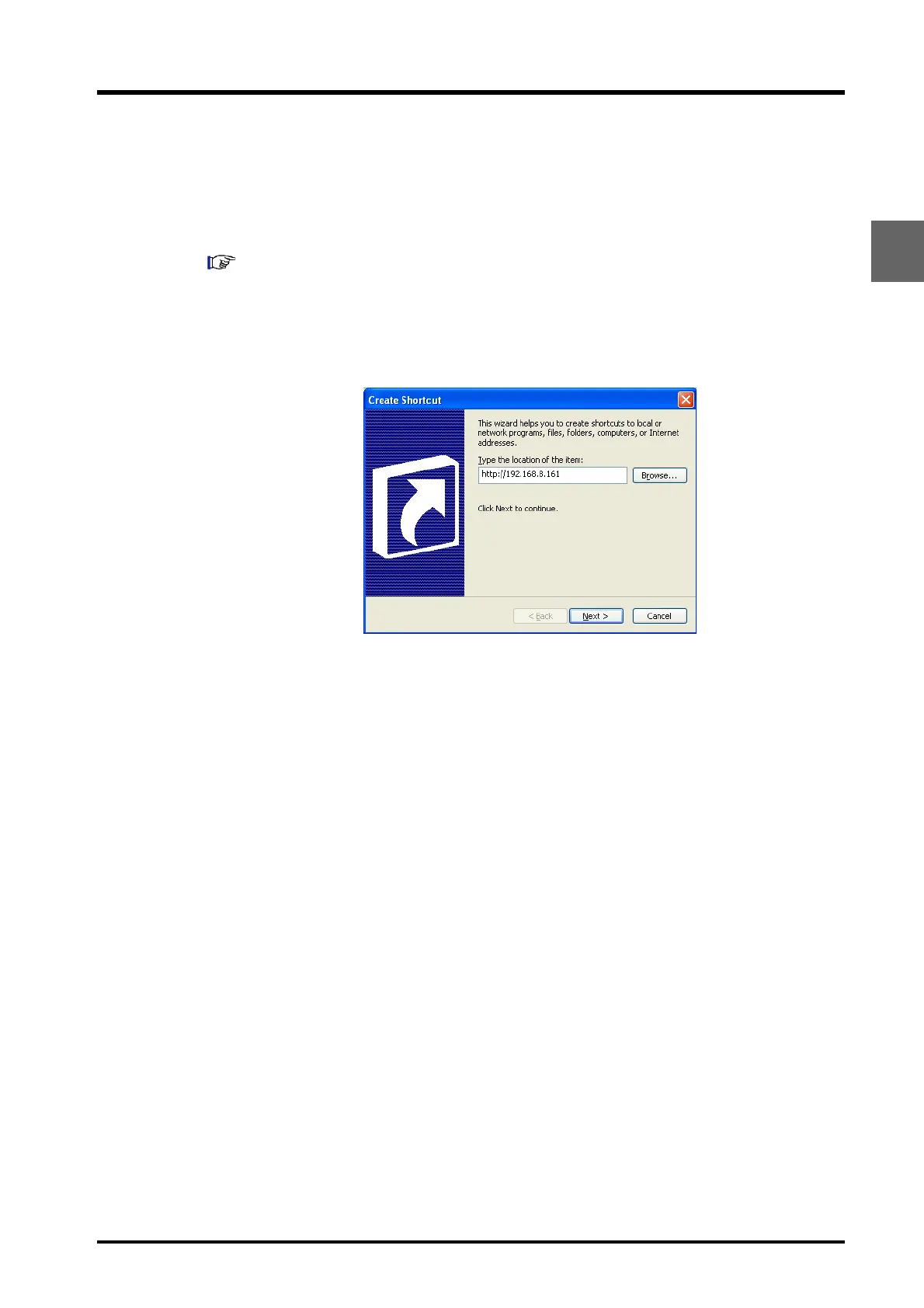
Creating Shortcuts
Right click on the desktop, select [New] and [Shortcut] to create a shortcut to the system
controller's URL.



 To Next Page