2. Parts Identification and Function
2-34
CBM-20A/20Alite
Continuous Operation
Leaving Internet Explorer open for extended periods with the system controller connected
may cause PC operation to become unstable. To avoid this;
• Shut down Internet Explorer once every day or so when running the system controller
continuously. To suppress the consumption of PC resources, the Web application screen of
CBM shuts and opens again automatically at midnight (4 a.m - 5 a.m).
• Avoid leaving three or more Web application windows opened for extended periods.
Usually, limit use to one "Group Monitor" application and one "Analysis Execution"
application.
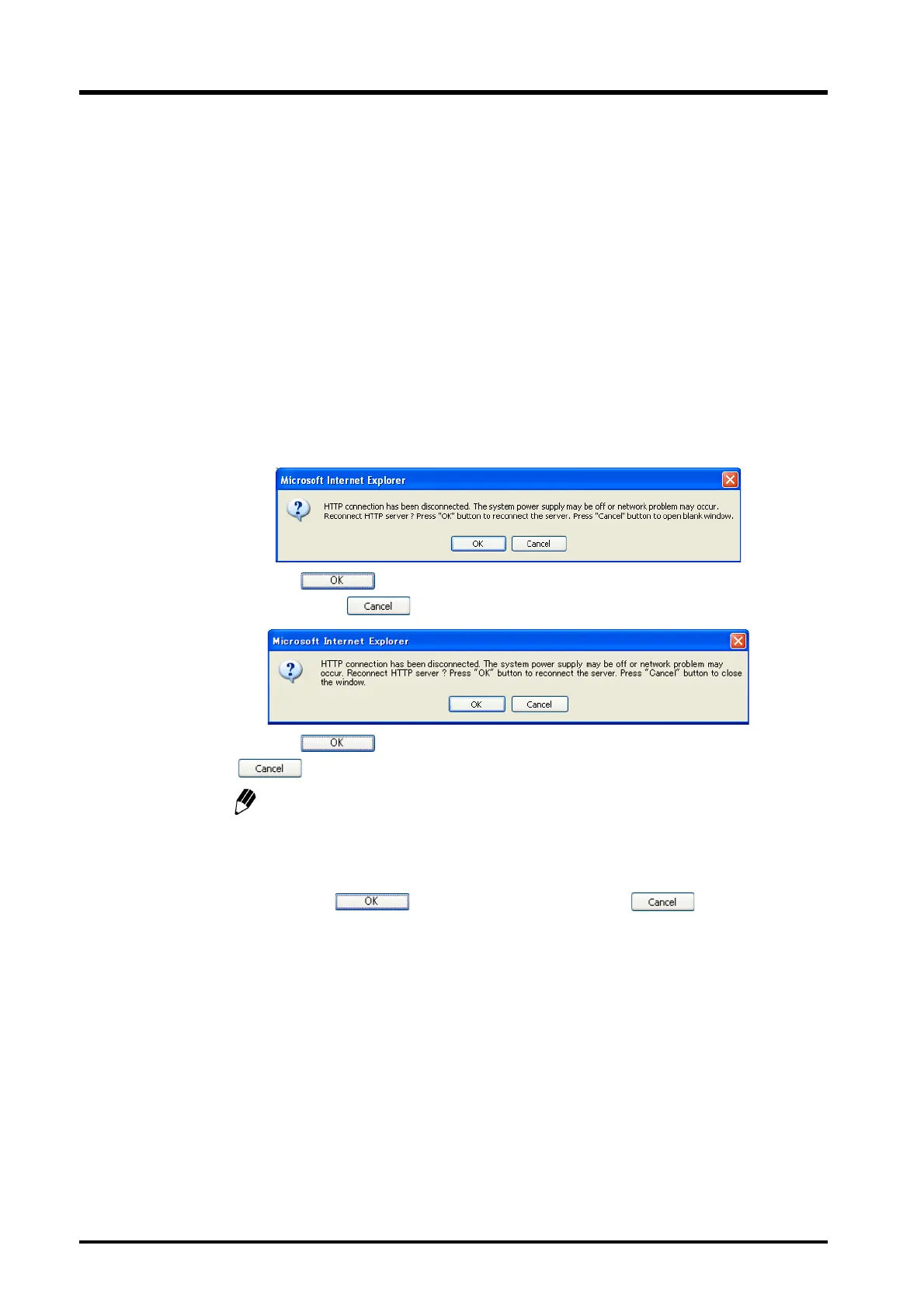
Message during Operation
When the network load grows with the CBM-20A Web application opened, the following
message may appear.
(1) Click the button to continue using the application. The Web application
stops when the button is clicked, and the screen is not updated.
(2) Click the button to continue using it. The Web application exits when the
button is clicked.
The [Analysis Execution] application recognizes that the user is still logging in for
five minutes after the communication is disconnected. After five minutes have
passed, the application recognizes that the user has logged out. Therefore, if five
minutes have passed since communication was terminated, the application logs
out when is pressed. When pressing the button, relogin is
not possible within five minutes after the communication was terminated.
Shortcut keys
Don't press the shortcut keys such as the F5 (Refresh) key, the F11 (Full-screen) key.
An error may occur or the screen layout may be disrupted.
The Cache of Internet Explorer
In Internet Explorer, when accessing CBM contents on the same IP address, the cache
becomes operational from the second access (meaning that previous accesses are stored on
the hard drive and this hard drive copy is referenced in future accesses). For example, if a
CBM in a system configuration is replaced by another CBM with a lower version number but



 To Next Page