3. Preparation
3-6
CBM-20A/20Alite
3.3 Starting the CBM-20A
Use the following procedure to start the CBM-20A.
1
Turn ON the power to the system controller and the components connected to it.
Either turn ON the power to the system controller and the components
simultaneously or turn ON the power to system controller last.
2
Turn ON the power to the PC used to control the system controller.
3
Start Internet Explorer.
4
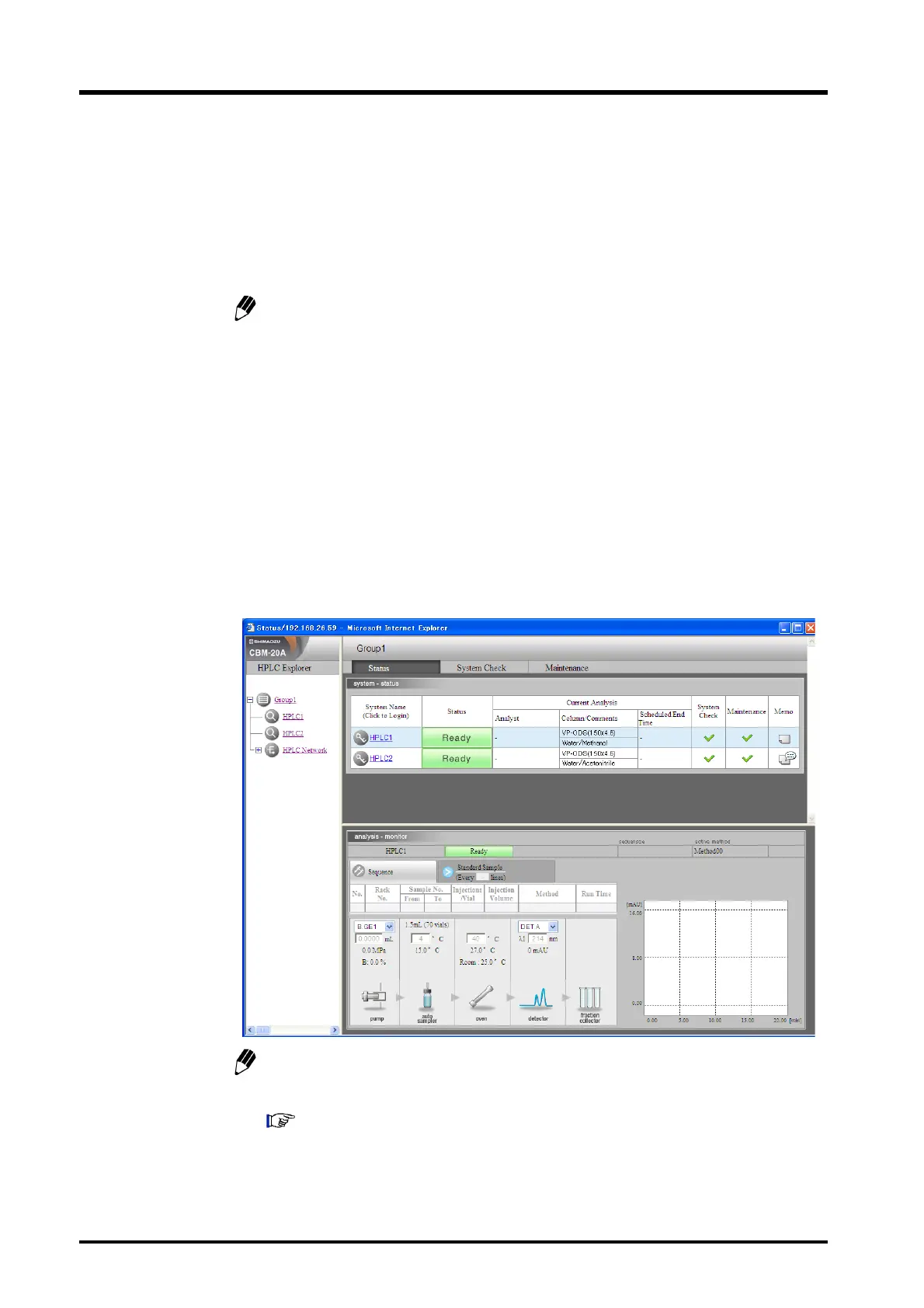
Input the system controller's URL in the address bar. (http://<IP address>/)
The "Status" tab page is displayed.
The system name of the system controller can be input instead of an IP address if
the PC and the system controller are in the same subnet (http://<system Name>/).
Appendix "Name Solution Using NetBIOS over TCP/IP" P. Appendix-15



 To Next Page