4.3 Creating Sequence Files
4-25
CBM-20A/20Alite
4
Injection Volume
Input the volume (µL) for each injection. The
default value and setting range vary with the
autosampler model.
Method
Select the method file used for analysis.
"Method00" to "Method19" can be selected as
the method file. If [-] is selected, analysis is
performed with the settings for the current
method. The default setting is [-].
Run Time
If no method file is used, or if [-] is selected under
[Method], input the analysis time.
Setting range: 0.01 to 9999.90 (minutes)
Setting unit: 0.01
Default setting: 1.00
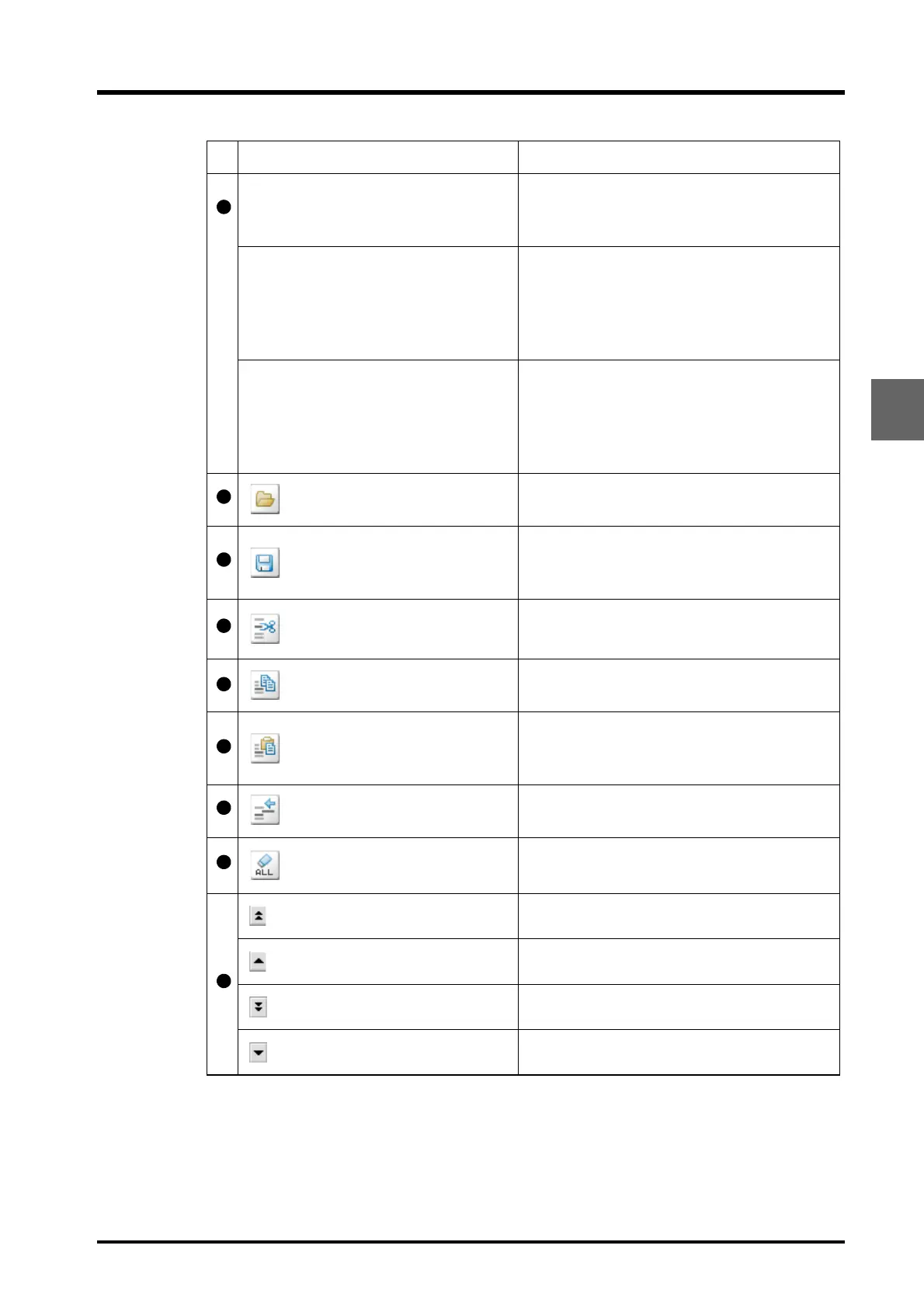
Load button
Click to display the "Load File (File_Manager) "
window. Used to switch between sequence files.
Save button
Click to display the "Save File (File_Manager) "
window. Used to save the currently selected
sequence file to the PC or copy it to another file.
Cut button
Click to remove the selected line and temporarily
save the data for that line to the clipboard.
Copy button
Click to temporarily save the data for the selected
line to the clipboard.
Insert/Paste button
Click to insert the data saved to the clipboard
(i.e., with the cut or copy button) between the
selected line and the line before.
One-line insertion button
Click to insert a copy of the selected line between
the same line and the line before.
All-clear button
Click to delete the input data for all lines.
Used to scroll the table up 10 lines.
Used to scroll the table up 1 line.
Used to scroll the table down 10 lines.
Used to scroll the table down 1 line.
Setting item Description



 To Next Page