9. Technical Information
9-36
CBM-20A/20Alite
Setting IP Addresses from Internet Explorer
The procedure for setting IP addresses from Internet Explorer is explained below. This
method can be used if the IP address of the system controller is already known.
There is a possibility that the current IP address and related settings do not concur with
the network environment. It is recommended that the IP address be set in an
independent local network consisting of the PC and the system controller. In this case,
set an IP address for the PC that is in the same subnet as the system controller.
1
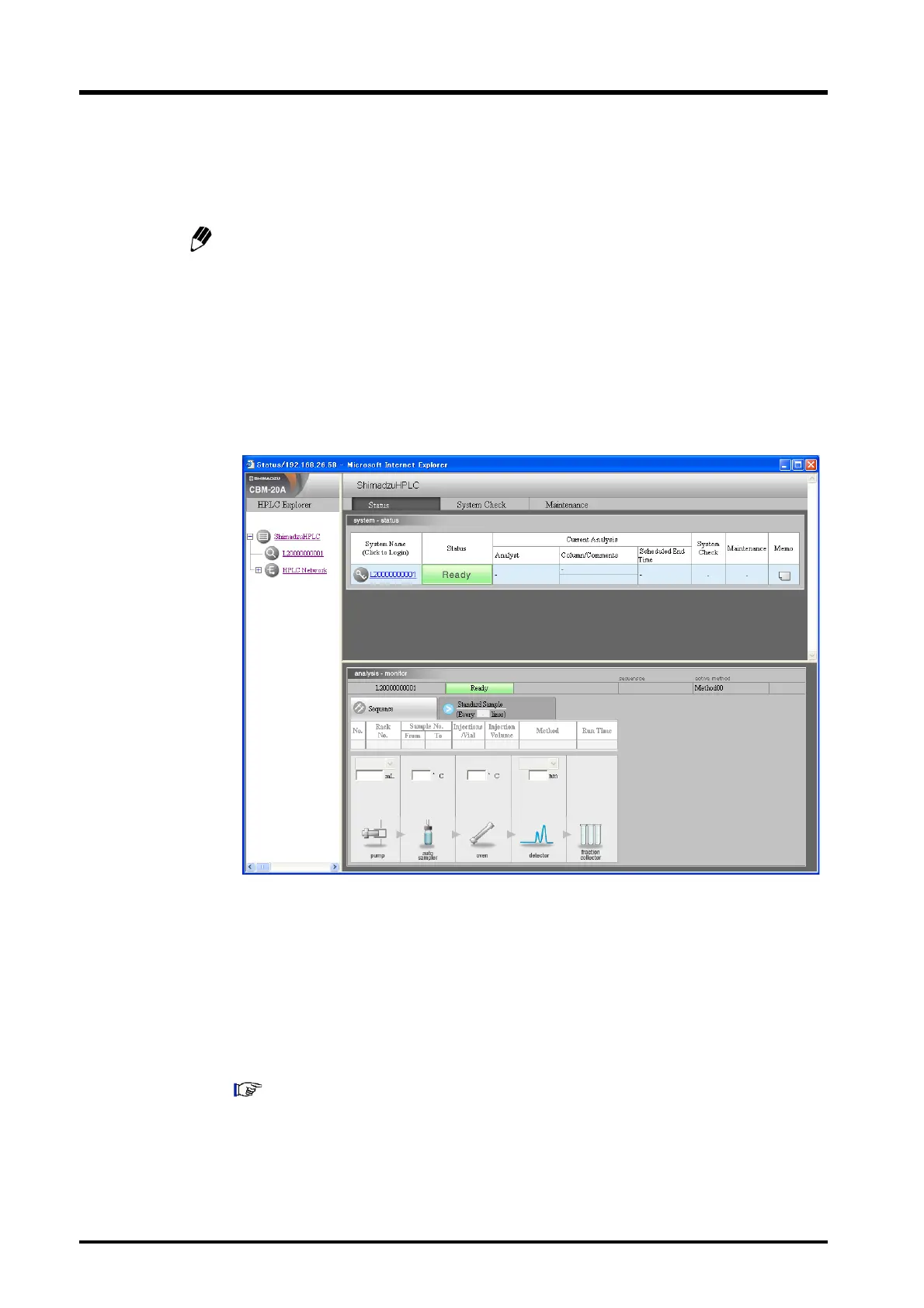
Start Internet Explorer and enter the URL of the system controller. (The default IP
address for a new installation is 192.168.200.99).
2
Click the system name in the "Status Summary" section.
3
Login to the "Group Settings" application as an Administrator. (The user name and
password for a new installation is "Admin".)
4
Set the IP address and subnet mask in the "System Administration" tab page and set
the default gateway in the "Advanced Settings" window.
5
Enter the group and system names in order.
For subsequent steps, refer to "9.4.7 Copying User Information" P. 9-41.



 To Next Page