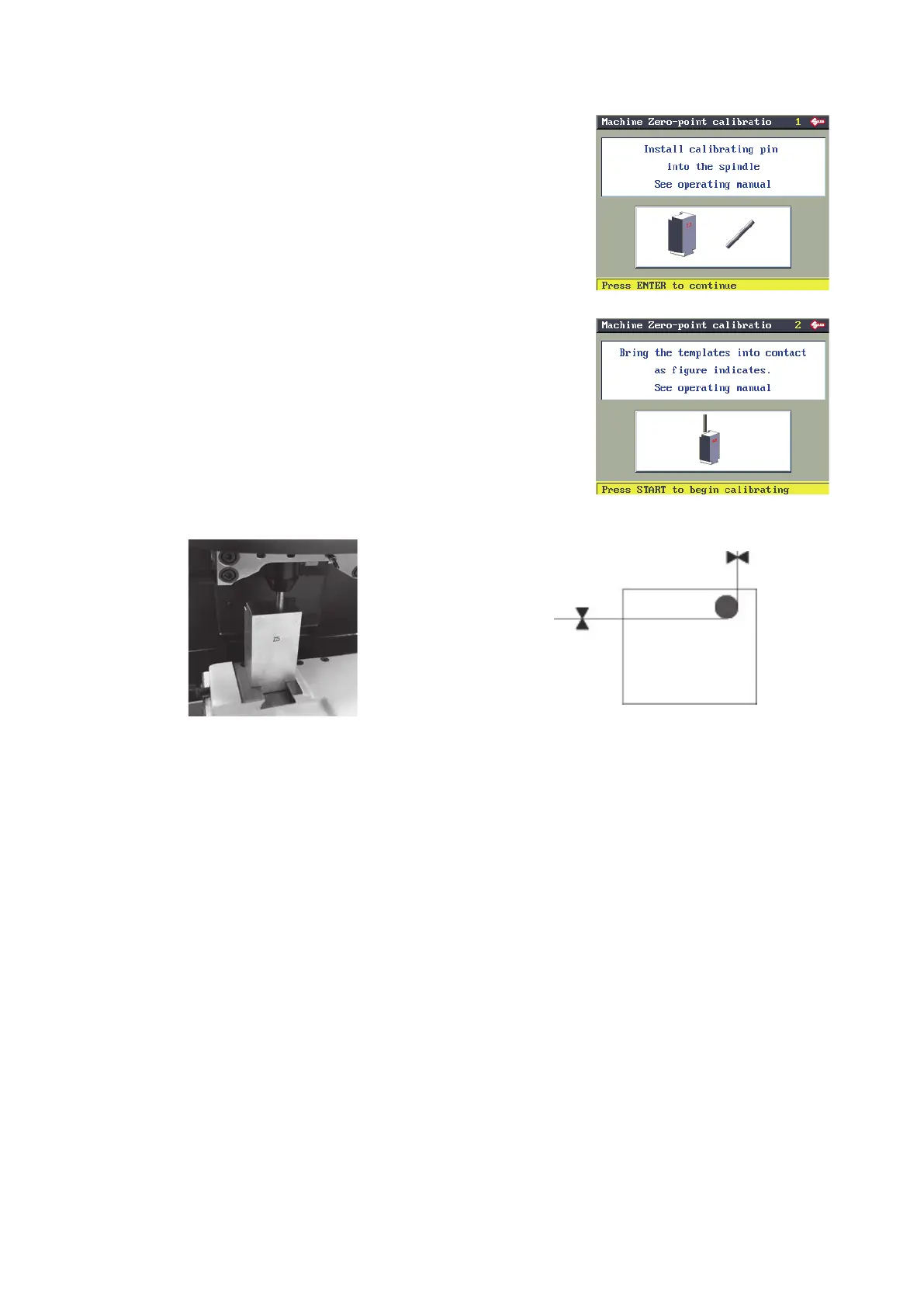
Remove the cutter and t the calibration pin (6x40mm) in its place:
make sure it is pushed all the way up to the mechanical stop.
Press ENTER.
Check that the template (Z5) and calibration pin are in the position
shown in Fig. 33.
Lower the safety shield and press START.
Fig. 33
The machine takes the axes into the predened position.
Operating manual TRIAX PRO
Copyright Silca 2016
65



 To Next Page