80
Configuration Menu
16.4 WiFi (only Solar-Log WiFi)
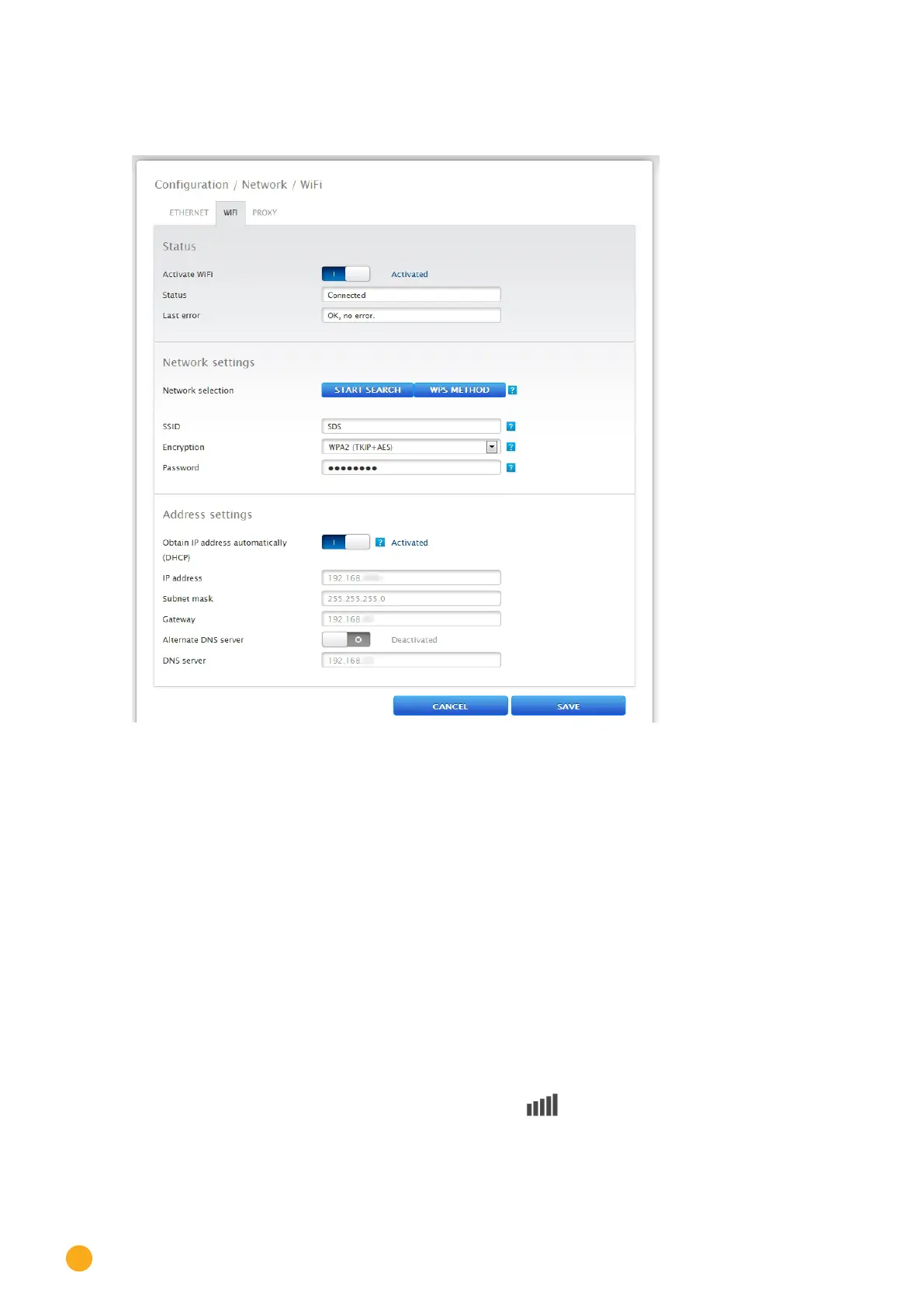
Fig.: WiFi settings
The Solar-Log™ WiFi models are equipped to be connected in a wireless local area network.
Status section
The WiFi function can be switched on and off with the Activate WiFi function. In the status box, the cur-
rent status of this function is displayed.
Possible Status:
•
Initializing
•
Initialization error
•
Disconnected
•
Connected
•
Connecting
•
Connection lost
•
Searching
•
Search finished
The Signal Quality is indicated on the LCD display with the symbol.



 To Next Page