93
Configuring connected devices
18.3 Device Detection
During the Device Detection process, all of the predefined components in the Device Definition menu
which are connected to the Solar-Log™ interfaces are searched for and recognized. During the Device De-
tection process, the Solar-Log™'s internal data structure is prepared for these devices.
Procedure:
•
Select Configuration | Devices | Detection from the menu.
•
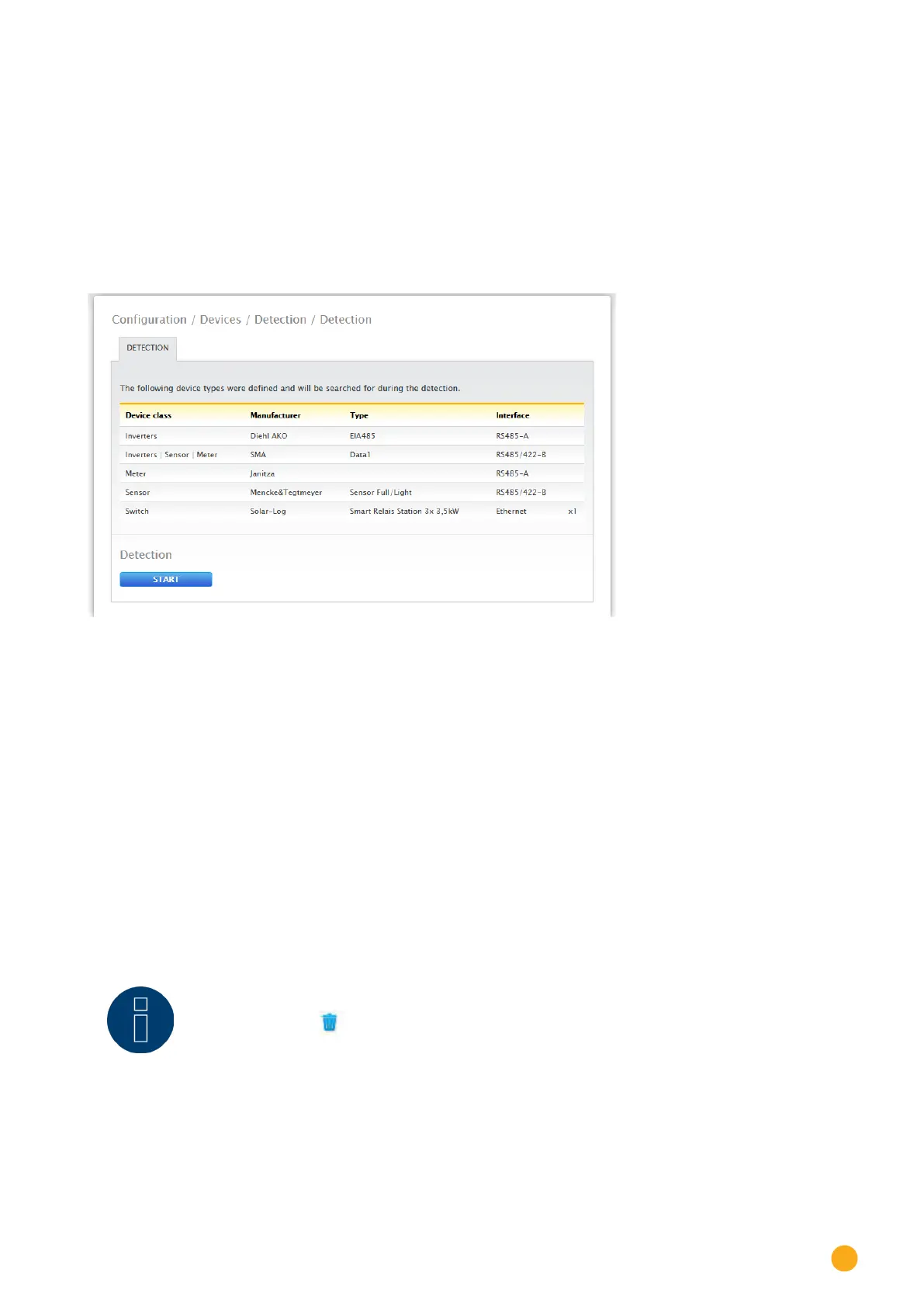
The devices which were predefined in the Device Definition menu are displayed in the overview.
Fig.: Device detection - not started yet
•
START Device Detection.
•
The Device Detection goes from the top listed interface to the bottom listed interface when
searching for devices.
The progress of the device detection is displayed in a window that automatically appears.
•
The detected devices are displayed with the number of devices per bus.
•
If all of the devices on a bus have been detected, the rest of the search can be skipped. The search
is then continued on the next bus.
•
The Device Detection is completed once all of the buses have been checked.
Status message: New device detected, the data is being reformatted.
•
The Solar-Log™ reboots itself.
Note!
Once the detection has been successfully completed, individual device classes can be
removed with the symbol without having to initialize the complete device configura-
tion.



 To Next Page