6-17
9. Flange back check
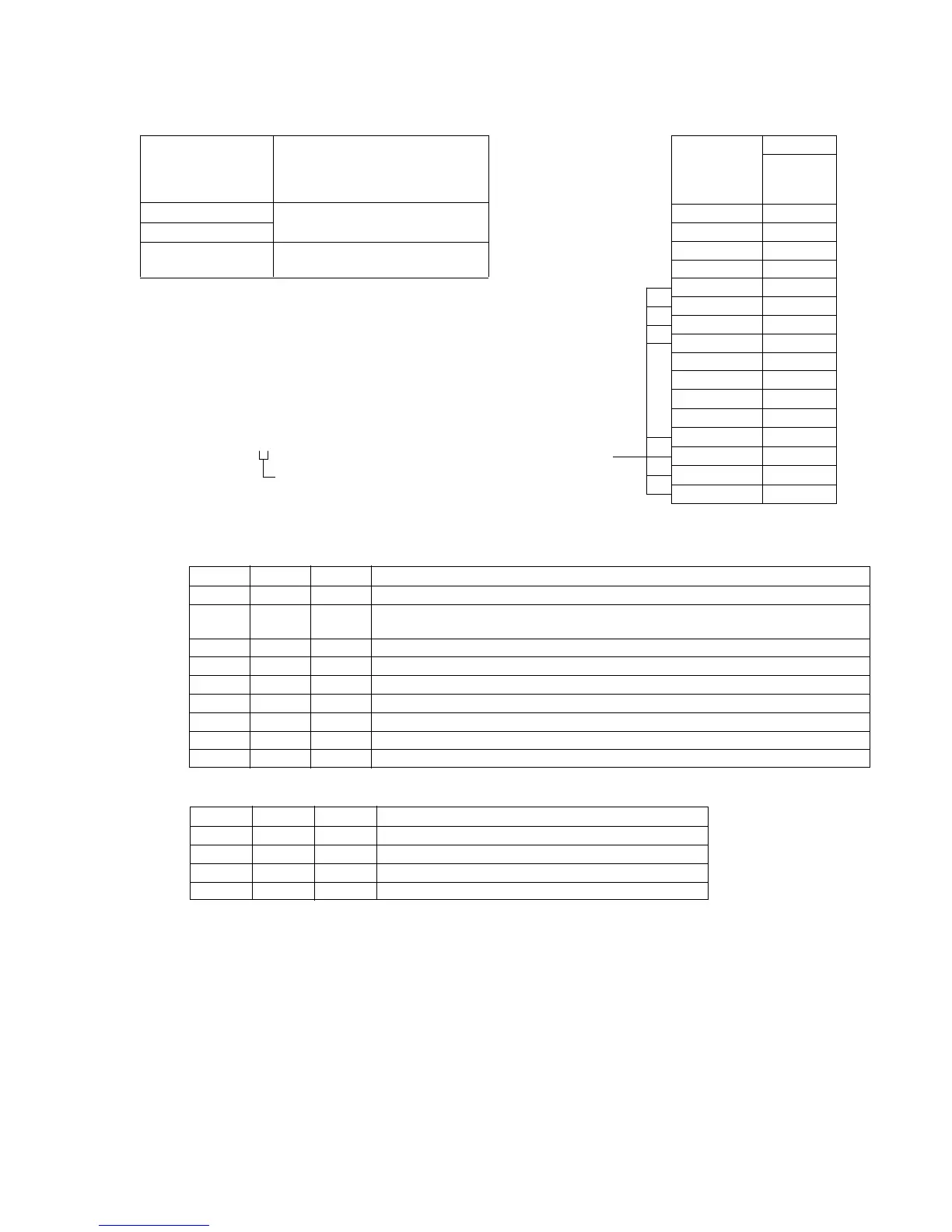
Siemens star
Subject (Placed 2000 ± 5 mm in front of the
lens with illumination of about 200
lux.)
Measurement Point
Confirm focus on monitor TV
Measuring Instrument
Specification Value Picture must have good focus at both
TELE and WIDE ends.
Note 1 : Confirm that the “Camera-shaking” correction to OFF.
(EXCEPT TRV14E MODEL)
Note 2 : Confirm that the “Digital Zoom” is turned OFF.
(EXCEPT TRV14E MODEL)
Note 3 : It is judged from the page A display on the adjustment
remote commander if the picture has good focus while
the auto focus is ON.
1) Set data: 0B to the page:6, address: 02.
2) Focus condition can be known from the page A display.
A: 00 : XX
Adjustment procedure:
Processing after Adjustments:
See the right table.
Bit 2 value 0 : Picture is out of focus.
1 : Picture is in focus.
(
)
Order Page Address Data Procedure
1 Place a Siemens star at 2 meters in front of lens.
2 Decrease illumination to the chart down to a point before noise appears on monitor TV,
in order to fully open the IRIS.
3 6 42 02 After setting the data, press the PAUSE button.
4 6 43 01 After setting the data, press the PAUSE button.
5 Shoot the Siemens star at TELE end.
6 Confirm that the image is in focus. (Note 3).
7 6 21 10 After setting the data, press the PAUSE button.
8 Shoot the Siemens star at WIDE end.
9 Confirm that the image is in focus.
Order Page Address Data Procedure
1 6 02 00 After setting the data, press the PAUSE button.
2 6 21 00 After setting the data, press the PAUSE button. (END)
3 6 42 00 After setting the data, press the PAUSE button.
4 6 43 00 After setting the data, press the PAUSE button.
Display on the Bit values
adjustment
remote bit2
commander
00
10
20
30
41
51
61
71
80
90
A(
A
)0
B(
b
)0
C(
C
)1
D(
d
)1
E(
E
)1
F(
F
)1
In focus













 To Next Page