6-21
13. Auto white balance reference data input
Subject White pattern standard picture frame
Adjustment Page F
Adjustment Address 49, 4A
4B, 4C
Note 1 : Confirm that the “Camera-shaking” correction to OFF.
(EXCEPT TRV14E MODEL)
Note 2 : Confirm that the “Digital Zoom” is turned OFF.
(EXCEPT TRV14E MODEL)
Note 3 : The “Color reproduction adjustment” must have been
completed before making this adjustment.
Adjustment procedure:
Processing after Adjustments:
Related Adjustments:
Auto white balance adjustment
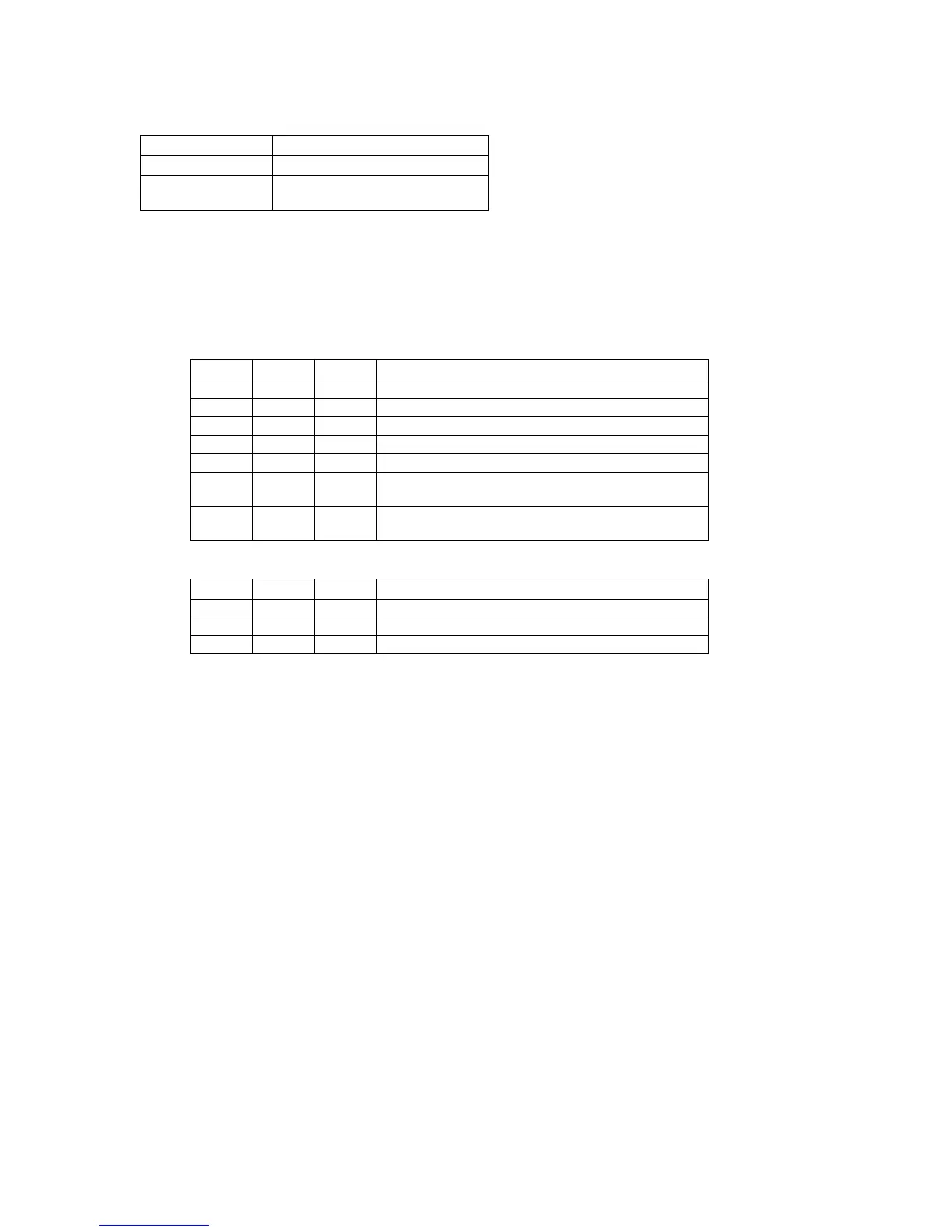
Order Page Address Data Procedure
1 Turn the main power OFF then to ON.
2 Shoot a white pattern with the standard picture frame.
3 6 00 01 After setting the data, press the PAUSE button.
4 6 11 Confirm that data is 00.
5 6 01 11 After setting the data, press the PAUSE button.
6 6 01 0D After setting the data, press the PAUSE button.
(Executes the auto white balance reference data input.)
7 6 11 If data is 01, this is the end of data read. The data of page F,
address 49 to 4C are automatically input to this memory.
Order Page Address Data Procedure
1 6 01 00 After setting the data, press the PAUSE button.
2 Execute “Auto white balance adjustment”.
3 6 00 00 After setting the data, press the PAUSE button. (End)













 To Next Page