6-71
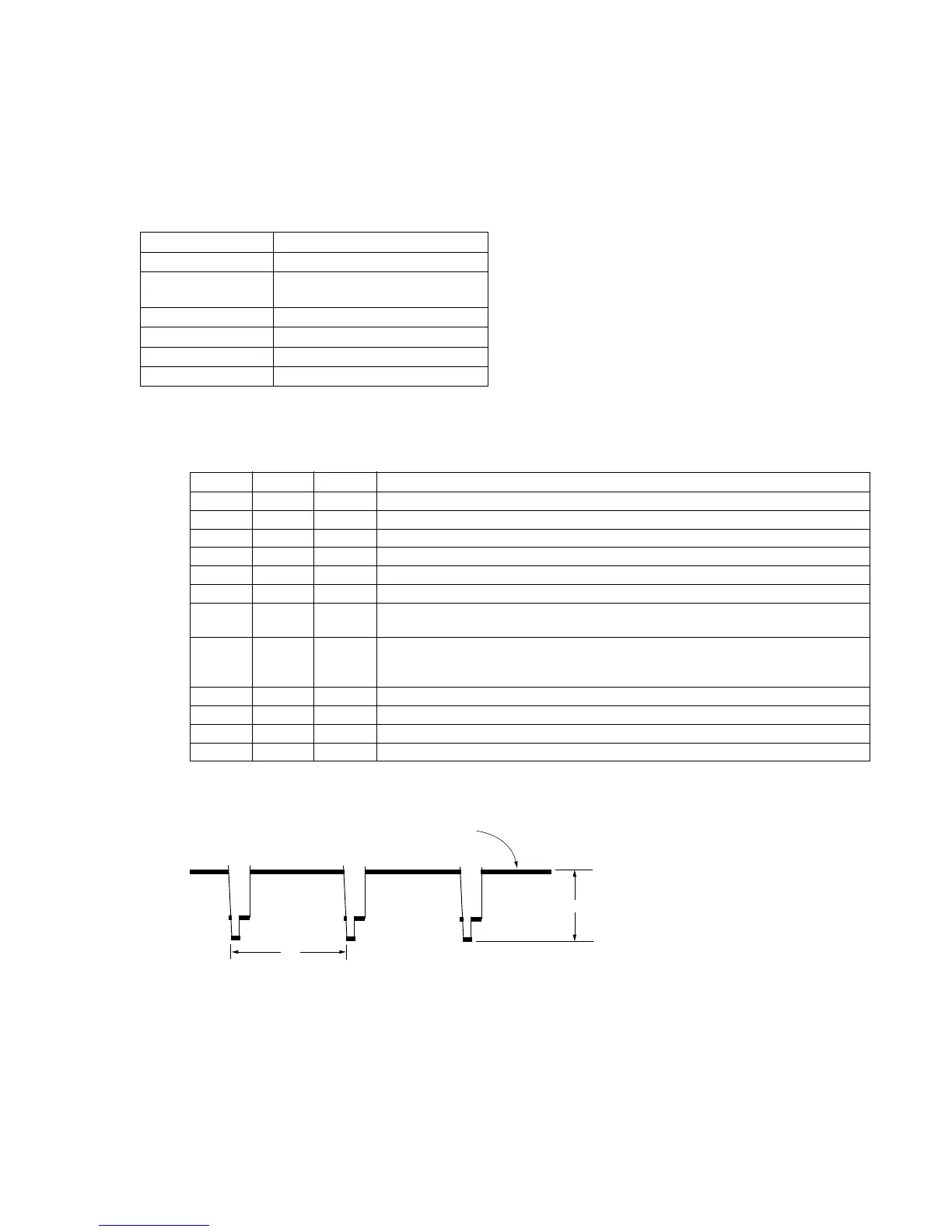
3-13. Y FM DEVIATION ADJUSTMENT (NOTE)
Purpose : Adjusts the FM signal to be recorded on tape
to the 8mm format. (Adjusts the frequency
deviation of normal mode Y FM signal.)
Adjustment error : Too bright or too dark overall picture.
Overmodulation picture. (If deviation is too
wide, or too narrow.)
Mode CAM-REC and playback
Signal Color bar chart
Measurement Point • VIDEO output terminal
(terminated in 75Ω)
Measuring Instrument Oscilloscope
Adjustment Page F
Adjustment Address 2F
Specification Value A=(Vo × 0.96)Vp-p ± 2%
Note : The “Emphasis input level adjustment”, “PB Y level
adjustment”, must have already been completed.
Adjustment procedure:
Related Adjustments:
“Normal mode Y FM deviation adjustment”
Order Page Address Data Procedure
1 Insert a normal MP type tape.
2 6 00 01 After setting the data, press the PAUSE button. (Preparation)
3 6 01 Read the data of page : 6, address : 01, and record it.
4 6 01 47 After setting the data, press the PAUSE button.
5 Shoot and record the color bar chart. The video out level at that setup is “Vo”.
6 Playback the recorded signal.
7 Compare the playback signal level (A) with the specification value. If the specification
value is satisfied, the adjustment is complete.
8 F 2F If the specification value is satisfied, change data using PLAY and STOP buttons.
• If the playback signal level is bigger than the specification value, decrease the data.
• If the playback signal level is smaller than the specification value, increase the data.
9 Press the PAUSE button.
10 Return to step 4.
11 6 01 Set the data which is recorded is step 3 to this address and, press the PAUSE button.
12 6 00 00 After setting the data, press the PAUSE button. (End)
White (100%)
H
A













 To Next Page