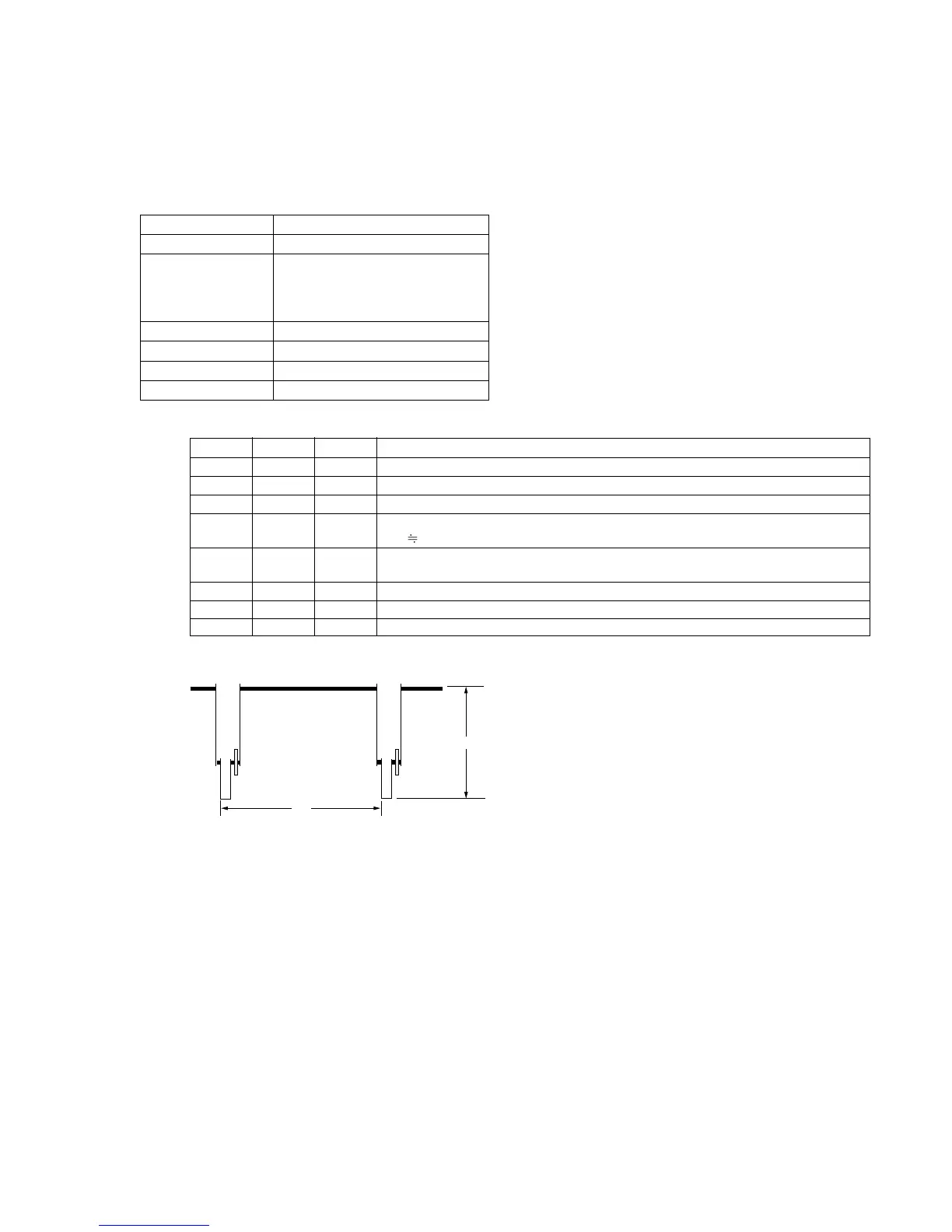
6-83
5-3. VIDEO DEVIATION ADJUSTMENT
Purpose : Adjusts deviation when modulating the video
signal.
Adjustment error : Too bright or too dark overall picture.
Overmodulation picture. (If deviation is too
wide, or too narrow.)
Mode CAM-STANDBY
Signal Any signal
Measurement Point • VIDEO OUTPUT terminal of the
unit (Terminated in 75Ω)
• VIDEO OUTPUT terminal of IR
receiver jig (Terminated in 75Ω)
Measuring Instrument Oscilloscope
Adjustment Page F
Adjustment Address 5D
Specification Value B=Vo ± 0.05Vp-p
Adjustment procedure:
Order Page Address Data Procedure
1 6 00 01 After setting the data, press the PAUSE button. (Preparation)
2 6 01 Read the data pf page : 6, address : 01, and record it.
3 6 01 47 After setting the data, press the PAUSE button.
4 Record the output level “A” of the VIDEO OUTPUT terminal of the unit, as Vo.
(Vo
1.0 ± 0.05Vp-p)
5 F 5D Change data using PLAY and STOP buttons so that the Y signal level (B) satisfies the
output (B) specifications of the VIDEO OUTPUT terminal of IR receiving jig.
6 Press the PAUSE button.
7 6 01 Set the data which is recorded in step 2 to this address and, press the PAUSE button.
8 00 00 00 After setting the data, press the PAUSE button. (End)
H
A













 To Next Page