6-23
15. Auto white balance adjustment
Purpose : Adjust for correct auto white balance.
Adjustment error : Poor color reproduction.
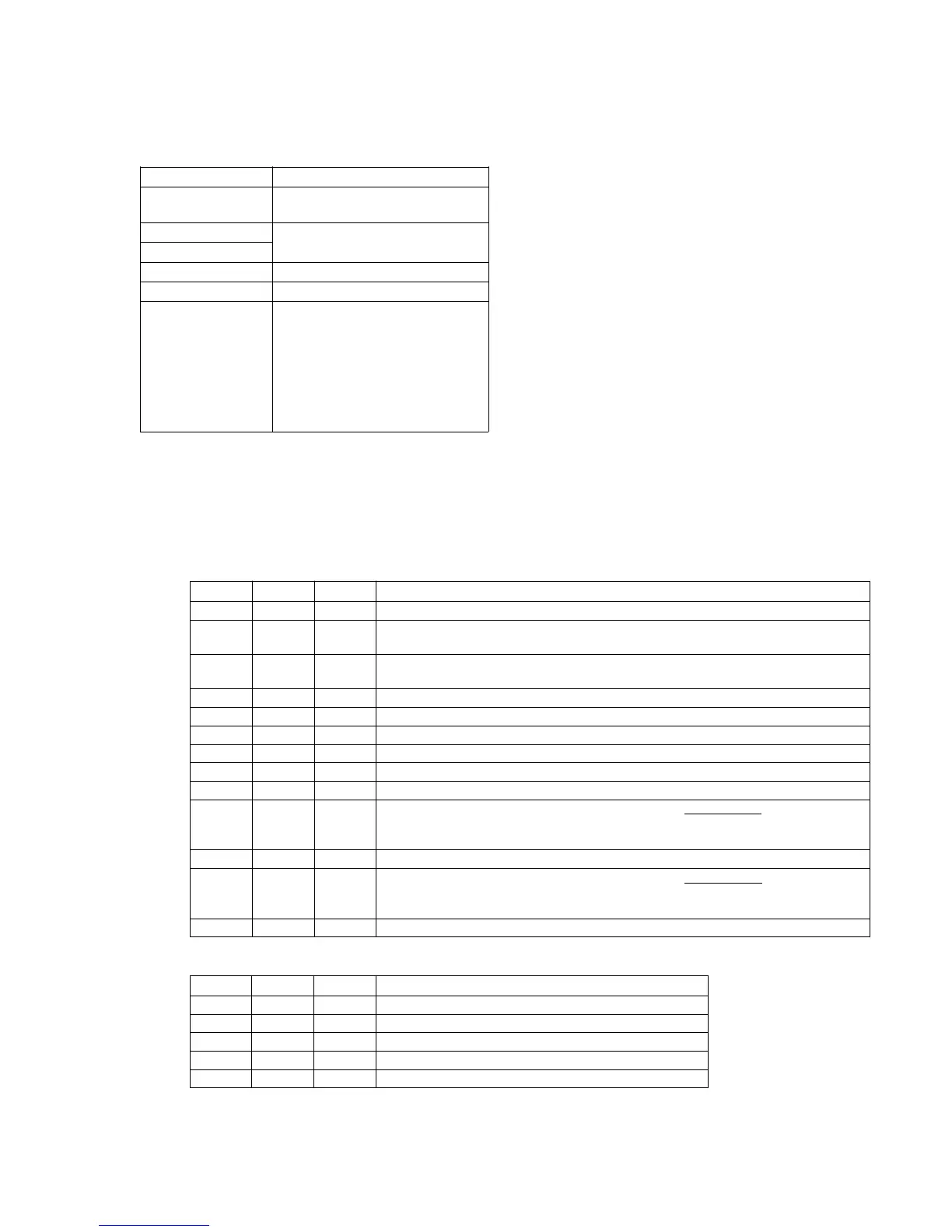
Subject White pattern standard picture frame
Filter Color temperature correction filter
C14
Measurement Point
EVF or DDS display on monitor TV
Measuring Instrument
Adjustment Page F
Adjustment Address 4E, 4F
Specification Value R ratio = 2XX0h ± 40h
XX = Data at address : F5 on page F
For example, when the data XX
is B8, the R ratio is 2B80h ± 40h
B ratio = YY80h ± 80h
YY = Data at address : F6 on page F
For example, when the data YY
is 5Eh, the B ratio is 5E80h ± 80h
Note 1 : Make this adjustment after “Auto white balance reference
data input” is completed.
Note 2 : Confirm that the “Camera-shaking” correction to OFF.
(EXCEPT TRV14E MODEL)
Note 3 : Confirm that the “Digital Zoom” is turned OFF.
(EXCEPT TRV14E MODEL)
Adjustment procedure:
Processing after Adjustments:
Order Page Address Data Procedure
1 Put on the color temperature correction filter C14 on the lens.
2 F F5 Read the data of this address. The read-out data should be used as the specification value
calculation data XX.
3 F F6 Read the data of this address. The read-out data should be used as the specification value
calculation data YY.
4 6 00 01 After setting the data, press the PAUSE button. (Preparation 1)
5 F 02 21 After setting the data, press the PAUSE button. (Preparation 2)
6 Turn off the UNREG power supply once, then turn it on.
7 6 00 01 After setting the data, press the PAUSE button.
8 6 01 35 After setting the data, press the PAUSE button.
9 6 02 04 After setting the data, press the PAUSE button. Sets the R ratio display mode.
10 F 4E Change data using the PLAY and STOP buttons until the R ratio data on the DDS
display becomes the specification value.
R ratio data = 2000h + 10h × D
F5 (DF5 = Page F, Address : F5 data)
11 6 02 05 After setting the data, press the PAUSE button. Sets the B ratio display mode.
12 F 4F Change data using the PLAY and STOP buttons until the B ratio data on the DDS
display becomes the specification value.
B ratio data = 80h + 100h × D
F6 (DF6 = Page F, Address: F6 data)
13 Press the PAUSE button.
Order Page Address Data Procedure
1 6 01 00 After setting the data, press the PAUSE button.
2 6 02 00 Releases the B ratio display mode.
3 F 02 00 After setting the data, press the PAUSE button. (End 2)
4 Turn off the UNREG power supply once, then turn it on.
5 6 00 00 After setting the data, press the PAUSE button. (End 1)
( )
( )













 To Next Page