6-22
14. MAX gain adjustment
Purpose : Sets the minimum illumination level.
Adjustment error : Normal video level cannot be obtained at low
illumination (dark).
Subject White pattern standard picture frame
Measurement Point Data of the page A of the adjustment
remote commander
Measuring Instrument Oscilloscope
Adjustment Page F
Adjustment Address 42
Specification Value Confirm that the data of page A of the
adjustment remote commander is B0h
or more.
Note 1 : Confirm that the “Camera-shaking” correction to OFF.
(EXCEPT TRV14E MODEL)
Note 2 : Confirm that the “Digital Zoom” is turned OFF.
(EXCEPT TRV14E MODEL)
Adjustment procedure:
Processing after Adjustments:
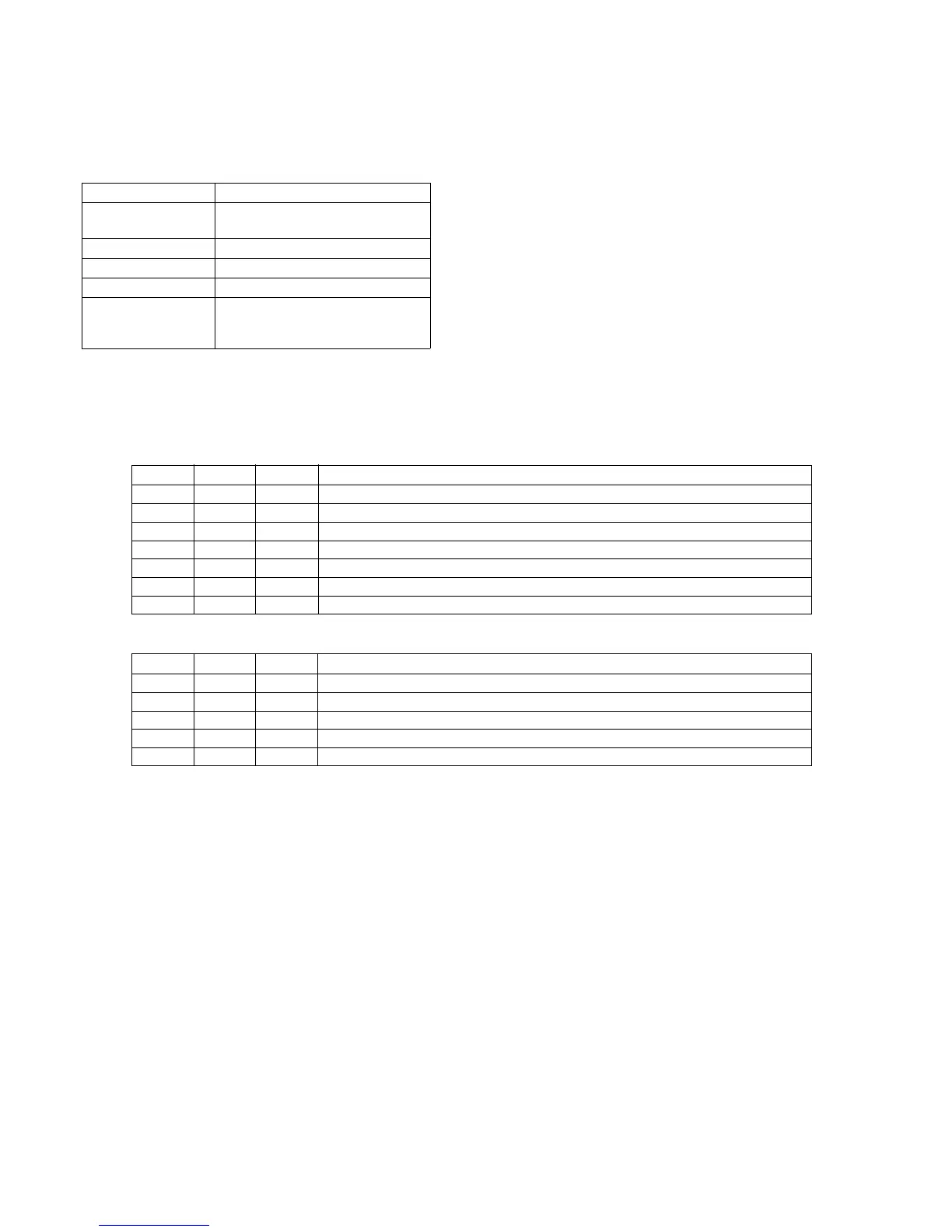
Order Page Address Data Procedure
1 6 00 01 After setting the data, press the PAUSE button. (Preparation)
2 6 02 01 After setting the data, press the PAUSE button.
3 6 42 02 Steady shot model only. After setting the data, press the PAUSE button.
4 6 04 58 After setting the data, press the PAUSE button.
5 6 01 19 After setting the data, press the PAUSE button.
6 F 42 08 After setting the data, press the PAUSE button.
7 Confirm that the data of page A of the adjustment remote commander is B0h or more.
Order Page Address Data Procedure
1 6 01 00 After setting the data, press the PAUSE button.
2 6 02 00 After setting the data, press the PAUSE button.
3 6 04 00 After setting the data, press the PAUSE button.
4 6 42 00 Steady shot model only. After setting the data, press the PAUSE button.
5 6 00 00 After setting the data, press the PAUSE button. (End)













 To Next Page