3.
A notification window will confirm the status change.
4.
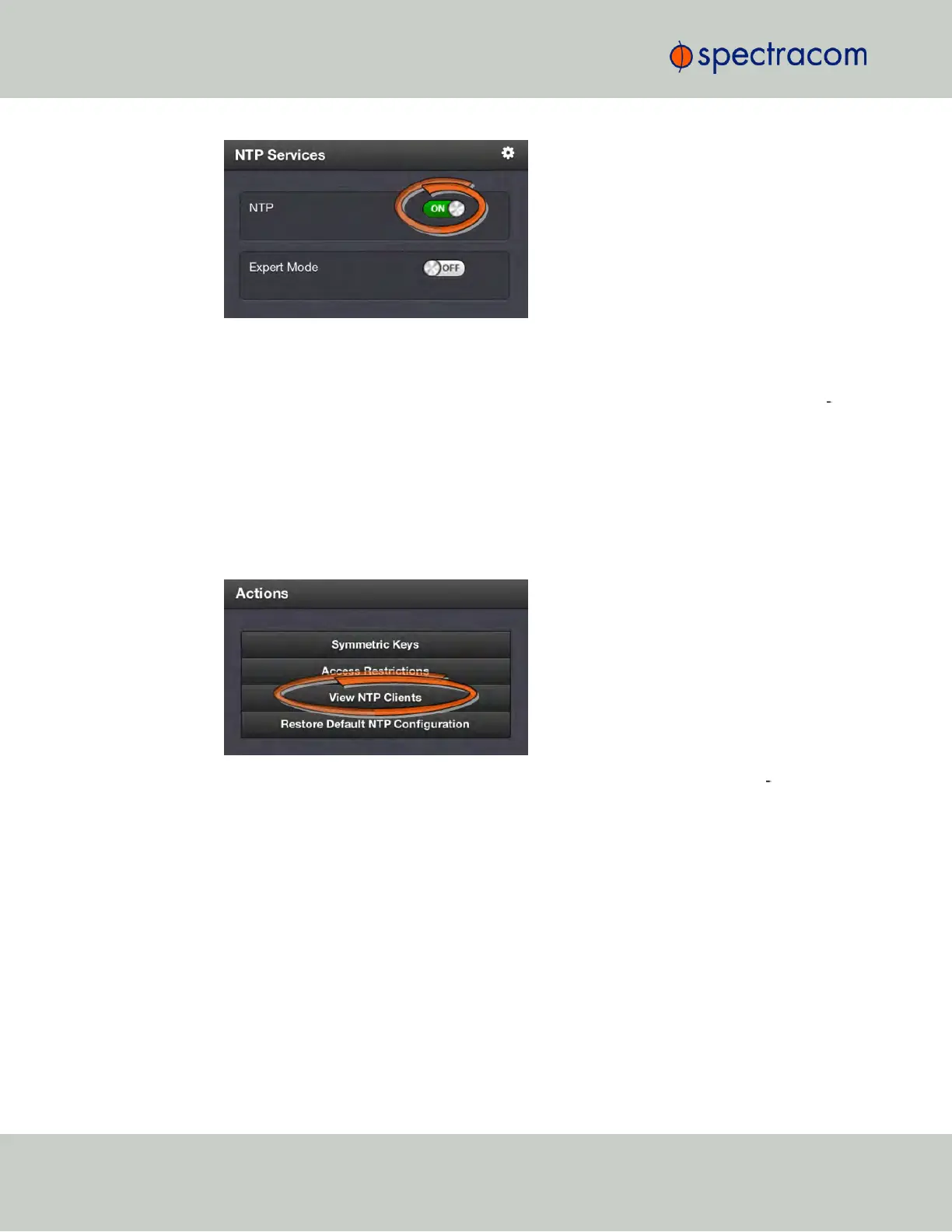
In the NTP Services panel, set the ON/OFF toggle switch to ON again.
Changes made will now take effect and NTP operation will be restored shortly after this oper
ation is performed.
2.15.4 Viewing NTP Clients
To view the NTP clients being served by SecureSync:
1.
Navigate to MANAGEMENT> NETWORK: NTP Setup.
2.
In the NTP Actions panel, click View NTP Clients:
3.
The NTP Clients window will display, showing a table of the clients that are syn
chronizing to SecureSync via NTP:
94
CHAPTER 2 • SecureSync User Reference Guide Rev. 23
2.15 Configuring NTP



 To Next Page