Note: Whether or not notifications are enabled/disabled for a given event, the
occurrence of the event is always logged.
All available SecureSync events that can generate a notification to be sent are located under
different tabs in the Notification Events panel: Timing, GPS, and System.
The SecureSync Events that can automatically trigger a notification are listed in the Event
column. It is possible to:
Mask the alarm generation for specific events (prevent the alarm)
Enable “SNMP” (to send out an SNMP trap)
Send an email to the address specified in the corresponding “Email Address” column.
4.2.1 Configuring Notifications
To configure Notifications:
1.
Navigate to MANAGEMENT > OTHER: Notifications. The Notifications screen will dis
play:
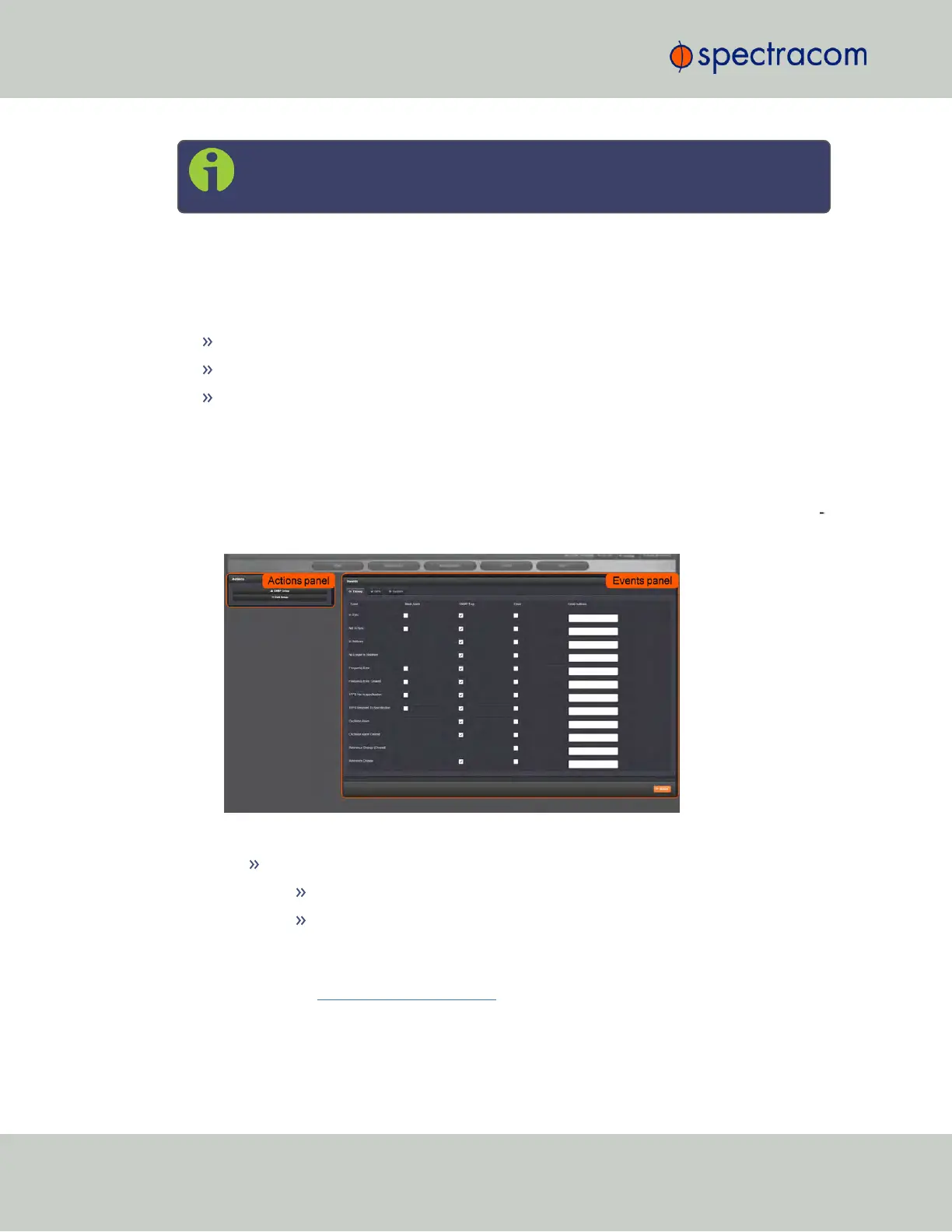
It is divided into two panels:
The Actions panel, featuring:
The SNMP Setup button: See "SNMP" on page78.
The Email Setup button: Configure SecureSync's interface settings for
Exchange email servers and Gmail.
For more information on this subject, see the Spectracom Technical Note
Email Notification Setup.
220
CHAPTER 4 • SecureSync User Reference Guide Rev. 23
4.2 Notifications



 To Next Page