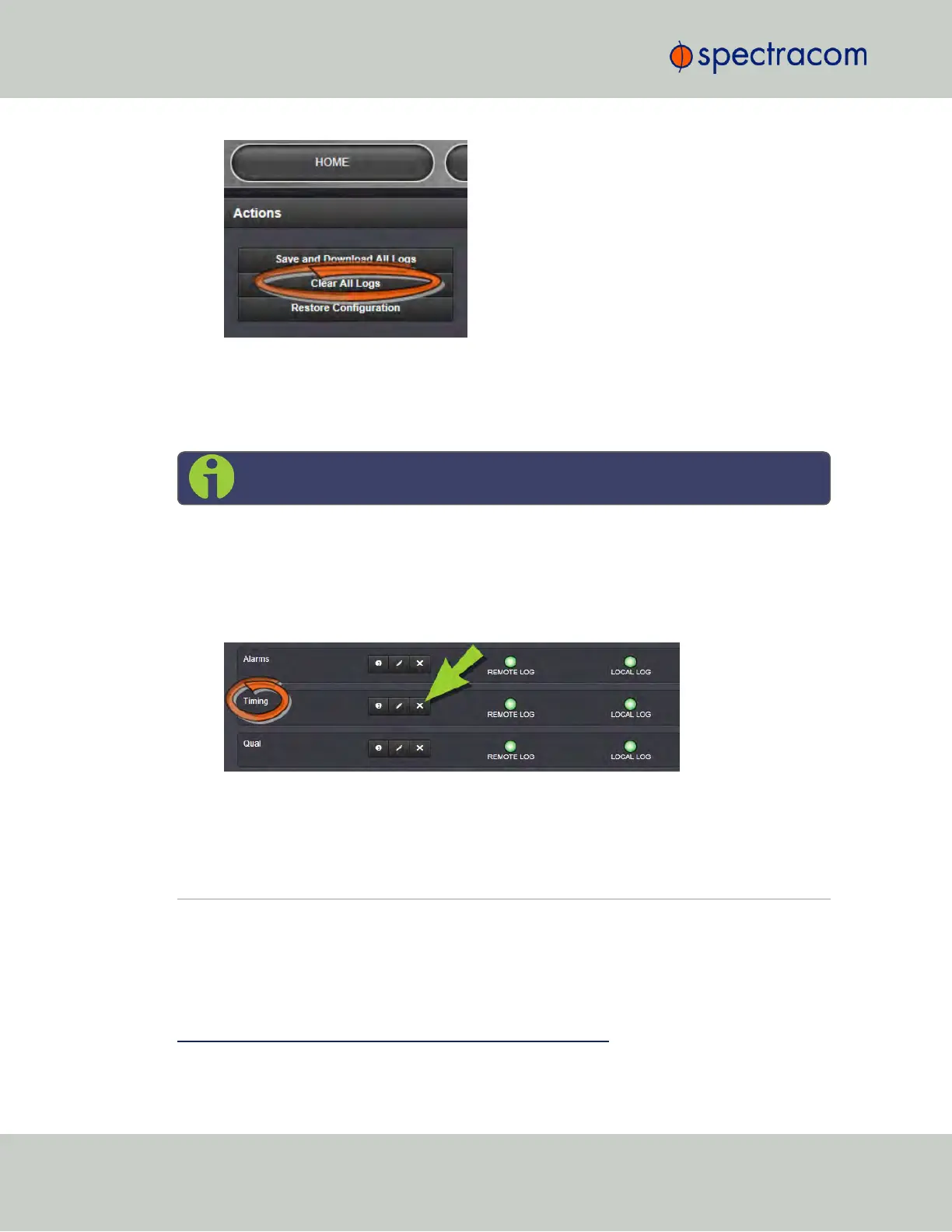
3.
In the grey confirmation window, click OK.
4.5.2.10 Clearing Selected Logs
Note: NTP logs cannot be cleared.
To clear selected locally stored log files:
1.
Navigate to MANAGEMENT > OTHER: Log Configuration.
2.
In the Logs panel, click the X-icon next to the log category you wish to clear (e.g.,
Alarms log).
3.
In the grey confirmation box, click OK.
4.6 Updates and Licenses
4.6.1 Software Updates
Spectracom periodically releases new versions of software for SecureSync. These updates
1
are
offered for free and made available for download from the Spectracom website. If you
1
The terms update and upgrade are both used throughout Spectracom technical literature, as software releases may
include fixes and enhancements, as well as new features.
302
CHAPTER 4 • SecureSync User Reference Guide Rev. 23
4.6 Updates and Licenses



 To Next Page