Note: If you have only one input or output of any type, SecureSync will
number that input or output 0. Additional inputs or outputs will be
numbered 1 or above.
2.
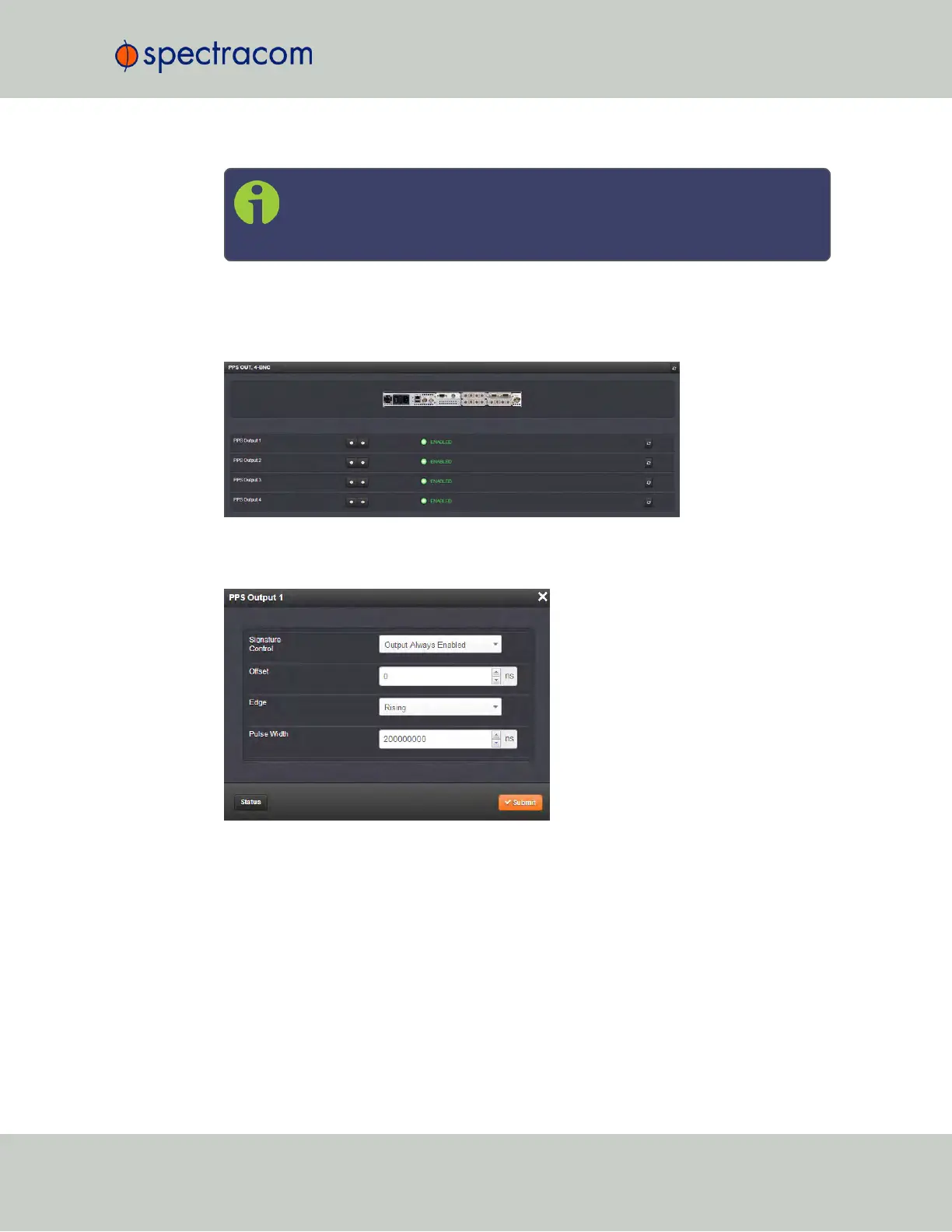
Navigate to the INTERFACES > OPTION CARDS drop-down menu, and click the list
entry of the option card identified above. The option card’s Status Summary panel
opens:
3.
Click on the GEAR button next to the input or output you wish to configure (as verified in
Step1 of this procedure). The Edit window of the input or output opens:
4.
Information about the configurable settings can be found in the corresponding option
card section, see "Option cards listed by their ID number" on page14.
5.2.1.4 Viewing an Input/Output Signal State
To view if an input or output is currently enabled or disabled, go to the option card’s Status
Summary panel:
SecureSync User Reference Guide 331
APPENDIX



 To Next Page