Note: In the event that a syslog server does not support listening on the standard
syslog port, you may redirect the syslog port to the desired port by utilizing built-
in port forwarding capability in network switches (search online for port for
warding or port mapping).
4.5.2.8 Restoring Log Configurations
To restore log configurations:
1.
Navigate to the MANAGEMENT > OTHER: Log Configuration.
2.
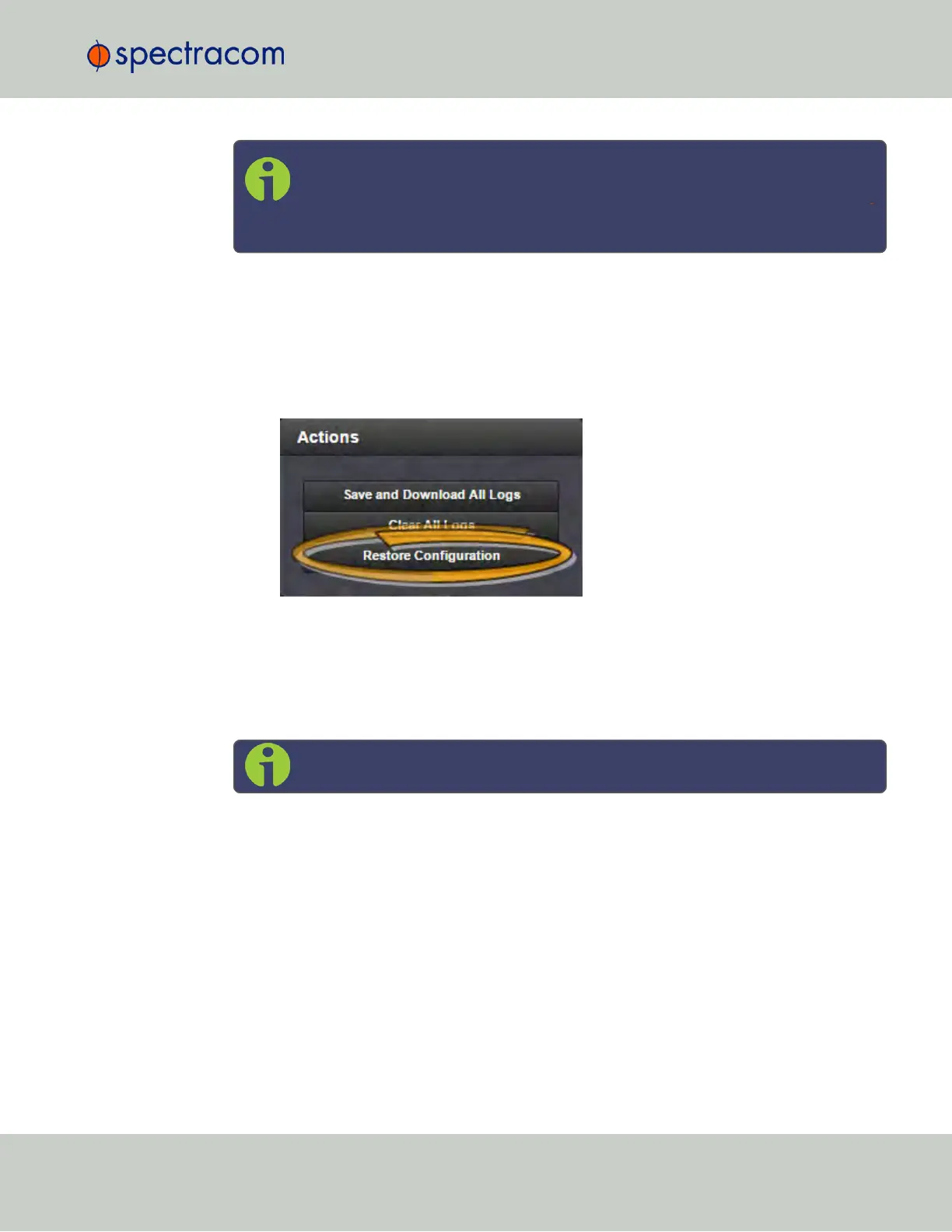
In the Actions panel, click on the Restore Configurations button.
3.
Click the Browse button.
4.
Navigate to the directory where the configurations are stored and click Upload.
4.5.2.9 Clearing All Logs
Note: Authentication logs and NTP logs cannot be cleared.
All local logs in the home/spectracom directory will be logged. Other logs e.g., located
on Syslog Servers, must be maintained by the user.
To clear all locally stored log files:
1.
Navigate to MANAGEMENT > OTHER: Log Configuration.
2.
In the Actions panel, click Clear All Logs:
4.5 Quality Management
CHAPTER 4 • SecureSync User Reference Guide Rev. 23
301



 To Next Page