1.
Identify the name of the option card, (e.g., PPSOUT, 4-BNC), and the name of the input
or output you want to configure (e.g., PPS Output 1).
Note: If you have only one input or output of any type, SecureSync will
number that input or output0. Additional inputs or outputs will be
numbered1 or above.
2.
Navigate to the INTERFACES > OPTION CARDS drop-down menu, and click the list
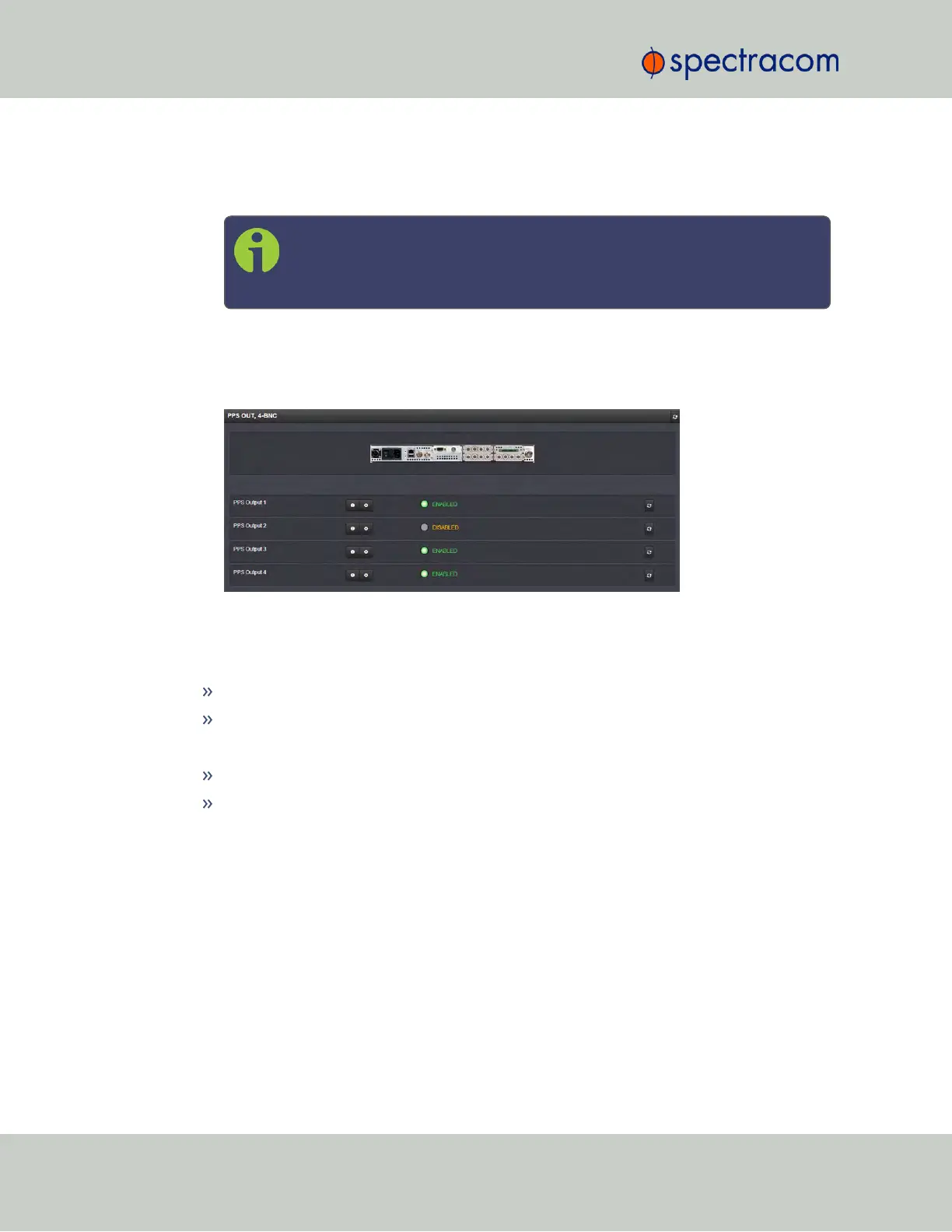
entry of the option card identified above. The option card’s Status Summary panel
opens:
All the inputs and/or outputs of this option card are listed in the Status Summary panel.
In accordance with the Signature Control setting, and the Lock Status, the current signal state for
an output is indicated as:
ENABLED (green); or
DISABLED (orange)
The current state of an input signal is indicated as:
VALID (in green); or
INVALID (in red)
The Status Summary panel will be refreshed automatically every 30seconds. Click the Refresh
button (circling arrows) on the right to refresh the status instantaneously. A slight refreshment
delay is normal (the duration depends on the configuration of your system.)
5.2.1.5 Verifying the Validity of an Input Signal
The HOME page of the SecureSync WebUI provides quick access to the status of all inputs via
its Reference Status panel.
332 SecureSync User Reference Guide
APPENDIX



 To Next Page