4.7.5.3 Removing other files from the CF Card
While the restore and clean functions reset the configuration parameters, they do not remove
any files that may have been uploaded via FTP. One way to delete these files, if any, is via the
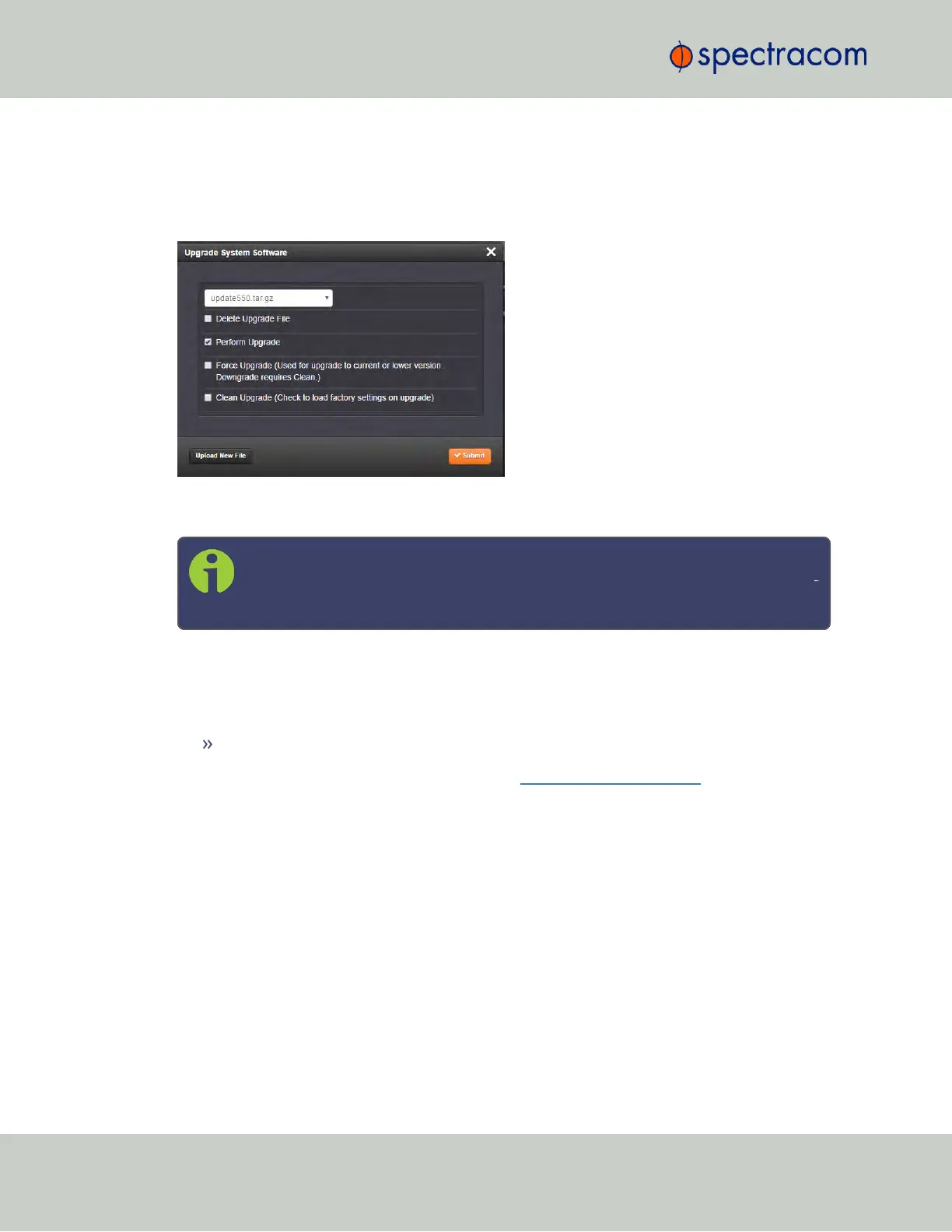
Update System Software functionality under TOOLS > SYSTEM: Upgrade/Backup.
The Clean Upgrade function wipes the CF card clean and recreates every system file. An
upgrade alone does not.
Note: When selecting both the Perform Upgrade checkbox, and the Clean
Upgrade checkbox, Force Upgrade will also be automatically selected, as neces
sary for this process.
4.7.5.4 Further Reading
For more information on Sanitization, see also:
"Deleting the GNSS Receiver Position" on page180.
Please search the Spectracom knowledge base support.spectracom.com for more specific
information regarding Sanitization and Volatility, or contact Spectracom Technical Support
(see "Technical Support" on page540).
314
CHAPTER 4 • SecureSync User Reference Guide Rev. 23
4.7 Resetting the Unit to Factory Configuration



 To Next Page