Note: In Mobile receiver mode NO surveys will be carried out since the position
status is updated in near real-time.
Initiating a GNSS Survey
Depending on the GNSS receiver model installed in your SecureSync, the standard default
behavior is either:
a.
that the GNSS receiver detects if the SecureSync has been relocated, and hence will ini
tiate a GNSS survey to determine the new position
b.
or that a power cycle, or a reboot will automatically initiate a GNSS survey.
To reboot your unit, navigate to TOOLS > SYSTEM: Reboot/Halt.
While a (re-)survey is crucially important if a SecureSync unit has been relocated,
e.g. when commissioning a new unit, it is normally not required if a stationary
unit is rebooted for other reasons. To turn off this functionality, see "Setting
GNSS Receiver Dynamics" on page174.
Note: Behavior (a.) applies to most Trimble
®
receiver types, while behavior (b.)
applies to u-blox
®
receivers.
Verifying GNSS Survey Progress
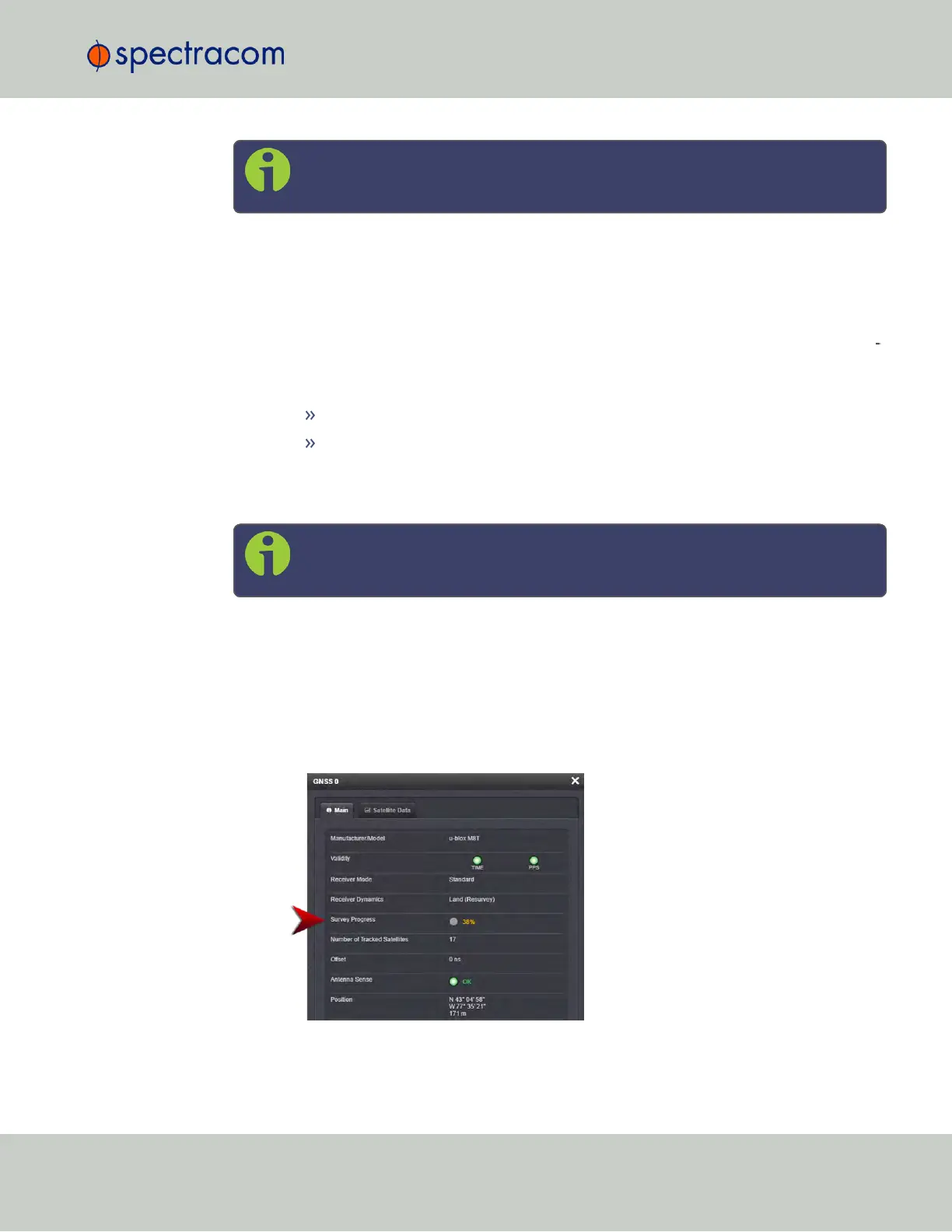
To see if SecureSync's GNSS receiver is performing a survey and if so, verify its progress:
1.
Navigate to INTERFACES > REFERENCES: GNSS 0.
2.
The survey status (ACQUIRING, COMPLETE, or progress in percent) is displayed under
the line item Survey Progress.
3.3 Managing References
CHAPTER 3 • SecureSync User Reference Guide Rev. 23
177



 To Next Page