Note: The augmentation systems SBAS and QZSS can be enabled
only if GPS operation is enabled.
Note: Should you select more than 3+QZSS constellations, you
will receive a Constellation Error once you click Submit (ConstError).
Determining Which GNSS Satellites Are Received
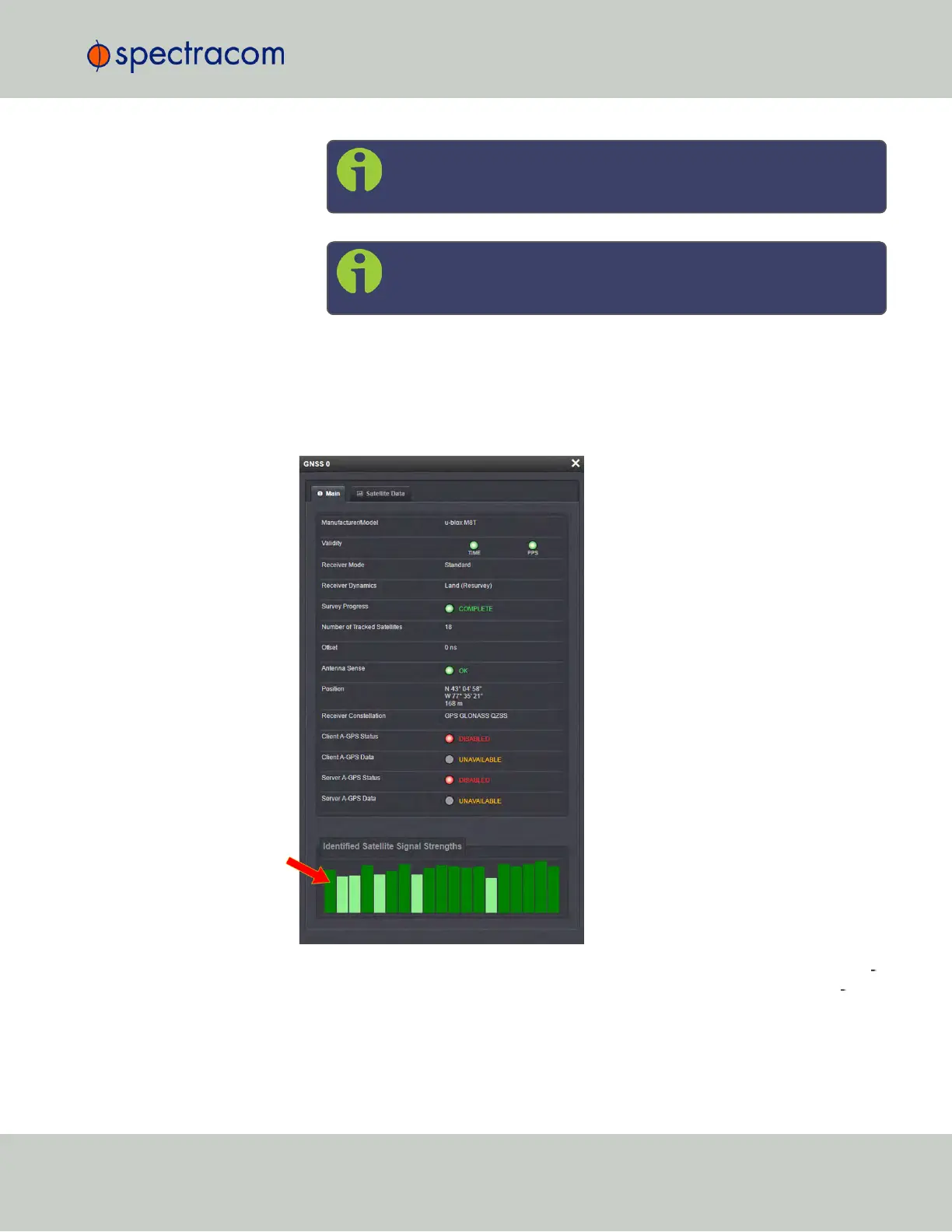
To see which GNSS satellites your SecureSync is currently receiving:
1.
Navigate to INTERFACES > REFERENCES: GNSS 0.
2.
The GNSS 0 status window will open:
3.
Under Identified Satellite Signal Strengths hover with your cursor over the bars: The let
ter provided in the pop-up window for a signal reception bar indicates which con
stellation the satellite belongs to:
3.3 Managing References
CHAPTER 3 • SecureSync User Reference Guide Rev. 23
187



 To Next Page