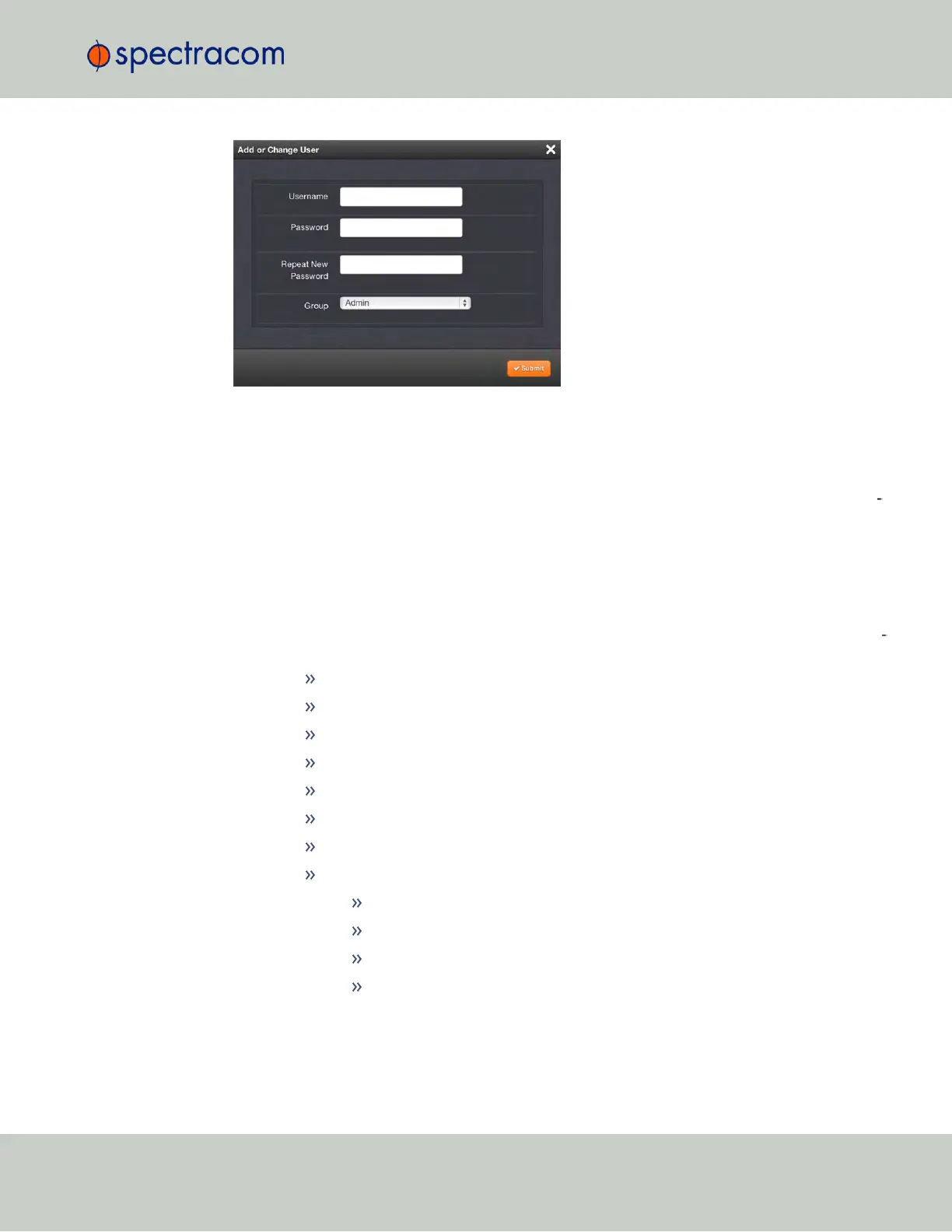
To add a user account:
1.
Enter a Username. (For rules, see "Rules for Usernames" on page227.)
2.
Enter a Password. The password requirements are configurable, see "Configuring Pass
word Policies" on page232. By default a password can be any combination of upper-
and lower-case characters. Minimum password length = 8 characters, maximum length =
32 characters.
3.
Repeat the new Password.
4.
In the Group field, choose the permission group to which you want the user to belong to:
user or admin. The user permission level assigns permission to access and change all set
tings, with the following exceptions that are limited to the admin accounts:
Changing network settings
Adding and deleting user accounts
Web Interface Settings
Upgrading SecureSync system software
Resetting the SecureSync configuration
Clearing log files
Changing Disciplining Setup options
Changing configuration options for the following protocols or features:
NTP
HTTPS, SSH
LDAP/RADIUS
SNMP (with the exception of configuring SNMP notifications).
To change an existing user account:
4.3 Managing Users and Security
CHAPTER 4 • SecureSync User Reference Guide Rev. 23
229



 To Next Page