OFF and ON.
Note: Units produced before Dec. 2015 are not equipped with the Fan Control
feature.
Does my unit have Fan Control?
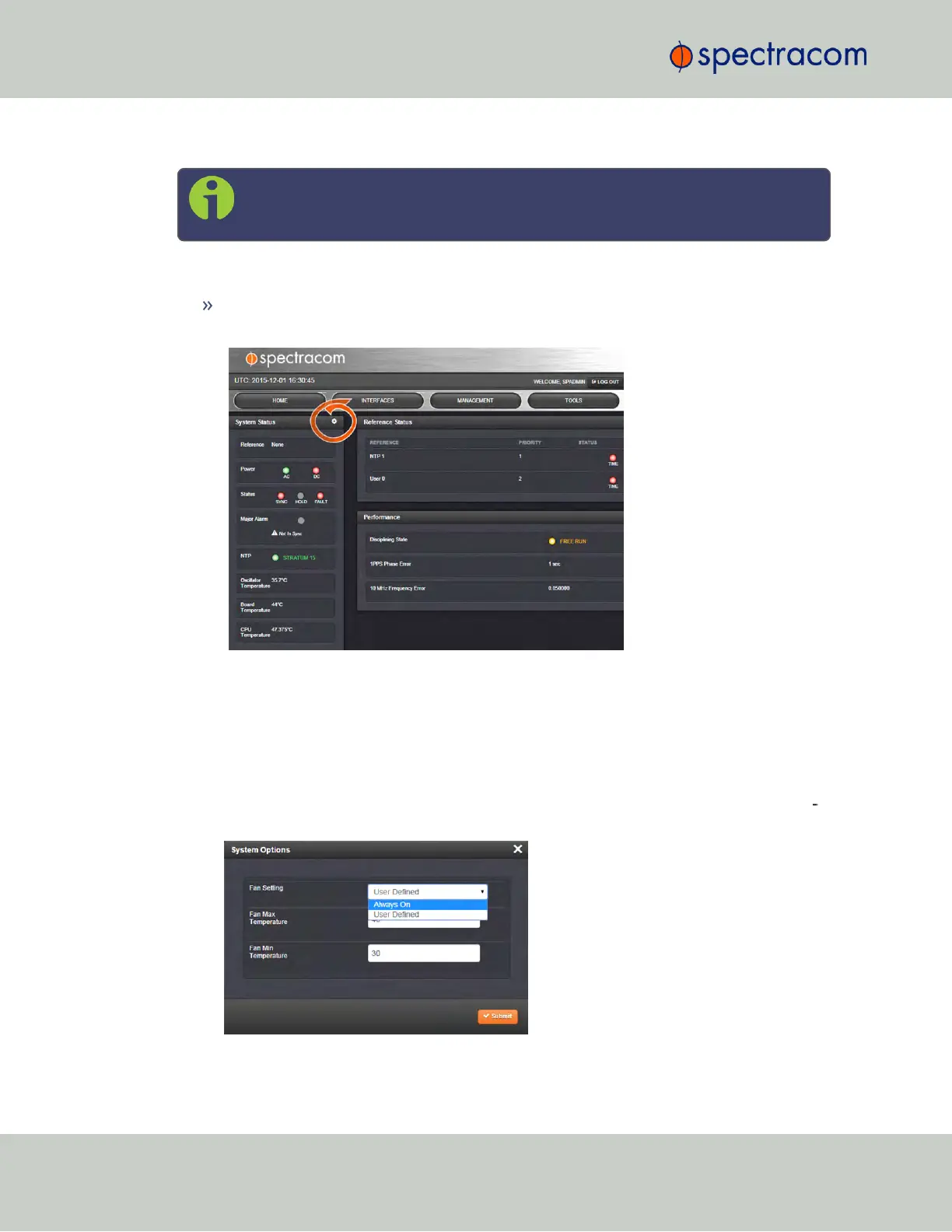
To find out, navigate to the HOME screen. Your unit is equipped with the Fan Control
feature, if there is a GEAR icon displayed in the System Status panel:
To enable user-defined Fan Control:
The default fan setting is ALWAYS ON.
To apply custom fan temperature settings:
1.
Navigate to the HOME screen.
2.
In the System Status panel, click the Gear icon in the upper right-hand corner. The Sys
tem Options window will open:
282
CHAPTER 4 • SecureSync User Reference Guide Rev. 23
4.5 Quality Management



 To Next Page