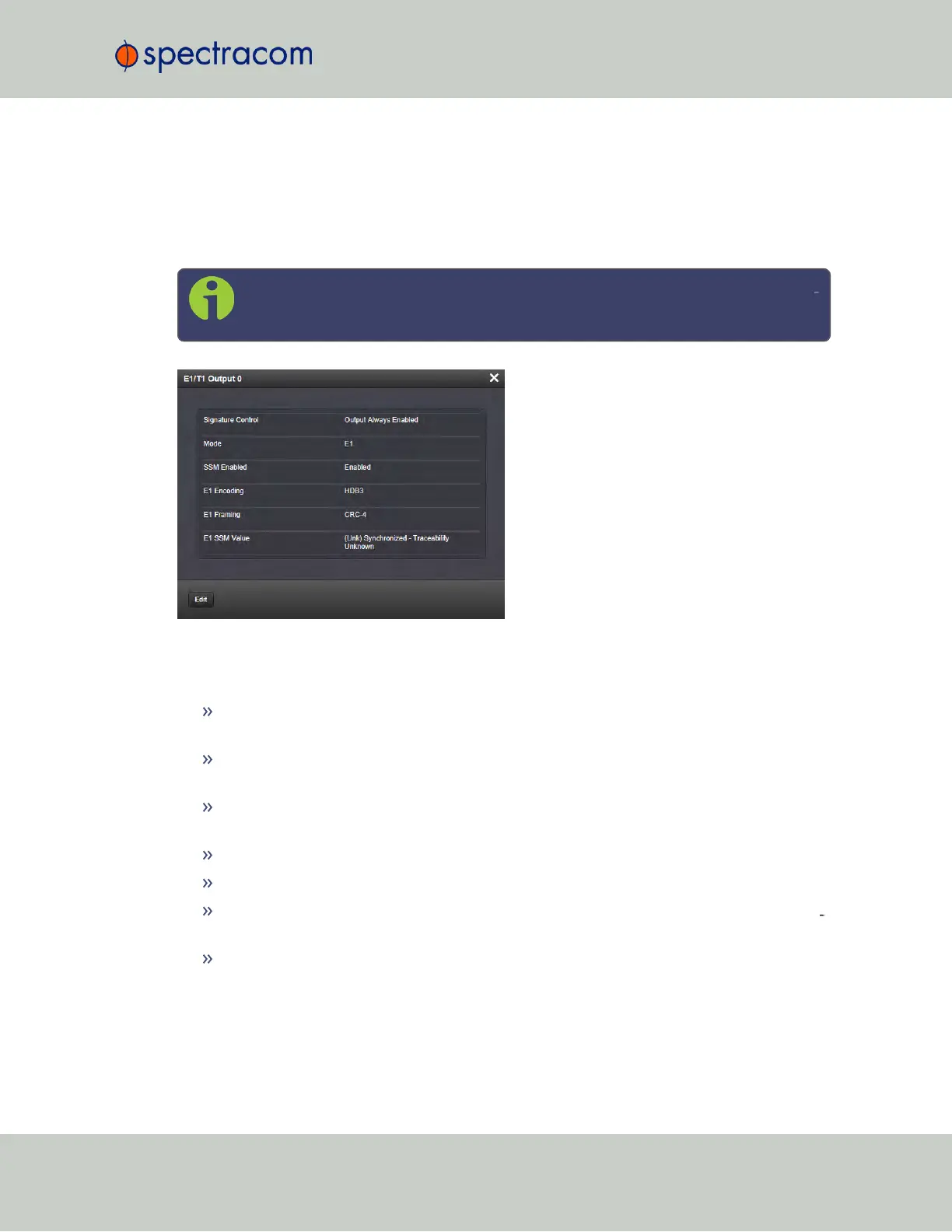
E1/T1 Output: Status Window
To view the configuration settings of the E1OUTor T1OUToutput, go to its Status window.
For instructions, see: "Viewing Input/Output Configuration Settings" on page329.
The Web UI list entries for these cards are: E1/T1 Out BNC and E1/T1 OUT Terminal.
Note: SecureSync starts numbering I/O ports with 0 (only 1PPS and 10MHz out
puts start at1, because of the built-in outputs).
The E1/T1 Output 0 Status Screen will vary according to whether the output signal mode is E1
or T1.
The Status windows display the following settings:
Signature Control: Controls when the output will be present; see "Signature Control" on
page136.
Mode: This option selects T1, E1, or disabled mode. For T1 mode, the clock output will
be 1.544MHz, and for E1 the clock output will be 2.048MHz.
SSM Enabled: Enables or disables Sync Status Messaging (SSM). T1 SSM is not valid
with D4/Superframe or AIS framing. E1 SSM is not valid with AIS framing.
E1 Encoding: HDB3 only.
E1 Framing: This option selects the framing standard (CRC-4, No CRC-4, or AIS).
T1 Framing: This option selects the framing standard (D4/Superframe, Extended Super
frame [CRC-6/no CR C-6], or AIS).
T1 Encoding: This option selects the encoding method (B8ZS or AMI).
SecureSync User Reference Guide 393
APPENDIX



 To Next Page