Note: SecureSync starts numbering I/O ports with 0 (only 1PPS and 10MHz out
puts start at1, because of the built-in outputs).
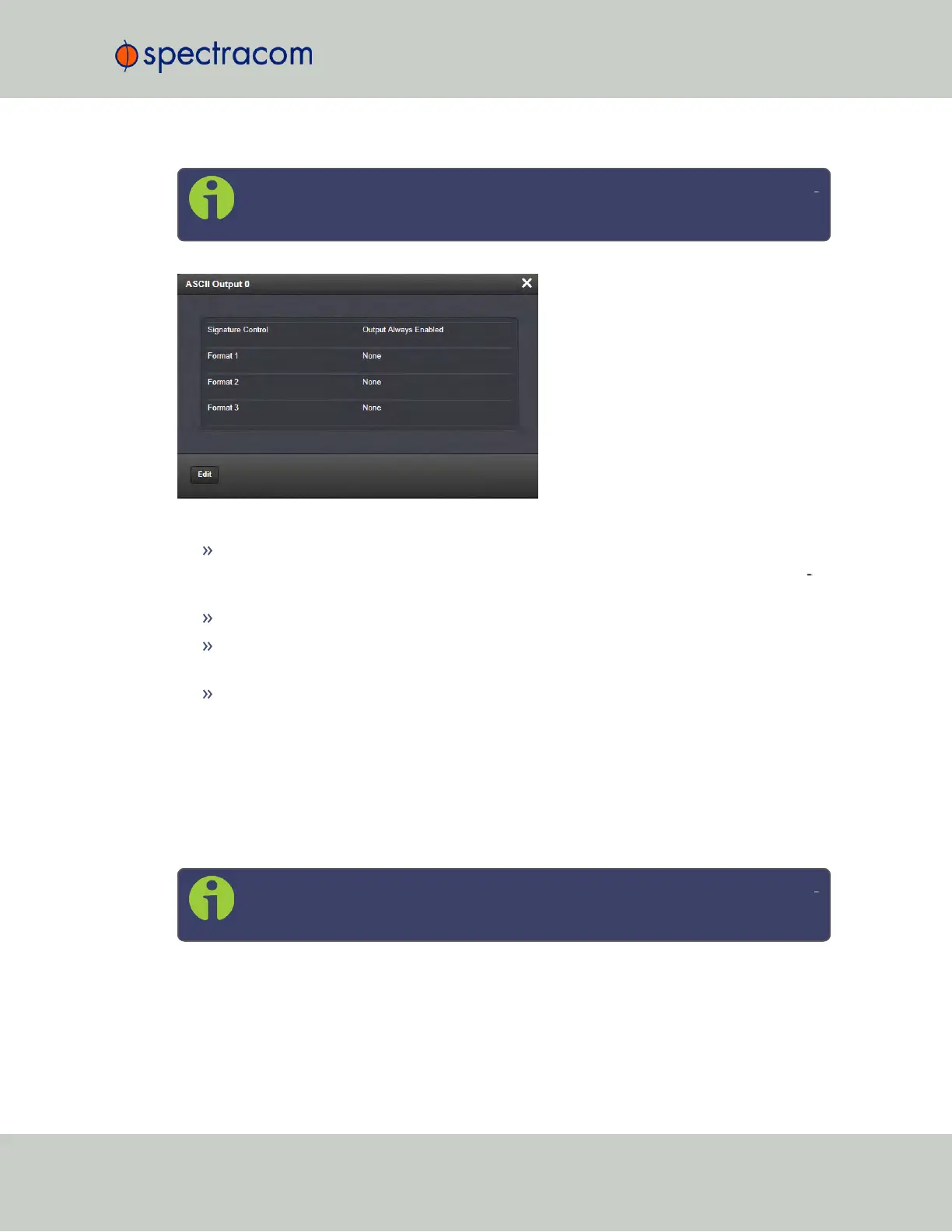
The Status window displays the following settings:
Signature Control: Indicates whether Signature Control is enabled (Signature Control
determines when the ASCII data stream will be enabled to be present). See also: "Sig
nature Control" on page136.
Format 1: Indicates the configured format of the ASCII time code input data stream.
Format 2: Indicates the configured format of the second consecutive ASCII time code
input data stream.
Format 3: Indicates the configured format of the third consecutive ASCII time code input
data stream.
ASCII Time Code Input: Status Window
To
view
the current settings of the ASCII Input (also referred to as ‘Reference’), go to its Status
window. For instructions, see: "Viewing Input/Output Configuration Settings" on page329.
The Web UI list entries for this card are: ASCII TIMECODE RS-232 and ASCII TIMECODE RS-
485.
Note: SecureSync starts numbering I/O ports with 0 (only 1PPS and 10MHz out
puts start at1, because of the built-in outputs).
SecureSync User Reference Guide 453
APPENDIX



 To Next Page