6.
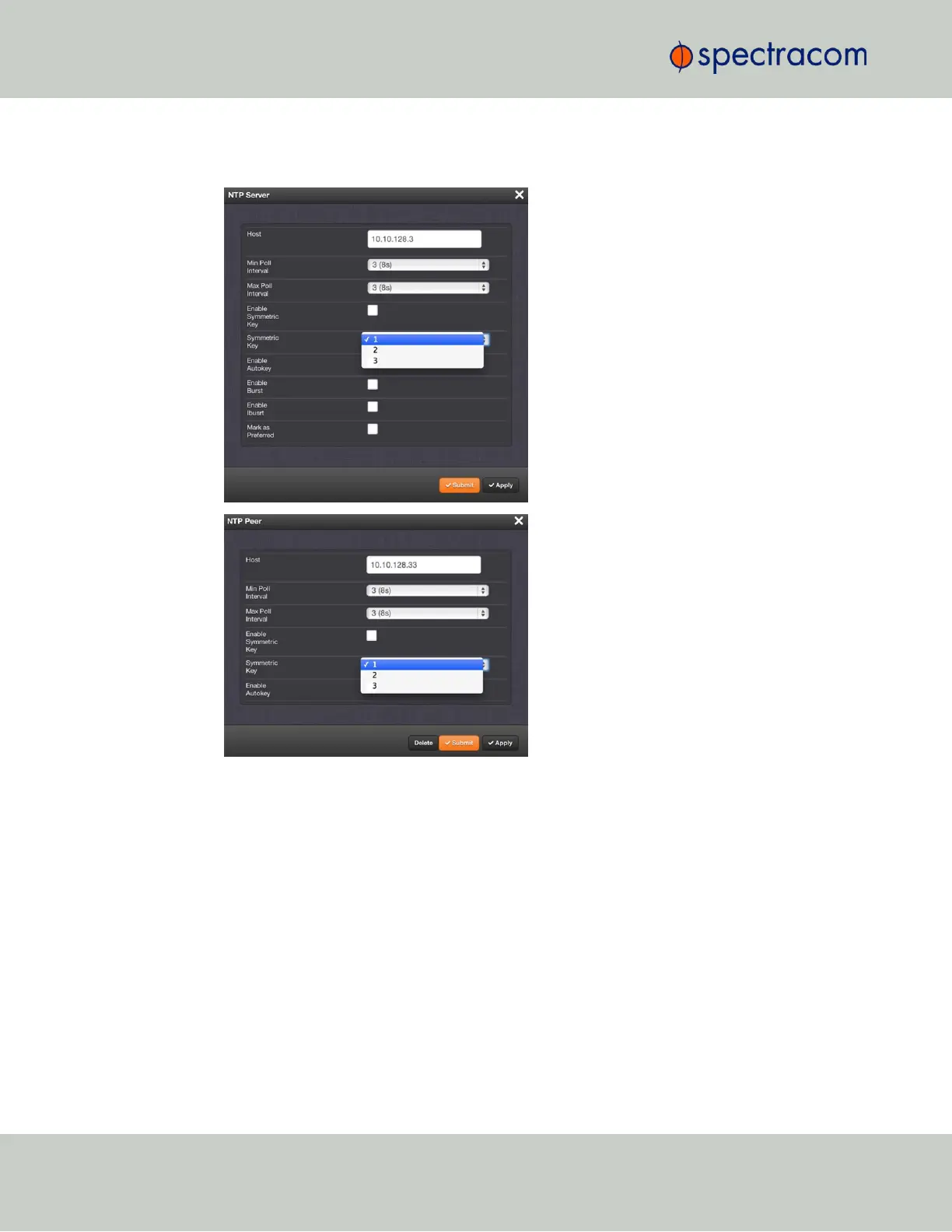
The key(s) you have set up will now appear as options in the Symmetric Key field in both
the NTP Server screen, and the NTP Peer screen.
NOTES:
Duplicate key IDs are not permitted. NTP requests received by that do not contain an authen-
ticator containing a valid Key ID and MD5 message digest pair will be responded to, but no
authentication will be performed. An NTP request with valid authenticators results in a valid
NTP response with its own valid authenticator using the same Key ID provided in the NTP
request.
You may define the trusted Symmetric Keys that must be entered on both VersaSync, and any
network client with which VersaSync is to communicate. Only those keys for which the “Trusted”
box has been checked will appear in the dropdown menus on the NTP References screen.
100
CHAPTER 2 • VersaSync User Manual Rev. 6.0
2.7 Configuring Network Settings



 To Next Page