Network Bits Equivalent Netmask Network Bits Equivalent Netmask
23 255.255.254.0 11 255.224.0.0
22 255.255.252.0 10 255.192.0.0
21 255.255.248.0 9 255.128.0.0
20 255.255.240.0 8 255.0.0.0
19 255.255.224.0
2.6 Configuring Inputs/Outputs
This Chapter covers the configuration of the inputs and outputs of the I/O connector.
When you configure an input our output via the I/O connector, you will need to adjust both
the pin configuration ("Assigning I/O Pins" on the next page) and (for some types) the settings
for that input or output via the Web UI ("Configuring I/O Settings" on page40).
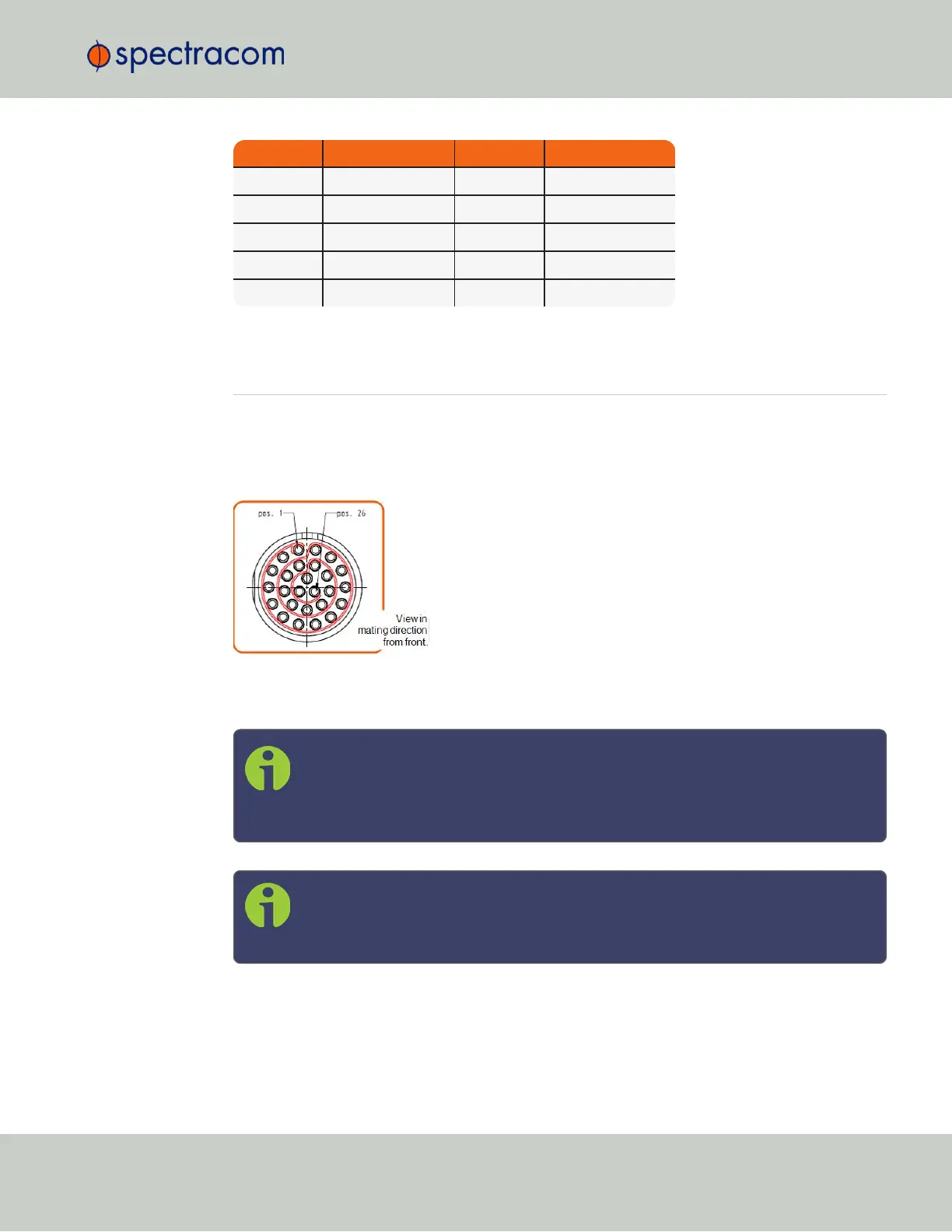
Figure 2-2: I/O connector
For more information on the I/O connector, see "Connectors and their Pinouts" on page8.
Note: The GNSS input reference as well as the 10 MHz outputs are not fed into the
unit via the I/O connector and are therefore not explained in this Chapter; for
instructions on how to configure the GNSS reference, see "The GNSS Reference"
on page147 in the Chapter MANAGINGTIME.
Note: The Network Ports eth0 and eth1 can be configured under MANAGEMENT
> Network Setup. For more information, see "Configuring Network Settings" on
page54.
2.6 Configuring Inputs/Outputs
CHAPTER 2 • VersaSync User Manual Rev. 6.0
35



 To Next Page