To reset the "spadmin" account password via the serial port, or SSH:
1.
Connect a PC to the USB port, and log in using an account with admin group rights
(such as the
spadmin
account).
2.
Type: resetpw <Enter>. The
spadmin
account password is now reset.
After resetting the password follow the procedure above to change the
spadmin
password in
the MANAGEMENT > OTHER: Authentication window.
4.4.3 Web UI Timeout
For security reasons, the WebUI will automatically timeout after a set number of minutes, i.e.
you will be logged out by the system, regardless of activity, and need to actively login again.
Minimum timeout duration: 10minutes
Maximum timeout duration: 1440 minutes (24hours)
Default timeout duration: 60minutes.
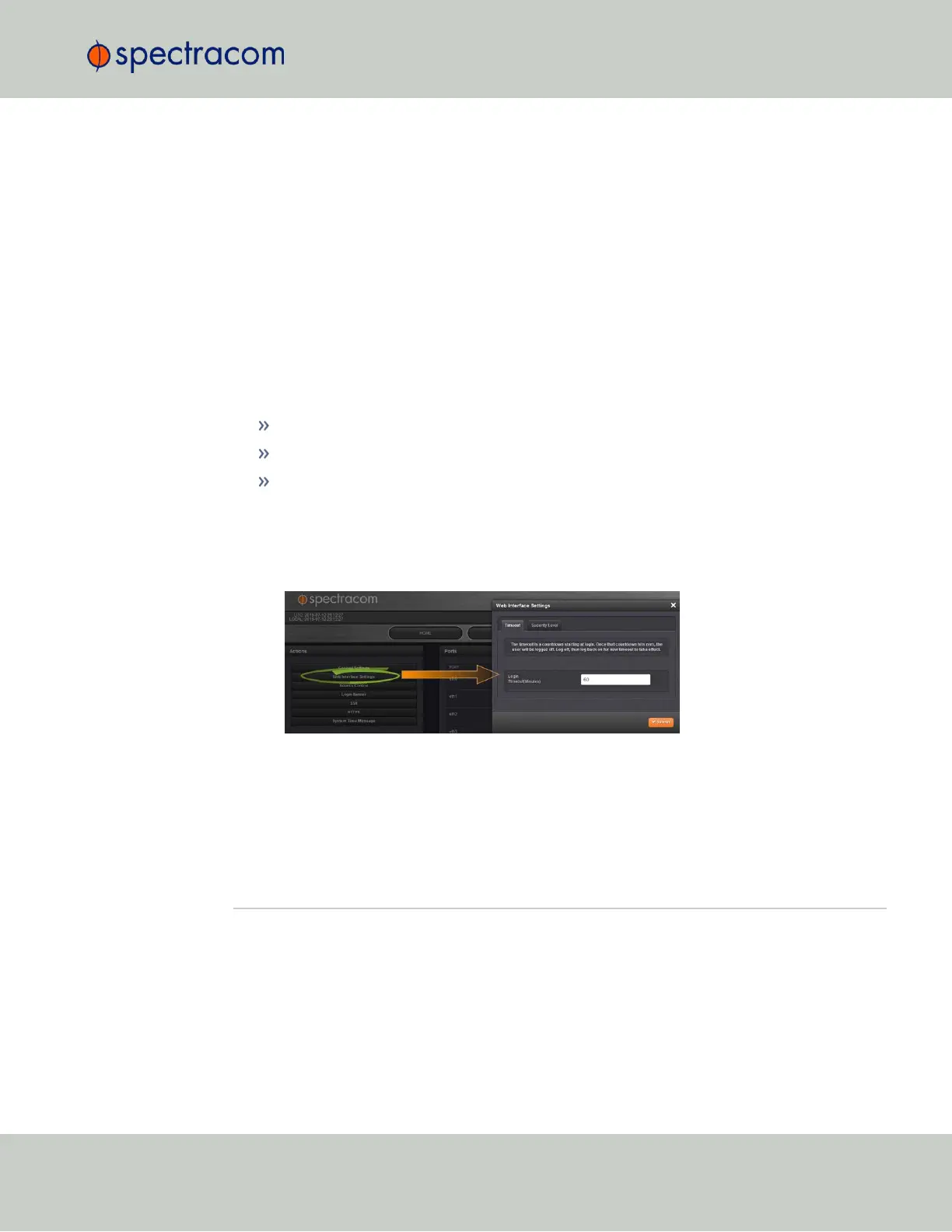
To change the time after which the WebUI will timeout:
1.
Navigate to the MANAGEMENT > Network Setup screen.
2.
In the Actions panel on the left, click on Web Interface Settings.
3.
In the Web Interface Settings window, enter the desired value in minutes.
In order for a new setting to take effect, you need to log off, and then log back in again. This
setting affects all users, not just the user changing the value.
4.5 Miscellanous Typical Configuration Tasks
4.5.1 Creating a Login Banner
A login banner is a customizable banner message displayed on the login page of the Ver-
saSync Web UI. The login banner can be used, for example, to identify a unit.
4.5 Miscellanous Typical Configuration Tasks
CHAPTER 4 • VersaSync User Manual Rev. 6.0
197



 To Next Page