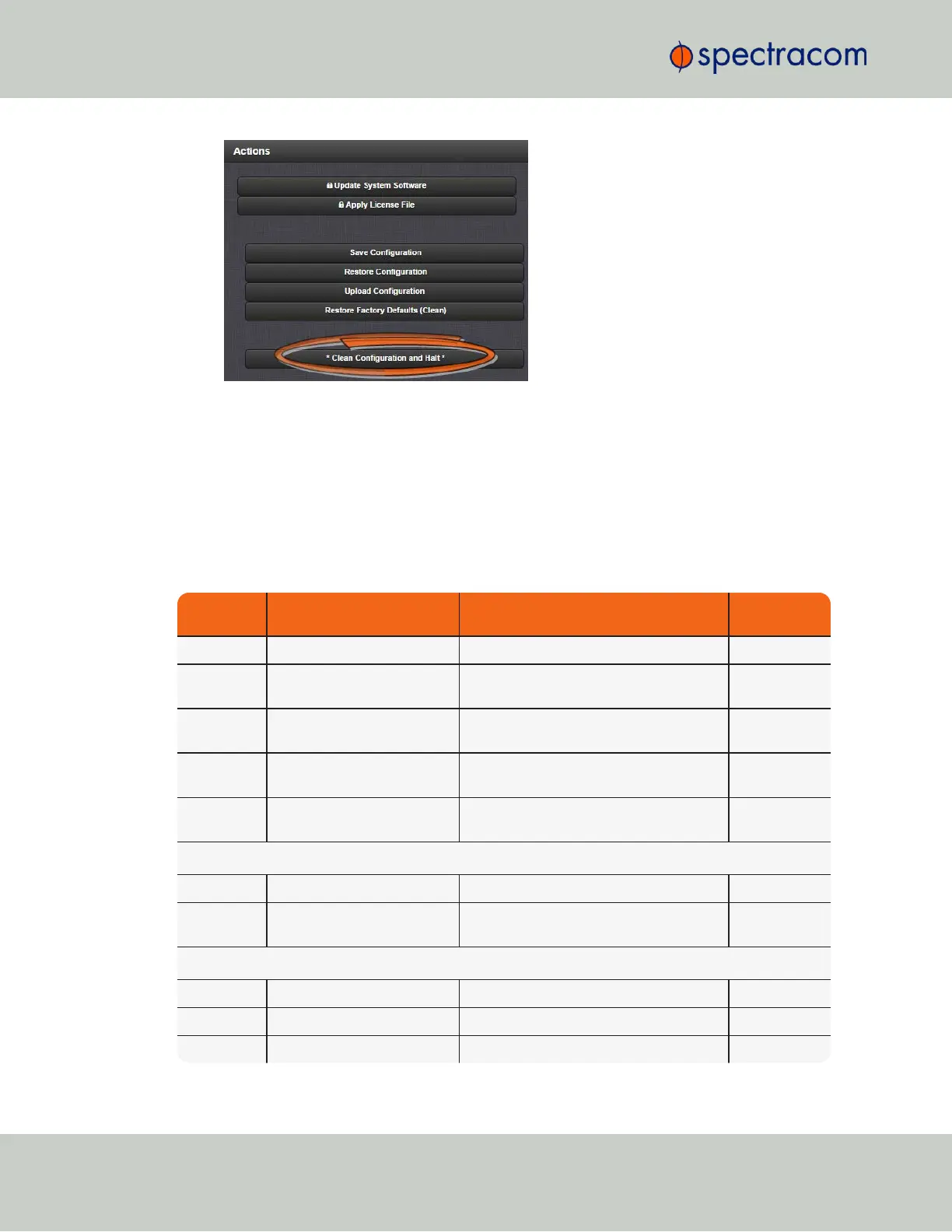
3.
VersaSync restores the configuration files to their factory default, and halts the system.
4.8.4 Default and Recommended Configurations
The factory default configuration settings were chosen for ease of initial setup. However, some
of the default settings may deviate from best practices recommendations. The following table
outlines the differences between factory default and recommended configuration settings for
your consideration:
Table 4-1:
Default and recommended configurations
Feature Default Setting Recommended Setting
Where to Con-
figure
HTTP Enabled Disabled WebUI or CLI
SNMP Enabled Disabled or Enabled (with SNMP v3 w/
encryption*)
WebUI
NTP Enabled (with no MD5 values
entered)
Enabled (use MD5 authentication with user-
defined keys)
WebUI
Daytime Pro-
tocol
Disabled Disabled WebUI
Time Pro-
tocol
Disabled Disabled WebUI
Command Line Interface
Telnet Enabled Disabled (use SSH instead) Web UI
SSH Enabled (default private keys
provided)
Enabled Web UI
File Transfer
FTP Enabled Disabled (use SFTP or SCP) Web UI
SCP Available Disabled (use SFTP or SCP) Web UI
SFTP Available Disabled (use SFTP or SCP) Web UI
230
CHAPTER 4 • VersaSync User Manual Rev. 6.0
4.8 Resetting the Unit to Factory Configuration



 To Next Page