For more information on SNMP, see "SNMP" on page66.
4.3.5 Setting Up Email Notifications
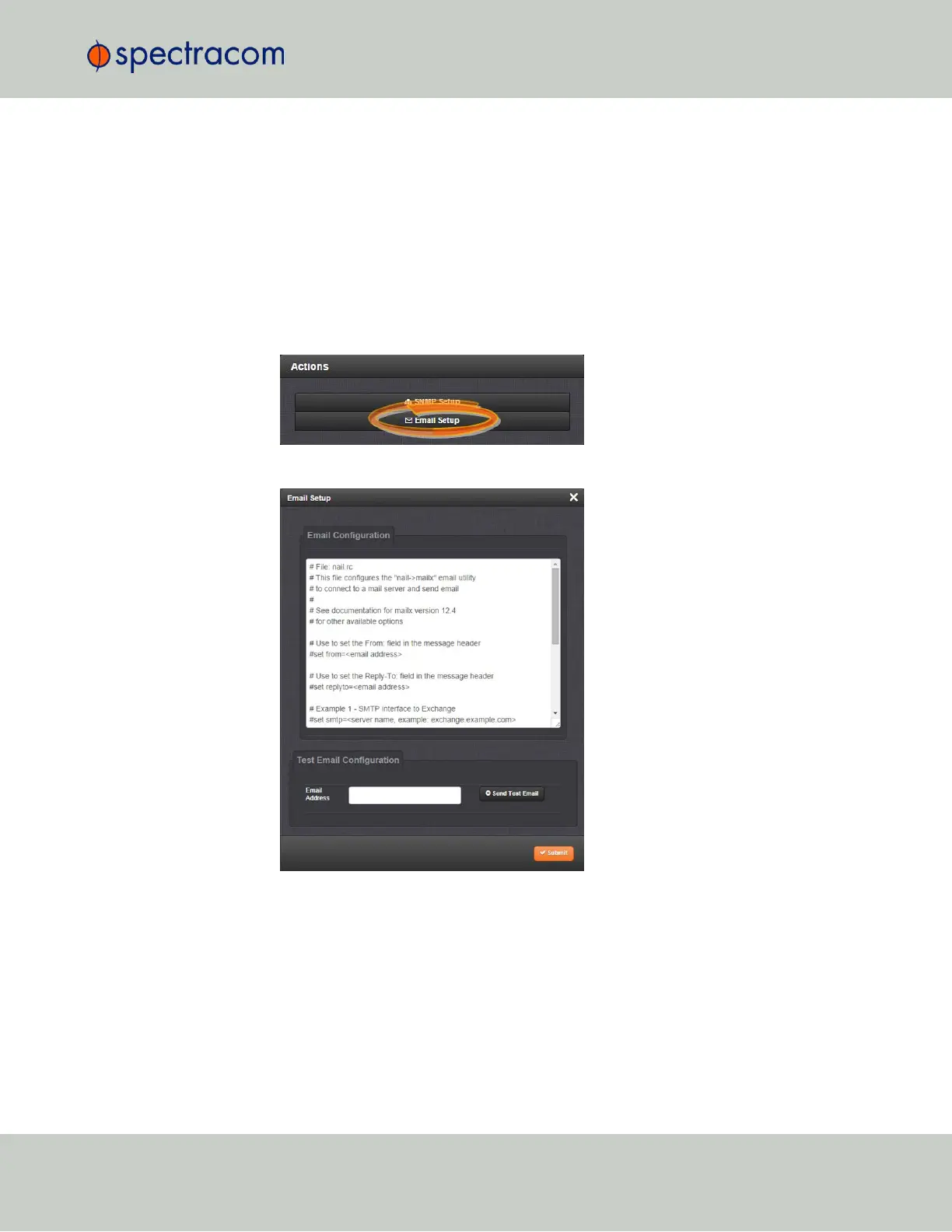
The Email Setup window provides a means to configure VersaSync with the necessary settings to
interface it with Exchange email servers and Gmail.
To set up Notification Emails:
1.
Navigate to MANAGEMENT> OTHER: Notifications.
2.
In the Actions panel of the Notifications screen, click * Email Setup.
3.
The Email Setup window will display:
The Email Configuration box provides two example configuration files. One is for inter-
facing VersaSync with an Email Exchange server; and the other is for sending emails via
Gmail:
4.
To configure the applicable example email configuration, delete the comments (“#”)
from each line and replace the “<>” with the appropriate values for your particular
email server (such as the user name and password for your Email server).
4.3 Notifications
CHAPTER 4 • VersaSync User Manual Rev. 6.0
187



 To Next Page