2.7.9 Configuring PTP
Precision Time Protocol (PTP) is a time protocol that can be used to synchronize computers on
an Ethernet network. VersaSync supports PTP Version1 and2, as specified in the IEEE 1588-
2002 and IEEE 1588-2008 standard, via one (1) Ethernet port. PTP is currently only available on
eth1 in order to take advantage of the Spectracom Timestamper.
VersaSync currently can be configured as a PTP Master Clock only.
Next to PTP specifications, this topic describes the PTP menu items and settings, and outlines
how to set up VersaSync as a PTP Master.
PTP Specifications
Inputs/Outputs: (1) Ports
Signal Type: Ethernet
Management: Web UI
Network Speeds: 100 Mb/s, 1Gb/s, or 10Gb/s
PTP Version supported:PTP1 IEEE (1588-2002) and 2 (IEEE 1588-2008)
PTP Profiles supported: Default, Telecom, Enterprise
Transmission modes: Unicast, Multicast (IPv4 and Ethernet), and Hybrid [default]
2.7.9.1 The PTP Screen
The PTP screen provides PTP status information, and provides access to all configurable PTP set-
tings.
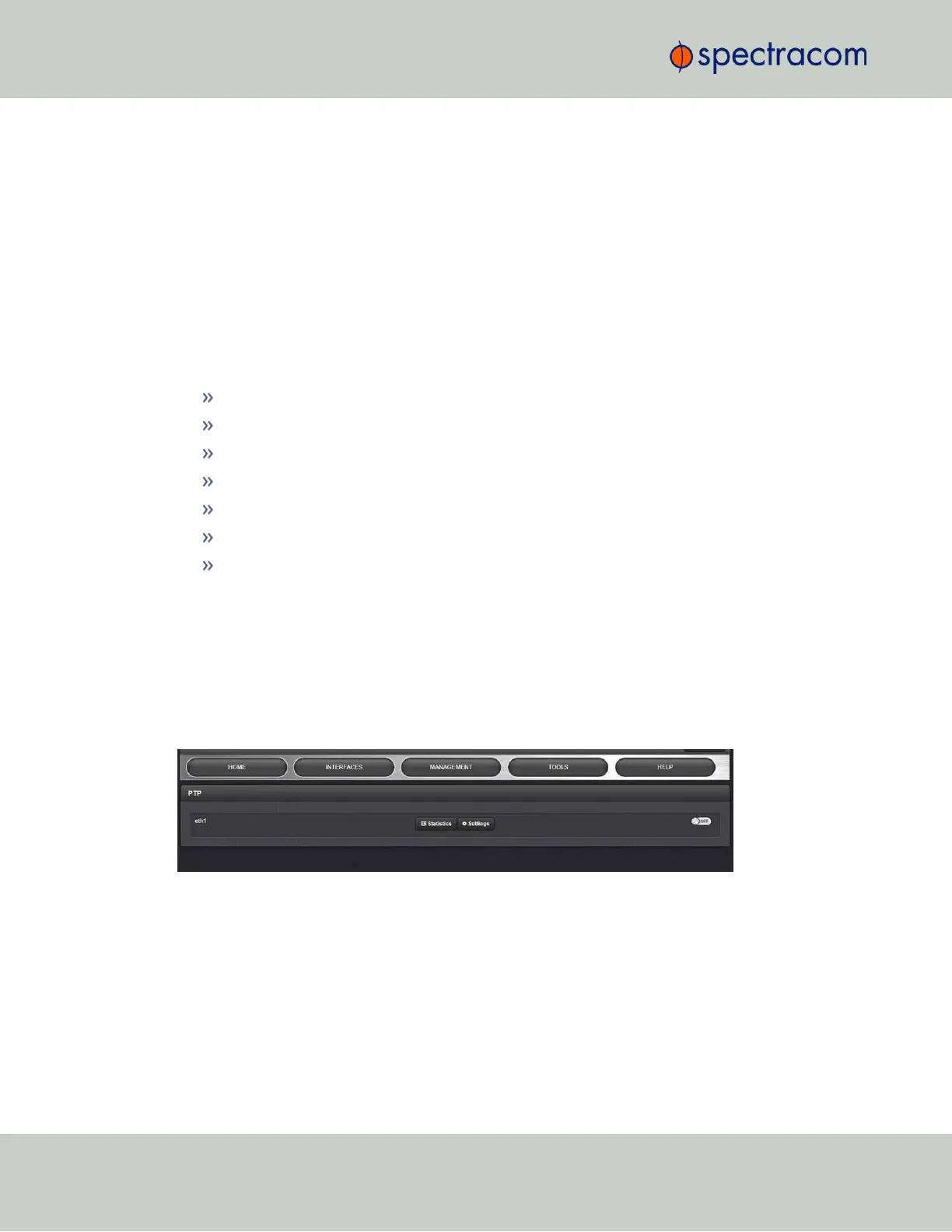
To access the PTP screen, navigate to MANAGEMENT > NETWORK: PTP Setup. The PTP screen
will open:
Figure 2-6: PTP setup screen
For each Ethernet port (eth1) you can toggle PTP functionality ON or OFF.
You can also access the "Settings" panel and the "Statistics" panel for each port (see below).
The PTP Settings Panel
The Settings Panel provides access to the configuration settings, divided into three tabs, which
are described below. Each tab allows you to Restore defaults.
106
CHAPTER 2 • VersaSync User Manual Rev. 6.0
2.7 Configuring Network Settings



 To Next Page