Note: The Restore Defaults button in each PTP Settings panel will restore ALL the
factory defaults for ALL Ethernet ports.
Settings changed by the user will be maintained when the PTPdaemon is stopped and started,
and between reboots and powercycles.
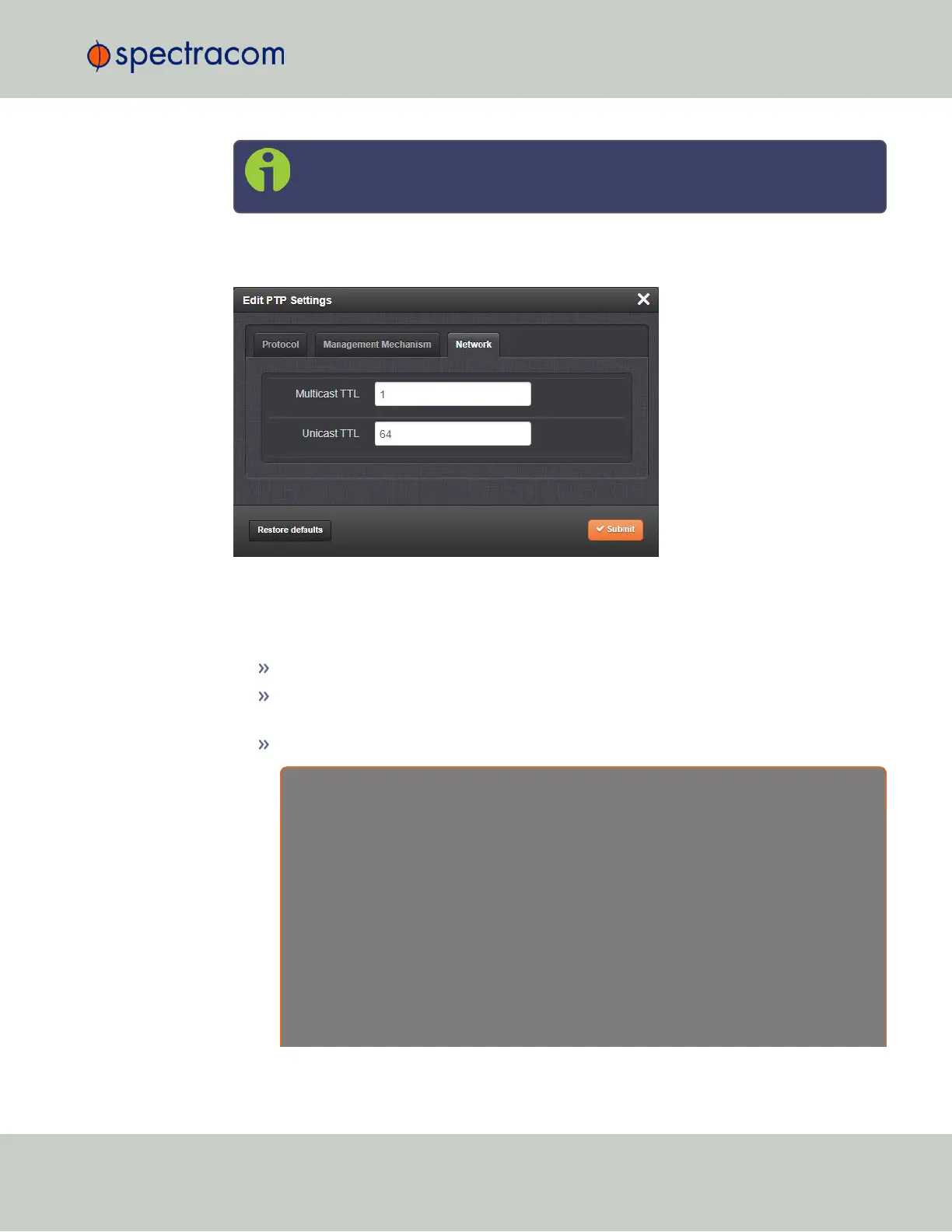
Figure 2-7: Edit PTP Settings panel
Protocol tab
PTP version: [1, 2] Select Version 1 or Version 2.
Domain: [1 through 127] Sets the current PTP Domain Number, as defined in IEEE Std
1588-2008 Section 7.1
Communication Mode: Select multicast, hybrid, or unicast mode.
A b o u t … P T P T r a n s m i s s i o n M o d e s
The PTP Card is able to transmit the PTP packets in three transmission modes:
• Multicast Mode: PTP packets are transmitted to all PTP Clocks by means of Multicast IP
addresses dedicated to the PTP protocol (224.0.1.129, 224.0.0.107). PTP packets received
by the PTP Clocks are then filtered from the Domain Number, the Port Identity (Clock Identity +
Port Number) of the transmitter. When the Master Clock is set in Multicast mode, this module
will deny the requests from the Slaves Clocks to run in Unicast mode. When the Master Clock
is set in Unicast mode, it doesn’t transmit any PTP messages until a Slave has been granted to
run in Unicast mode.
• Unicast Mode: This is a Point-to-Point transmission mode between two PTP Clocks by
means of the unique IP address assigned to each PTP Clock.
2.7 Configuring Network Settings
CHAPTER 2 • VersaSync User Manual Rev. 6.0
107



 To Next Page