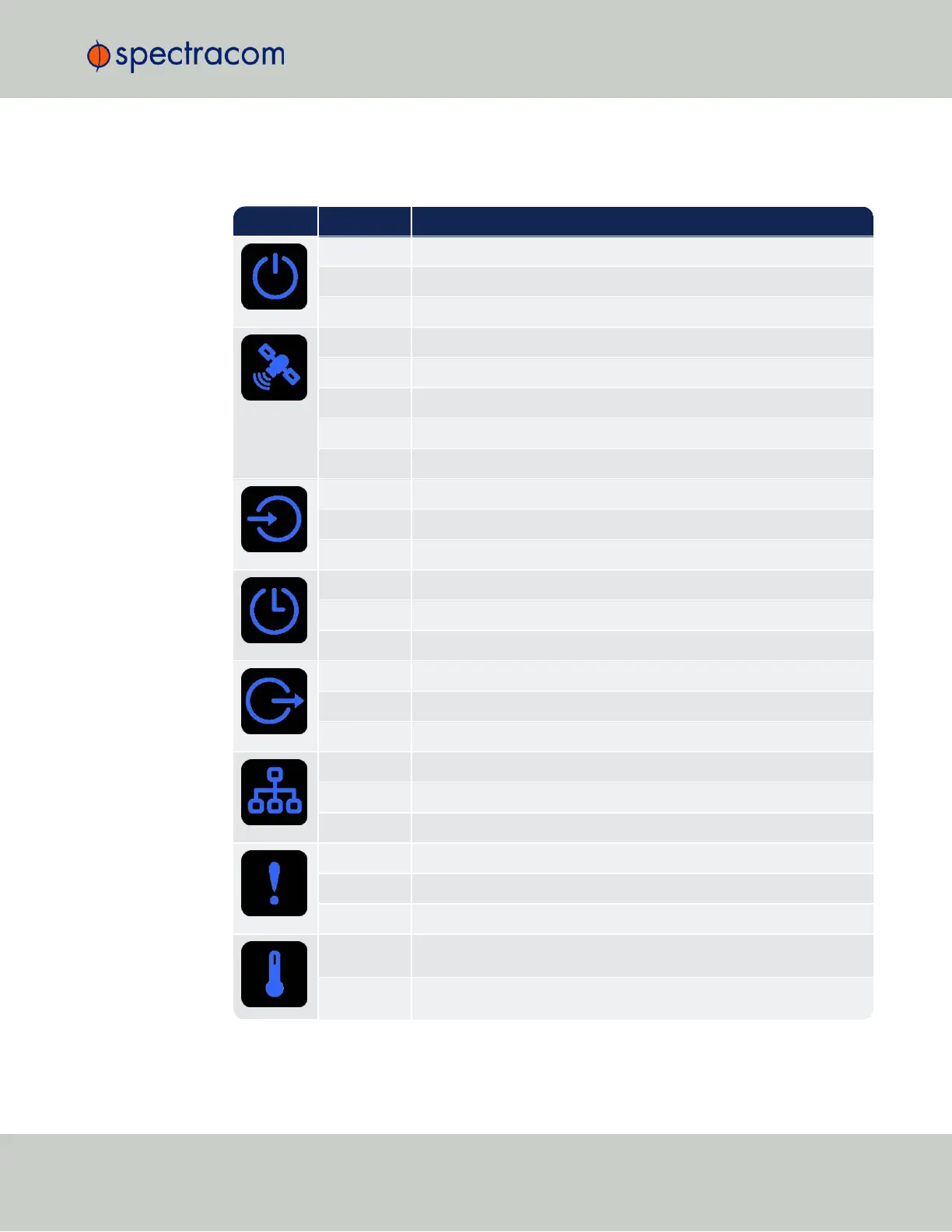
Icon Light Meaning
OFF No power
HEARTBEAT Booting
ON Powered
OFF No GNSS reception (0 satellites)
HEARTBEAT GNSS acquisition in process (≥ 1satellite(s), or 1PPS OK, or Time OK
SLOW Jamming detected
FAST Antenna short circuit
ON GNSS is available as reference (1PPS and Time OK)
OFF Inputs not detected/all inputs are disabled
FAST 1 or more input is missing, or invalid timing on 1 or more input detected
ON Inputs are enabled
OFF Unit is in Holdover (valid)
ON System Clock OK (valid)
FAST Invalid Time (Holdover period exceeded, or oscillator damaged)
OFF No output signal(s) detected/all outputs are disabled
FAST Malfunction detected (short circuit, or overload)
ON Outputs are enabled
OFF No network detected
FAST Network malfunction detected (e.g., no auto-negotiation)
ON Network OK, configuration OK
OFF Unit OK
FAST Unit requires attention; check other status LEDs, see Web UI
HEARTBEAT See table
"LED Lighting Patterns" on the previous page
OFF Temperature OK
FAST High temperature detected
1.3 Status LEDs



 To Next Page