functionality is limited to browser-based Web UI access.
6.
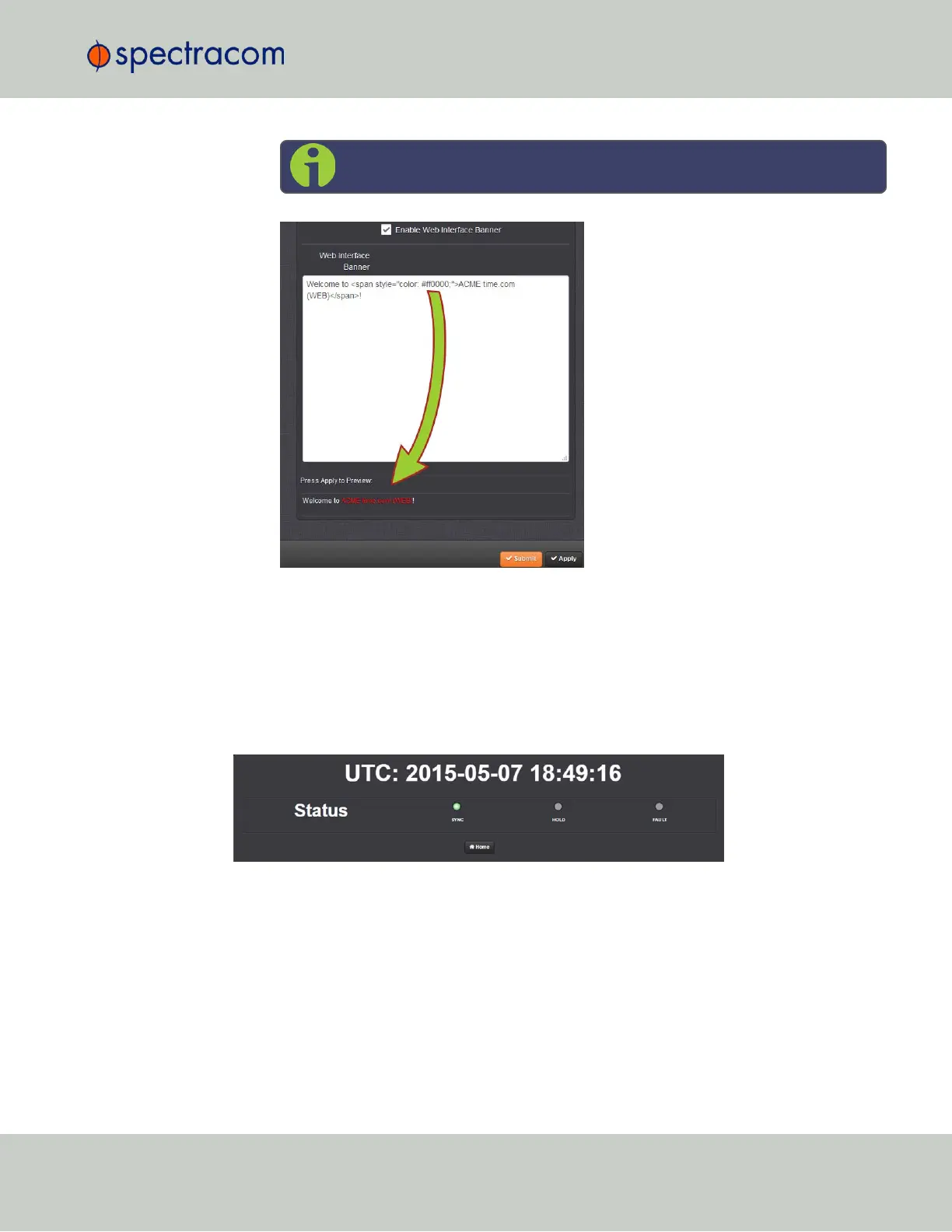
To test your new banner, click Apply to see a preview at the bottom of the window. OR,
click Submit, and log out of the Web UI, and back in so as to see the banner on the
actual login page.
4.5.2 Show Clock
Instead of the Web UI, a large digital clock can be displayed on your computer screen. Next to
the system status, the screen clock will display the UTC time, and the VersaSync System time.
To display the screen clock instead of the Web UI:
4.5 Miscellanous Typical Configuration Tasks
CHAPTER 4 • VersaSync User Manual Rev. 6.0
199



 To Next Page