3.
A notification window will confirm the status change.
4.
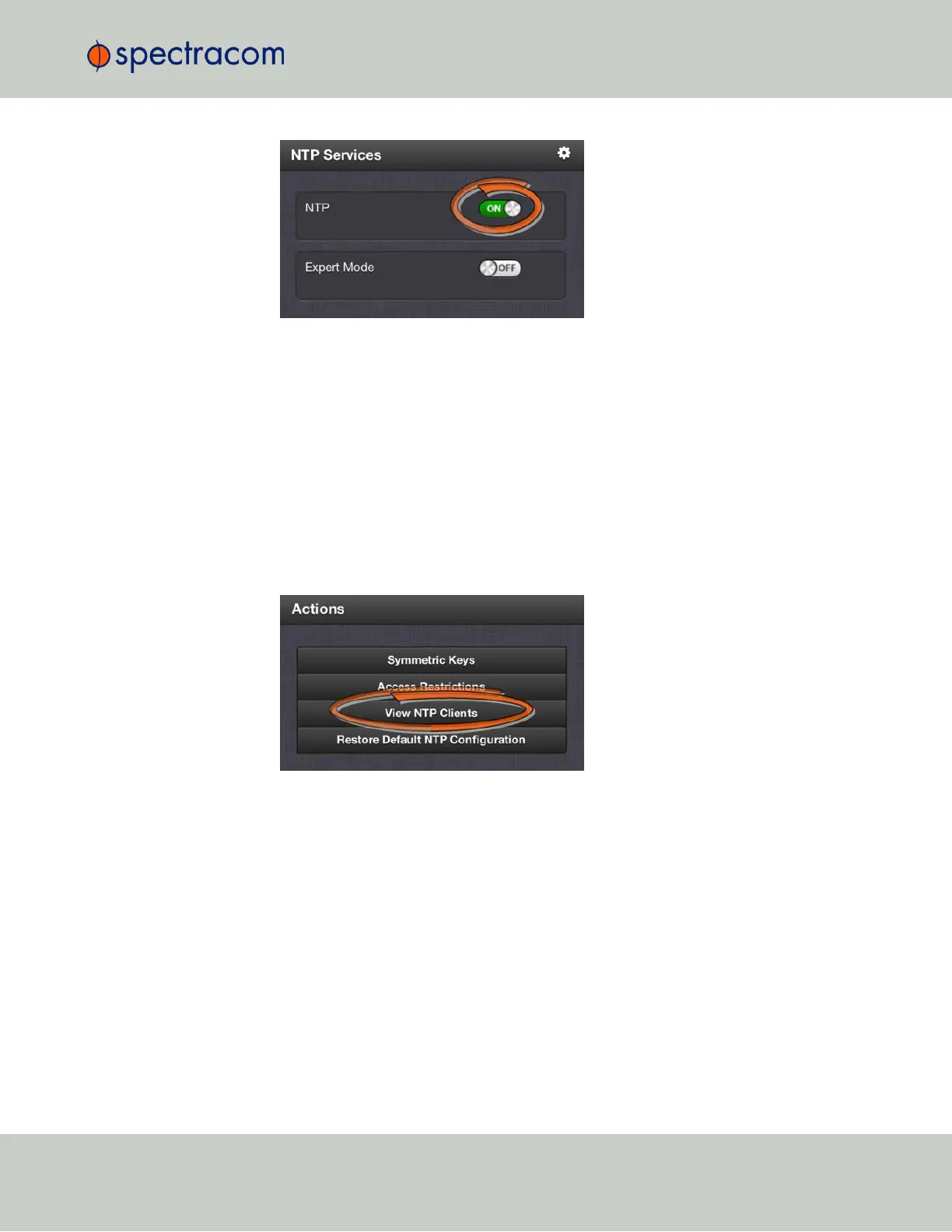
In the NTP Services panel, set the ON/OFF toggle switch to ON again.
Changes made will now take effect and NTP operation will be restored shortly after this oper-
ation is performed.
2.7.8.4 Viewing NTP Clients
To view the NTP clients being served by VersaSync:
1.
Navigate to MANAGEMENT> NETWORK: NTP Setup.
2.
In the NTP Actions panel, click View NTP Clients:
3.
The NTP Clients window will display, showing a table of the clients that are syn-
chronizing to VersaSync via NTP:
2.7 Configuring Network Settings
CHAPTER 2 • VersaSync User Manual Rev. 6.0
81



 To Next Page