The Software Versions panel
This panel provides version information on the different SW components utilized by the system.
4.8.2.2 Saving the System Configuration Files
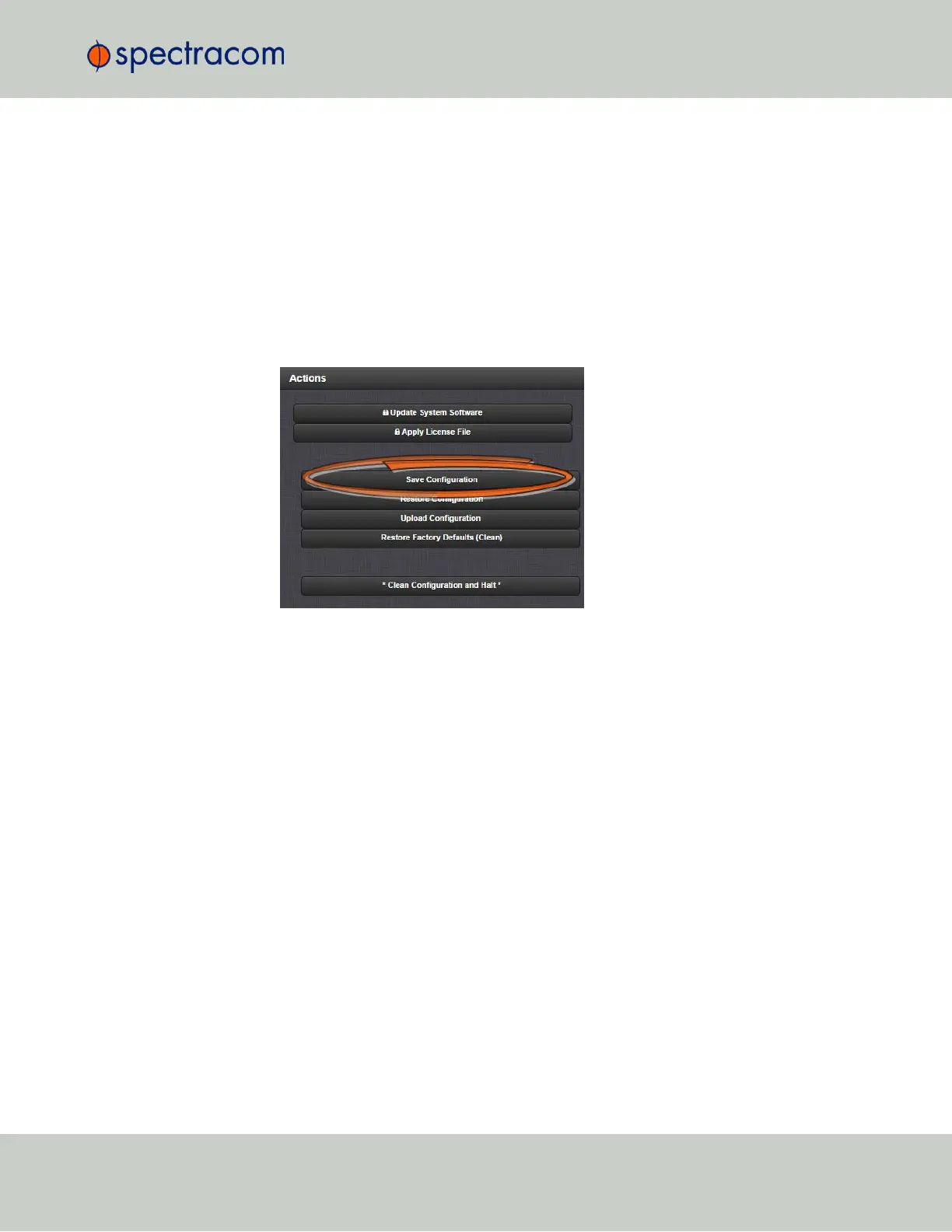
To save (backup) the system configuration files:
1.
Navigate to TOOLS > SYSTEM: Upgrade/Backup.
2.
In the Actions panel, click the Save Configuration button.
3.
Click OK in the grey confirmation window that displays.
4.
Save the configuration file to a directory where it will be safe. VersaSync simultaneously
saves a file at /home/spectracom/xfer/config/VersaSync.conf.
4.8.2.3 Uploading Configuration Files
To upload configuration files from a PC:
1.
Navigate to TOOLS > SYSTEM: Upgrade/Backup.
2.
In the Actions panel, click the Upload Configuration button.
4.8 Resetting the Unit to Factory Configuration
CHAPTER 4 • VersaSync User Manual Rev. 6.0
227



 To Next Page