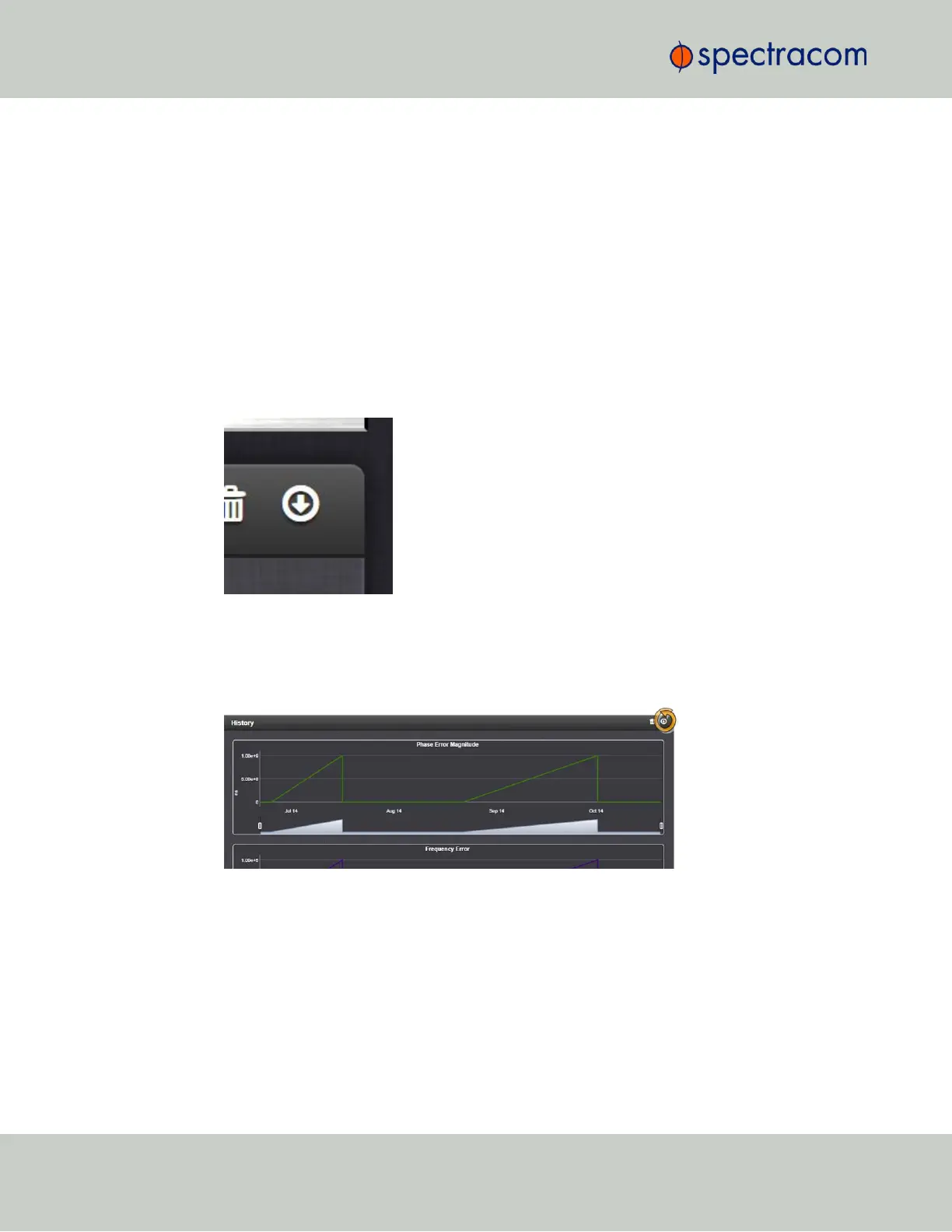
You can zoom in on any of the graphs by grabbing the handles at either end and pulling them
inwards. The graph will focus in on the time interval you choose in real time.
Clicking on the Delete icon in the top-right hand corner will erase all current oscillator log data.
Clicking on the Download arrow icon will download the latest oscillator log data as a .csv
file.
3.4.3 Oscillator Logs
To export, or delete the oscillator logs:
1.
Navigate to MANAGEMENT > OTHER: Disciplining.
2.
To download the log file: In the History panel, click the downwards pointing ARROW
icon. in the top-right corner:
3.
The log file will be downloaded onto your local computer. Its name is oscil-
latorStatusLog.csv. Depending on the operating system you can open the file,
or save it locally.
To delete the log file, click the TRASHCAN icon, and confirm.
178
CHAPTER 3 • VersaSync User Manual Rev. 6.0
3.4 Managing the Oscillator



 To Next Page