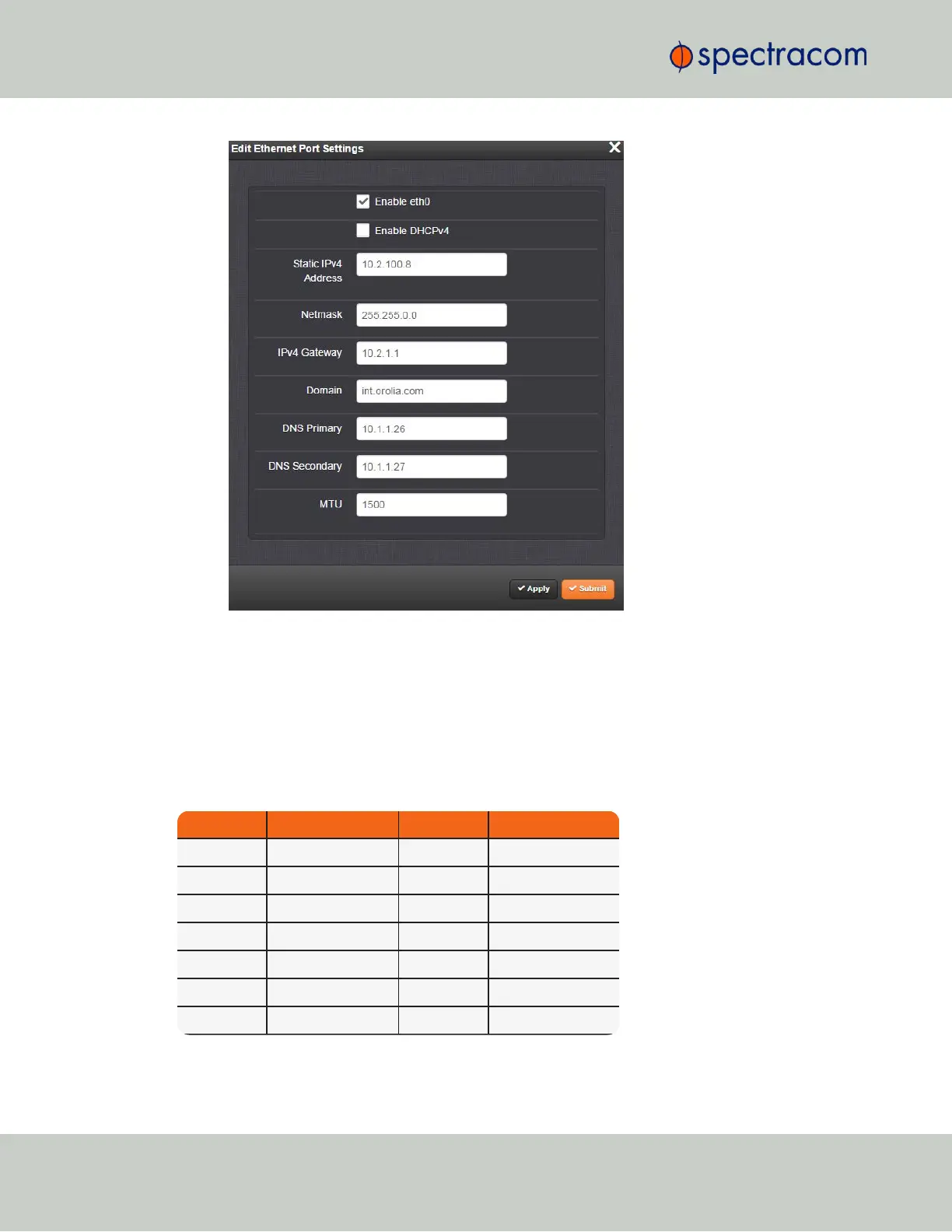
5.
To verify that the address has been accepted, enter the static IP address into the address
field of the browser and log into the WebUI again.
6.
If so required, turn DHCP back on (cf. Step 3), or continue with your configuration; see:
"Configuring Network Settings" on page54.
2.5.2 Subnet Mask Values
Table 2-1:
Subnet mask values
Network Bits Equivalent Netmask Network Bits Equivalent Netmask
30 255.255.255.252 18 255.255.192.0
29 255.255.255.248 17 255.255.128.0
28 255.255.255.240 16 255.255.0.0
27 255.255.255.224 15 255.254.0.0
26 255.255.255.192 14 255.252.0.0
25 255.255.255.128 13 255.248.0.0
24 255.255.255.0 12 255.240.0.0
34
CHAPTER 2 • VersaSync User Manual Rev. 6.0
2.5 Setting up an IP Address



 To Next Page