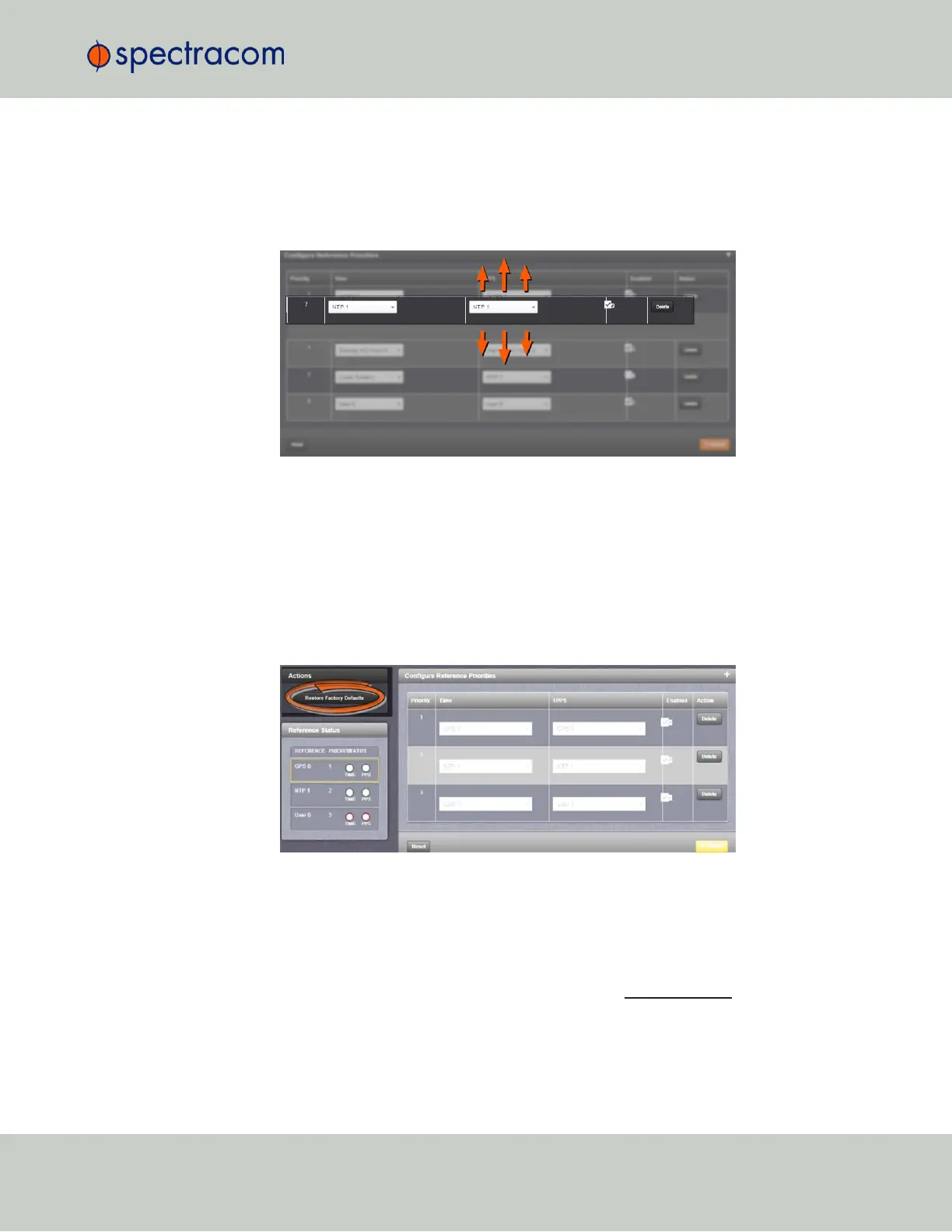
1.
Navigate to the Configure Reference Priorities screen via MANAGEMENT > OTHER: Refer-
ence Priority.
2.
Click and hold on the item whose priority you wish to reorder.
3.
Drag the item up or down to the desired place.
4.
Click Submit.
Resetting Reference Priorities to Factory Defaults
To reset all references in the Reference Priority table to their factory default priorities:
1.
Navigate to the Configure Reference Priorities screen via MANAGEMENT > OTHER: Refer-
ence Priority menu.
2.
In the Actions panel, click the Restore Factory Defaults button.
3.3.1.2 The "Local System" Reference
The Local System reference is a "Self" reference, i.e. VersaSync uses itself as an input reference
for Time, or as a 1PPS reference. The Local System is a unique input reference in that it can be
used as either the Time reference, or the 1PPS reference, but never both.
3.3 Managing References
CHAPTER 3 • VersaSync User Manual Rev. 6.0
133



 To Next Page