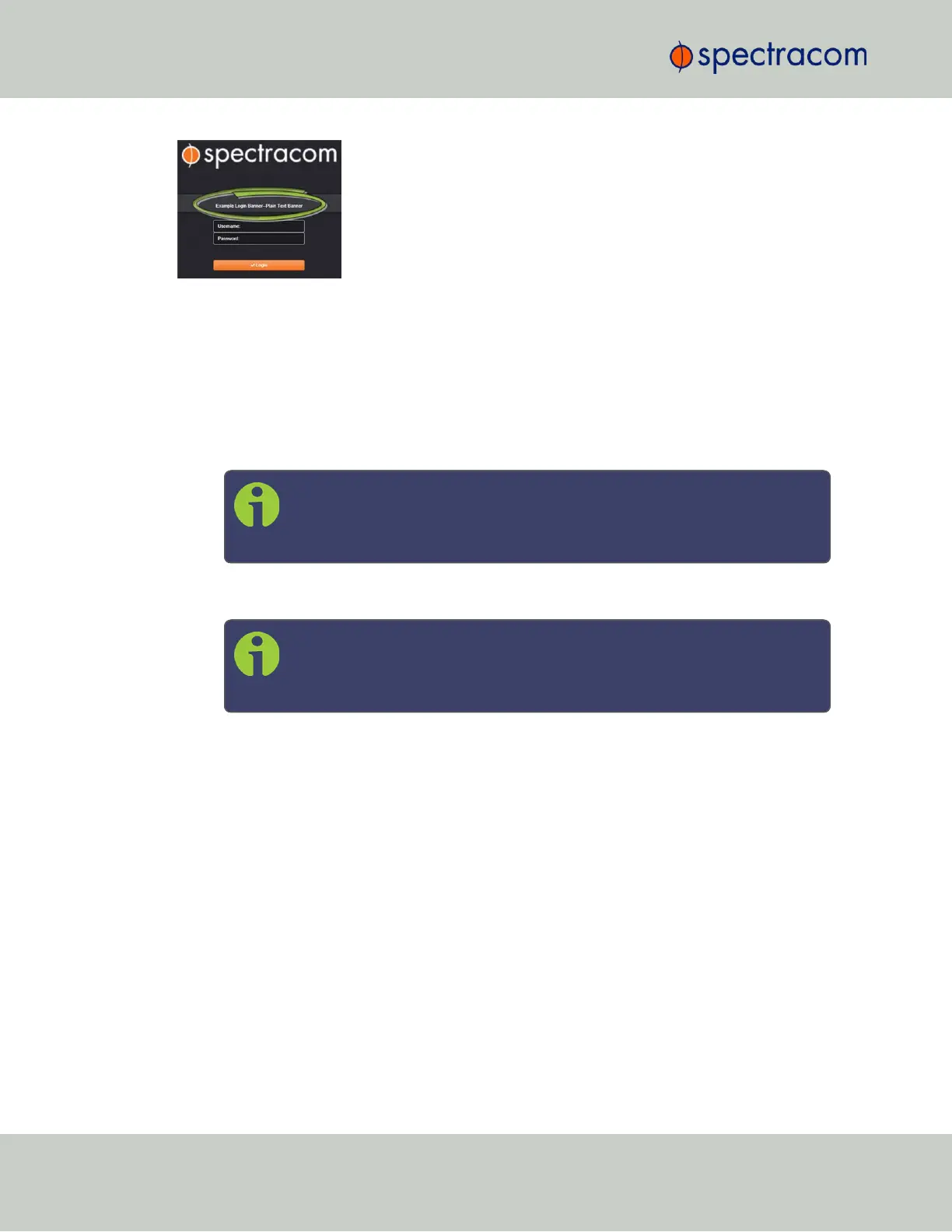
Figure 4-1: Login banner (example)
To configure a login banner:
1.
Navigate to the MANAGEMENT > Network Setup screen.
2.
In the Actions panel on the left, click Login Banner.
3.
The Network Access Banner window will display. Check the box Enable Custom Banner.
4.
In the Plain Text Banner text box, type in your custom text.
Note: The Plain Text Banner is used to create a message for all interactive
login interfaces (Web UI, telnet, SSH, FTP, SFTP, serial, etc.). It is not
required to include HTML tags.
5.
Optionally, you may also use the Web Interface Banner text box.
Note: Enabling and using the Web Interface Banner text box will allow you
to apply HTML formatting tags to your message (e.g., colors). Note that this
198
CHAPTER 4 • VersaSync User Manual Rev. 6.0
4.5 Miscellanous Typical Configuration Tasks



 To Next Page