When VersaSync's integrated GNSS receiver performs a survey, it tries to determine or verify
its geographic position with high accuracy. An accurate geographic position is required to cal-
culate a precise system time from the GNSS reference.
During a GNSS survey, the position will be iteratively recalculated while gradually increasing
the position accuracy. A survey can take up to 33minutes, but typically VersaSync will syn-
chronize earlier, i.e. offer a valid Timeand 1PPS reference, once it has obtained a sufficiently
accurate preliminary position.
Note: If a system has been moved, in Standard receiver mode and Land Dynamics,
receivers will automatically re-survey on reboot. In Standard mode and Stationary
Dynamics, the unit will survey only once, and will not re-survey on reboot.
Initiating a GNSS Survey
The standard behavior is that a power cycle or a reboot will automatically initiate a GNSS sur-
vey. To reboot your unit, navigate to TOOLS > SYSTEM: Reboot/Halt.
While it is crucially important to carry out a resurvey after a unit has been relocated (e.g.,
when commissioning a new unit), a resurvey is normally not required if a stationary unit is
rebooted for other reasons. To turn off this functionality, see "Setting GNSS Receiver Dynam-
ics" on page155.
Verifying GNSS Survey Progress
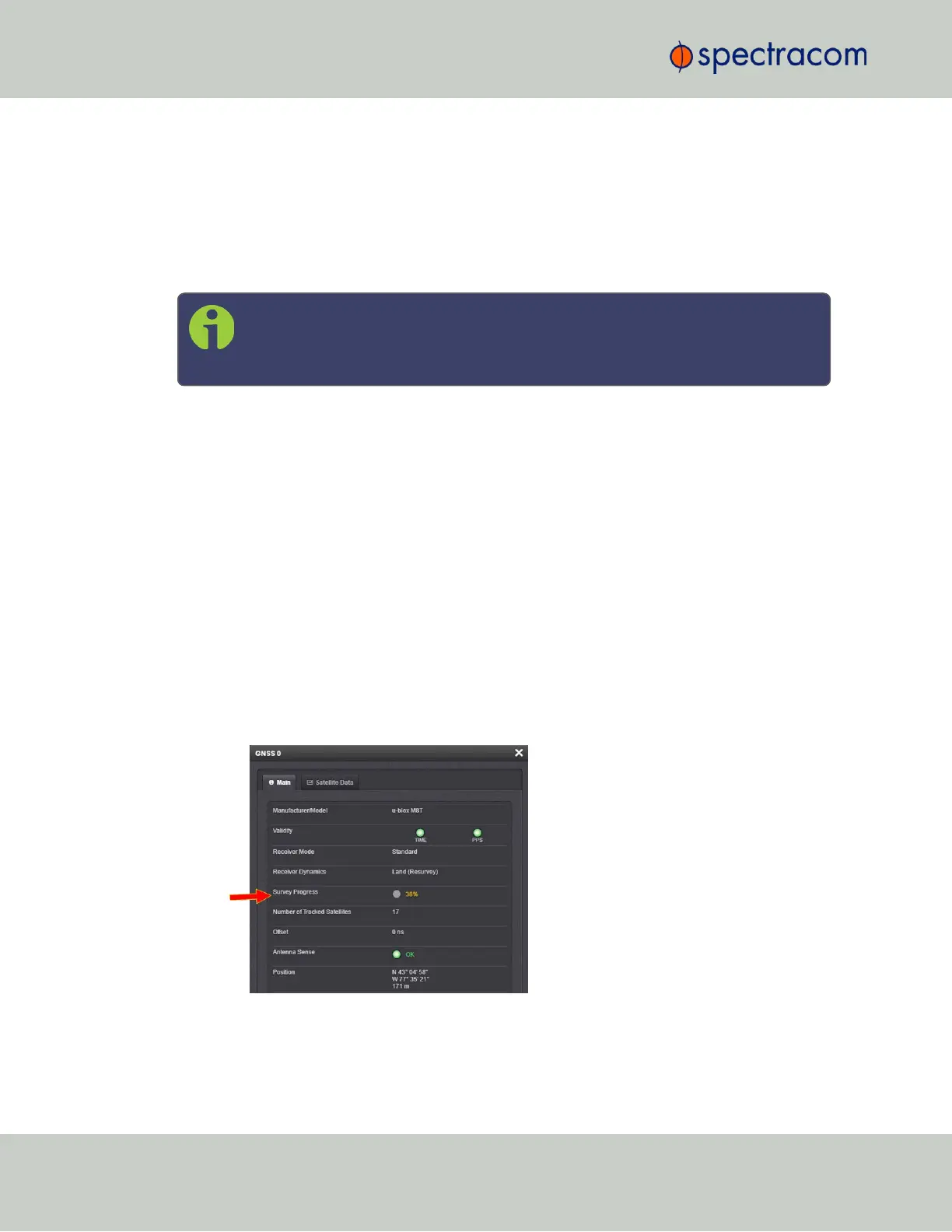
To see if VersaSync's GNSS receiver is performing a survey and if so, verify its progress:
1.
Navigate to INTERFACES > REFERENCES: GNSS 0.
2.
The survey status (ACQUIRING, COMPLETE, or progress in percent) is displayed under
the line item Survey Progress.
158
CHAPTER 3 • VersaSync User Manual Rev. 6.0
3.3 Managing References



 To Next Page